Blog 26 October 2026 · 6 min read
From a slow page to the SQL behind it: end-to-end tracing
One trace from the browser click through your Node.js services to the database query, with OpenTelemetry spans from other languages merged in.
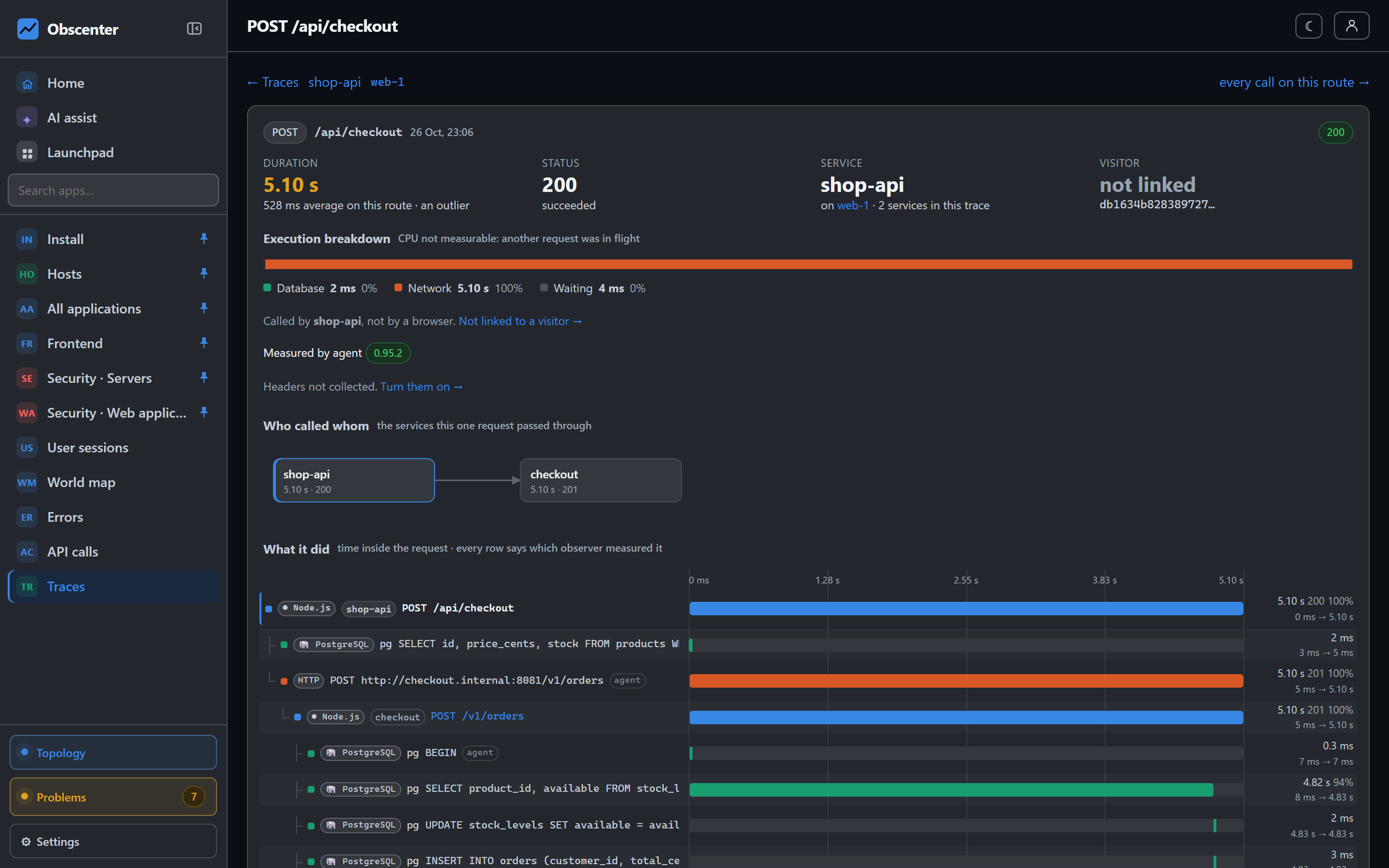
"The checkout page is slow" is where most performance work starts, and where most of it stalls. The browser says the document took two seconds. The API logs say every request was fine. The database dashboard shows nothing unusual. Each tool is right about its own layer and none of them can say which query that particular visitor was waiting for.
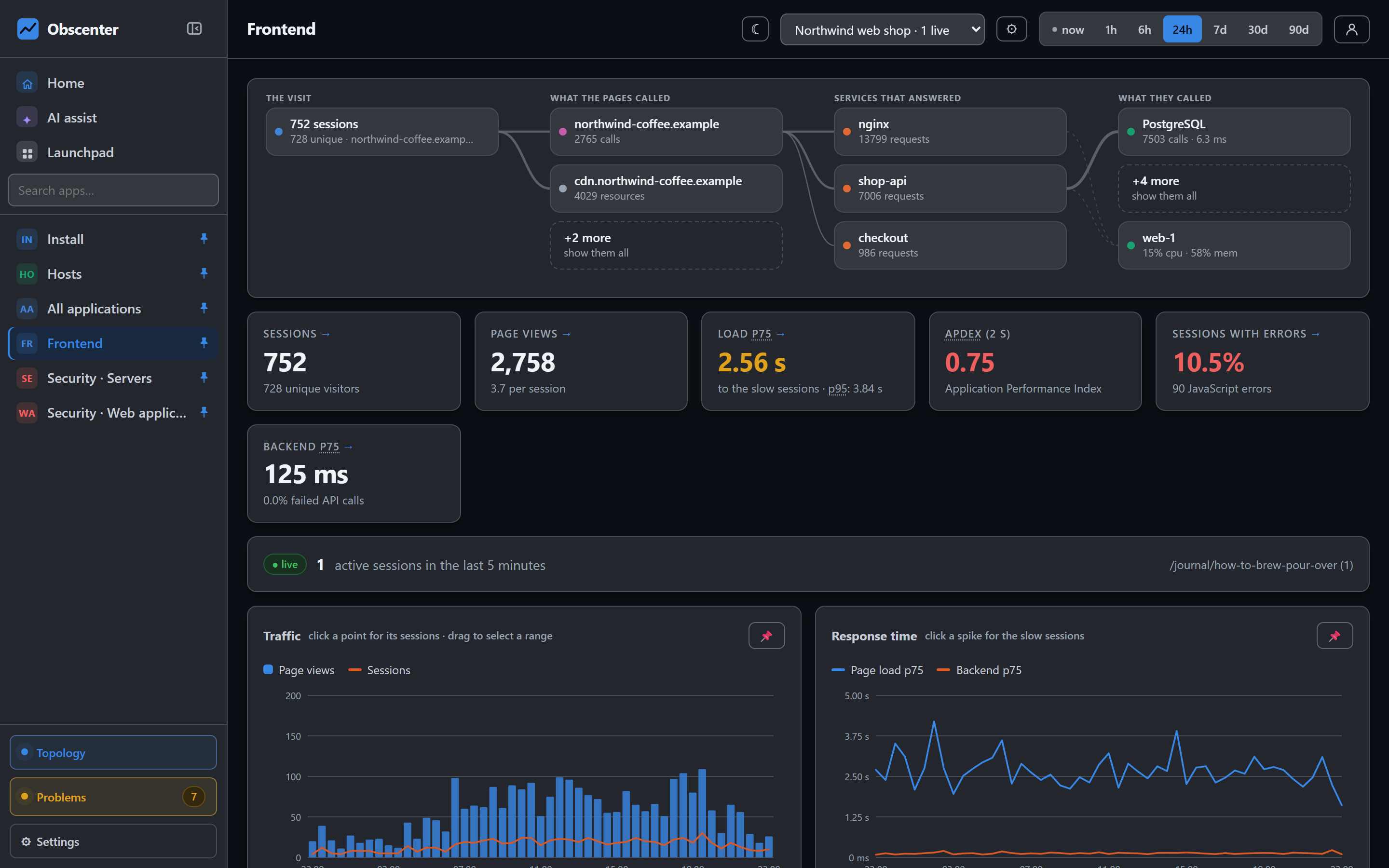
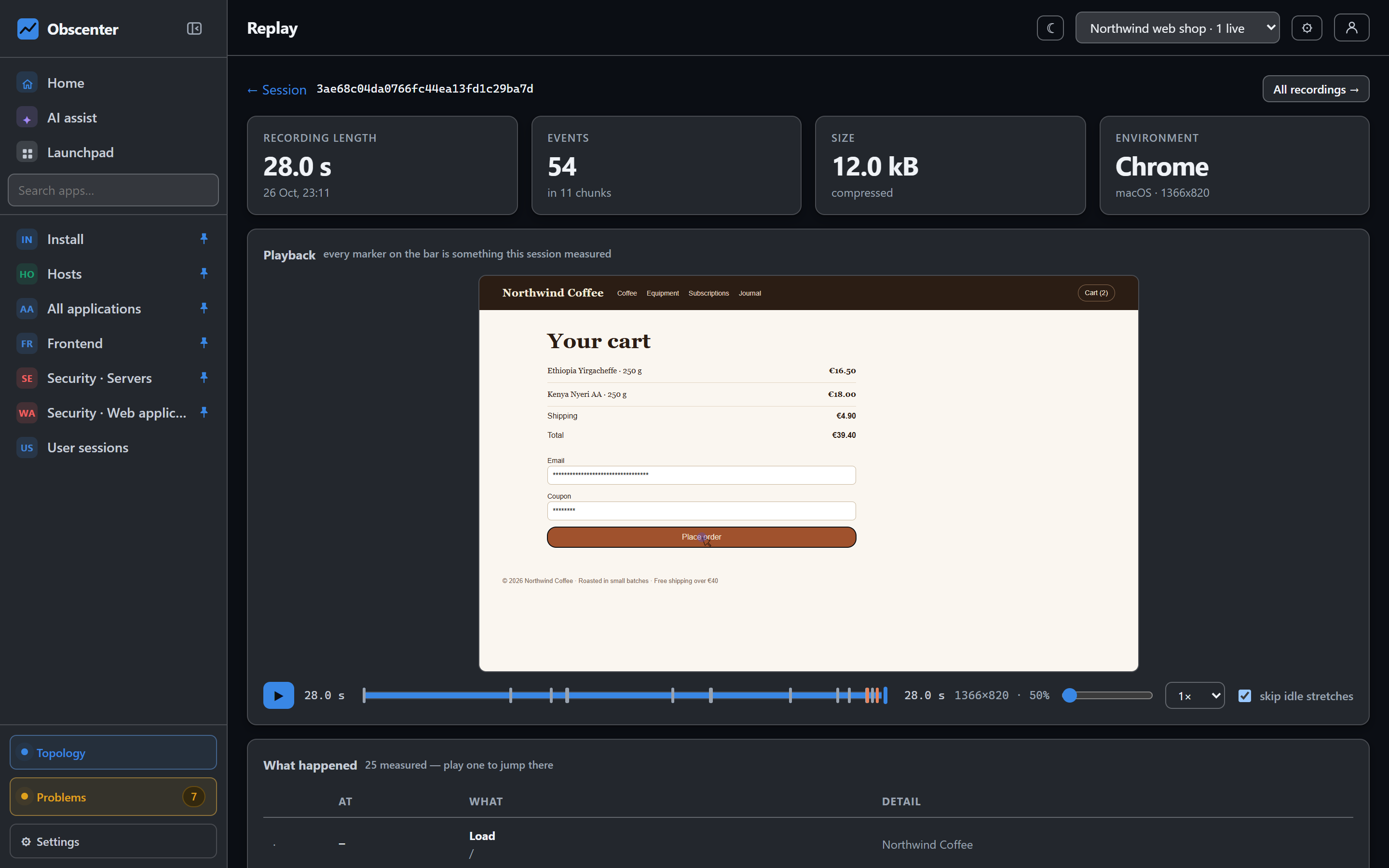
Obscenter records the page load, the request that served it and the query underneath as one story. This article explains how the pieces are joined — including the part most tracing setups get wrong, the page load itself.
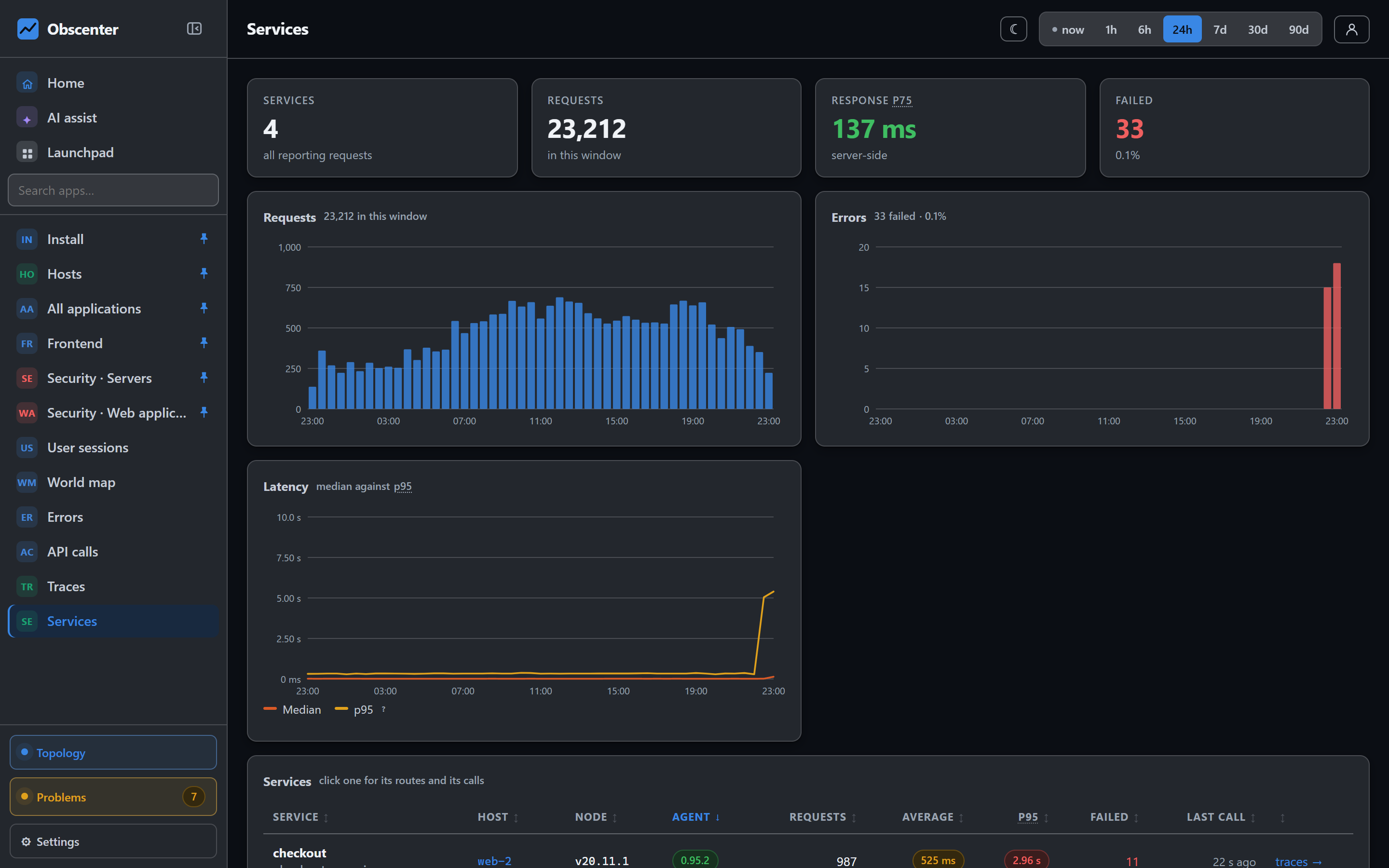
What the Node.js agent records inside the process
For Node.js services, tracing comes from an in-process agent loaded with --require through NODE_OPTIONS. It is one file with no dependencies, it opens no port, and everything it does is wrapped: a failure inside the agent costs measurements, never your application.
For every request it records:
- The route and its timing, as a route shape rather than a raw URL, so
/orders/1842and/orders/1843are one endpoint. - Database spans for
pg,mysqlandmysql2,mongodb,redisandioredis, and Node's built-innode:sqlite. - Outgoing calls made with
http.requestand withfetch, which are different code paths in Node and are both covered. - Exceptions thrown while the request was running.
- CPU and garbage-collection time spent on that request.
Headers pass through an allowlist — host, user agent, content type, referer and a few others. Cookies and authorization headers are not on it. Request and response bodies are not collected unless you switch sampling on for that service.
Linking a page load to the request that served it
Here is the part that usually breaks. The standard way to connect a browser call to a server trace is the W3C traceparent header, added by the browser-side code to each outgoing request. But the browser fetches the HTML document before any script exists, so no header can ever be put on a page load. On a server-rendered site, that document is often the single biggest thing on the page — and in a normal setup it is linked to nothing.
Obscenter turns the direction around. The server knows the trace id, so it hands it back:
- The Node agent adds
Server-Timing: rumtrace;desc="<trace id>"to every response it handles, appended to whateverServer-Timingthe application already sends. - The browser tag reads that value off the navigation entry and off every same-origin resource entry. That covers the document and every request a framework made through its own transport — neither of which a browser-side wrapper could ever have tagged.
- Where nginx injects the tag, it also writes nginx's own
$request_idinto the tag asdata-trace. A response header can be dropped by a server block that sets headers of its own; the page body cannot.
For API calls to other origins, the tag can still add traceparent and a baggage header carrying only the session, visitor and application ids. That is opt-in per origin, matched exactly rather than by prefix, because those headers make cross-origin calls preflighted and the API has to allow them.
Finding the slow database query
Database spans are named by the shape of the statement. Quoted strings and numbers are replaced with ? before anything leaves the process, so queries group by what they look like and your customers' data stays where it was. Mongo commands are named by operation, collection and the keys the filter used — never the values.
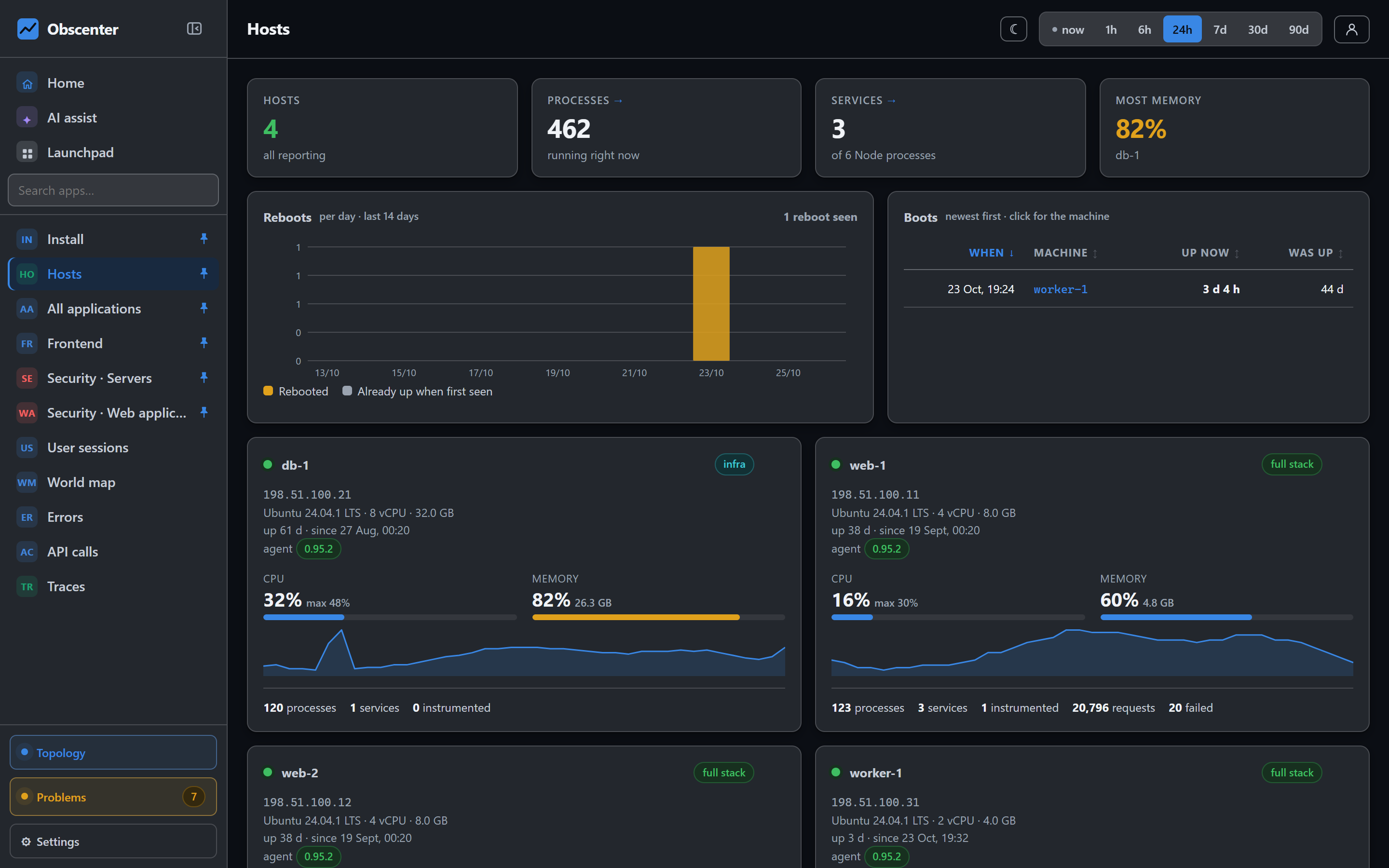
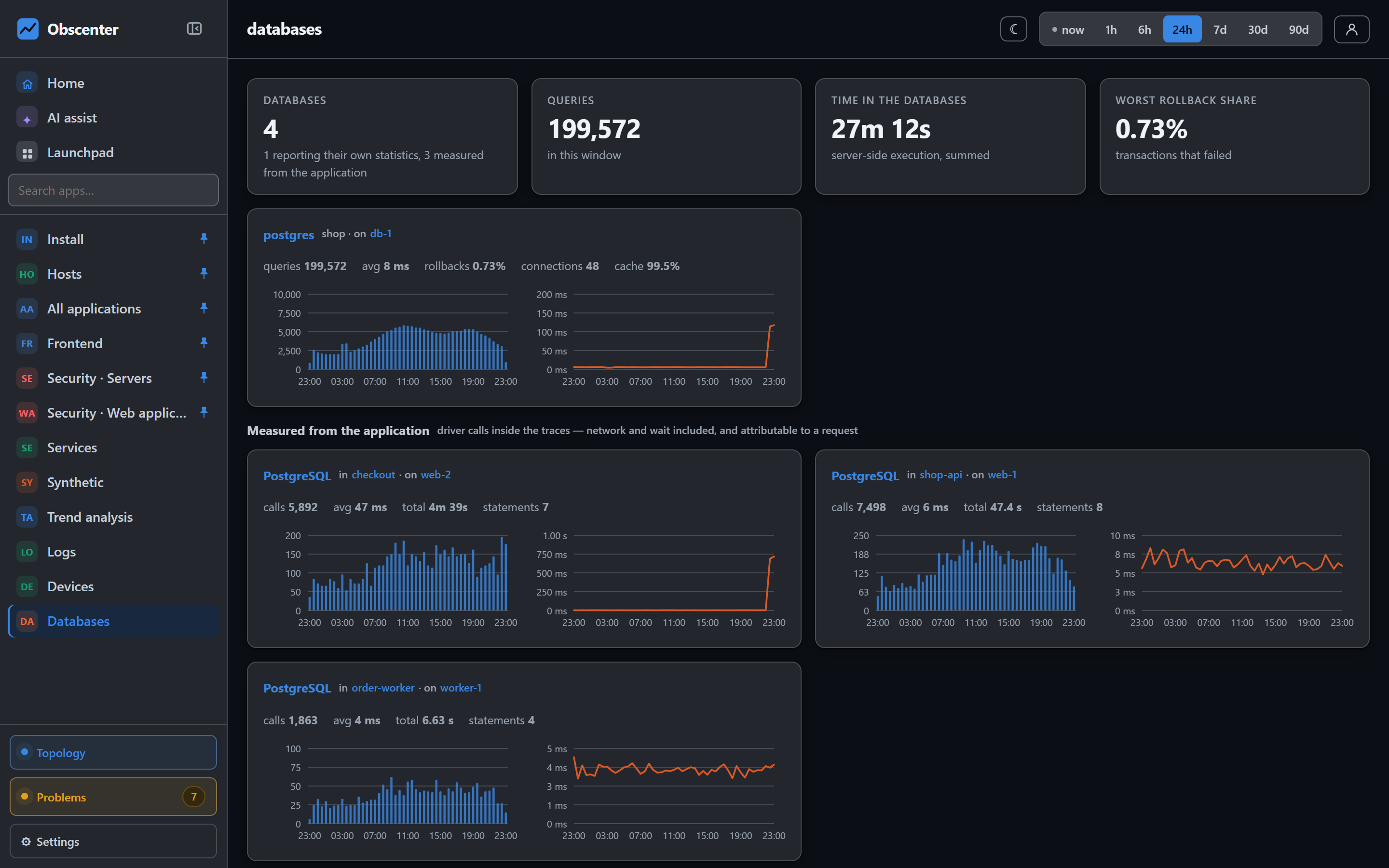
For Postgres, the agent can also read the database's own statistics: pg_stat_statements for per-statement cost, and pg_stat_database for the things a statement list cannot show — rollbacks, deadlocks and a falling cache hit ratio. Each database becomes an entity with its own page, and those three numbers are watched by the problem engine.
OpenTelemetry traces from Python, Go and Java
The in-process agent is Node-only. For everything else, Obscenter speaks OTLP, the wire format every OpenTelemetry SDK already uses. Point an exporter at your install with two environment variables:
OTEL_EXPORTER_OTLP_ENDPOINT=https://your-collector.example/
OTEL_EXPORTER_OTLP_HEADERS=x-api-key=rum_…
OTEL_EXPORTER_OTLP_PROTOCOL=http/json
OTLP over HTTP with JSON is accepted at /v1/traces. Server spans become requests, spans with a db.system become database spans, client spans become outgoing calls. A FastAPI service and a Node service then land in the same trace list, the same service pages and the same detectors.
One request, one row
The harder case is a Node service that is both instrumented by the agent and exporting OpenTelemetry — a Next.js app with its own spans, for example. That is one request seen by two witnesses, and storing it twice produces two half-truths under two service names. Obscenter merges instead:
- When the service name matches a natively instrumented service, no second service is created and no second request row is written. The OTLP spans are grafted into the native request by trace id.
- If the SDK started its own root instead of continuing the incoming context, they are matched by overlap: same service, same method, overlapping time.
- If the native report has not arrived yet, the fragment waits and is retried for a few minutes.
Better still, the agent captures the application's own OpenTelemetry spans in process — no exporter needed — by observing the tracer provider the app registers. Those spans land in the right request because they were created inside it, and a span id that is already stored is dropped, so you can export to Obscenter and to another backend without duplicates.
When no query is to blame: CPU profiles and the event loop
Some slow requests wait on nothing. No database, no downstream call — the time went into your own code. For those, the agent has a sampled CPU profiler that points at the function that spent the time. It is off until you switch it on. When it runs, it opens profiling windows only as often as their measured cost allows, within about one percent of the main thread, opens none while the process is idle, and pauses itself if starting one holds the thread too long.
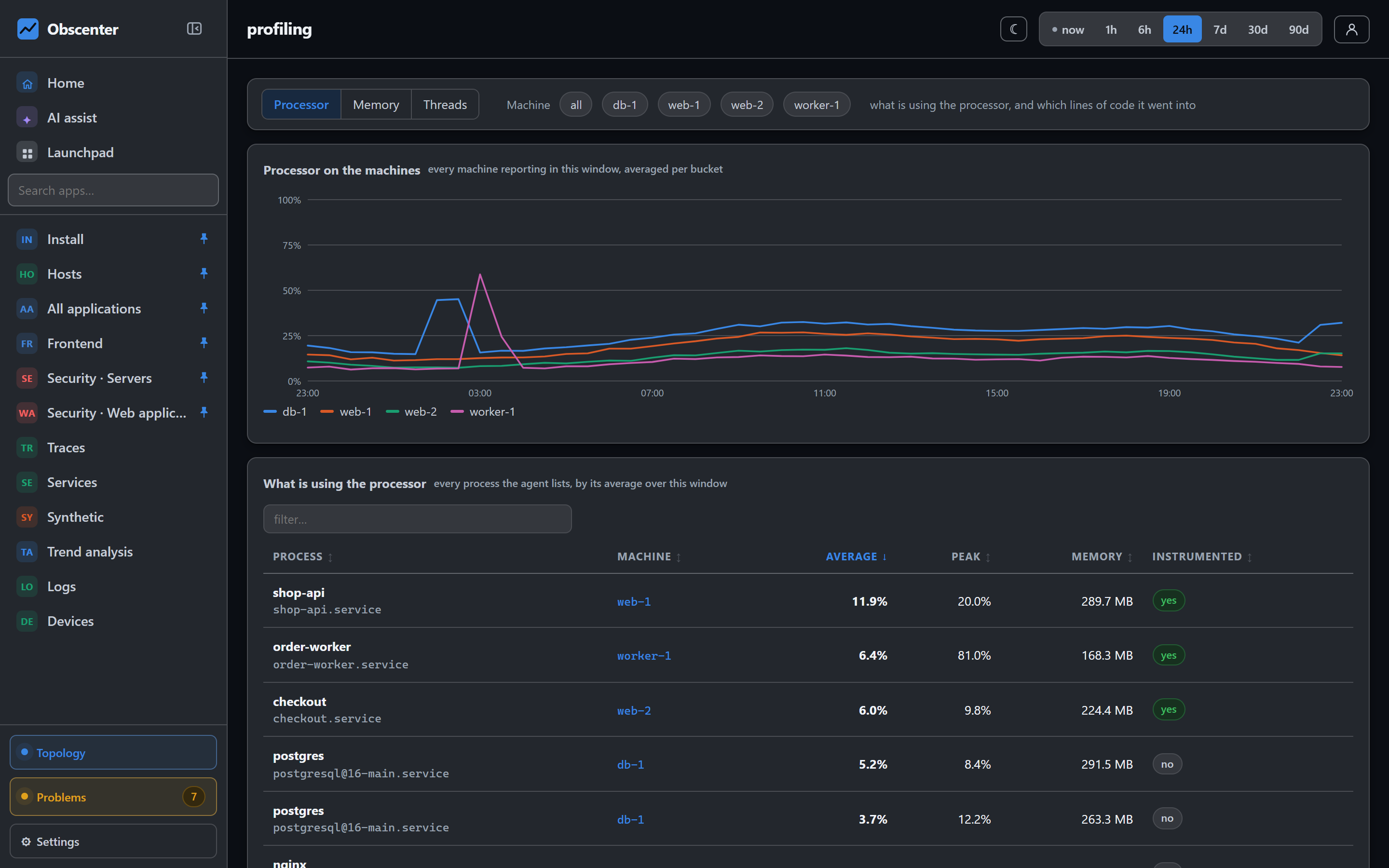
Two more views answer the questions a profile alone cannot. The event loop view separates a loop that is busy from one that is held by a single long task. The memory view reads the heap from inside the process, ranks heaps by growth, and when old space is climbing on a straight line says how fast and roughly how long is left — a leak looks different from a busy service there.
The map, drawn from real traffic
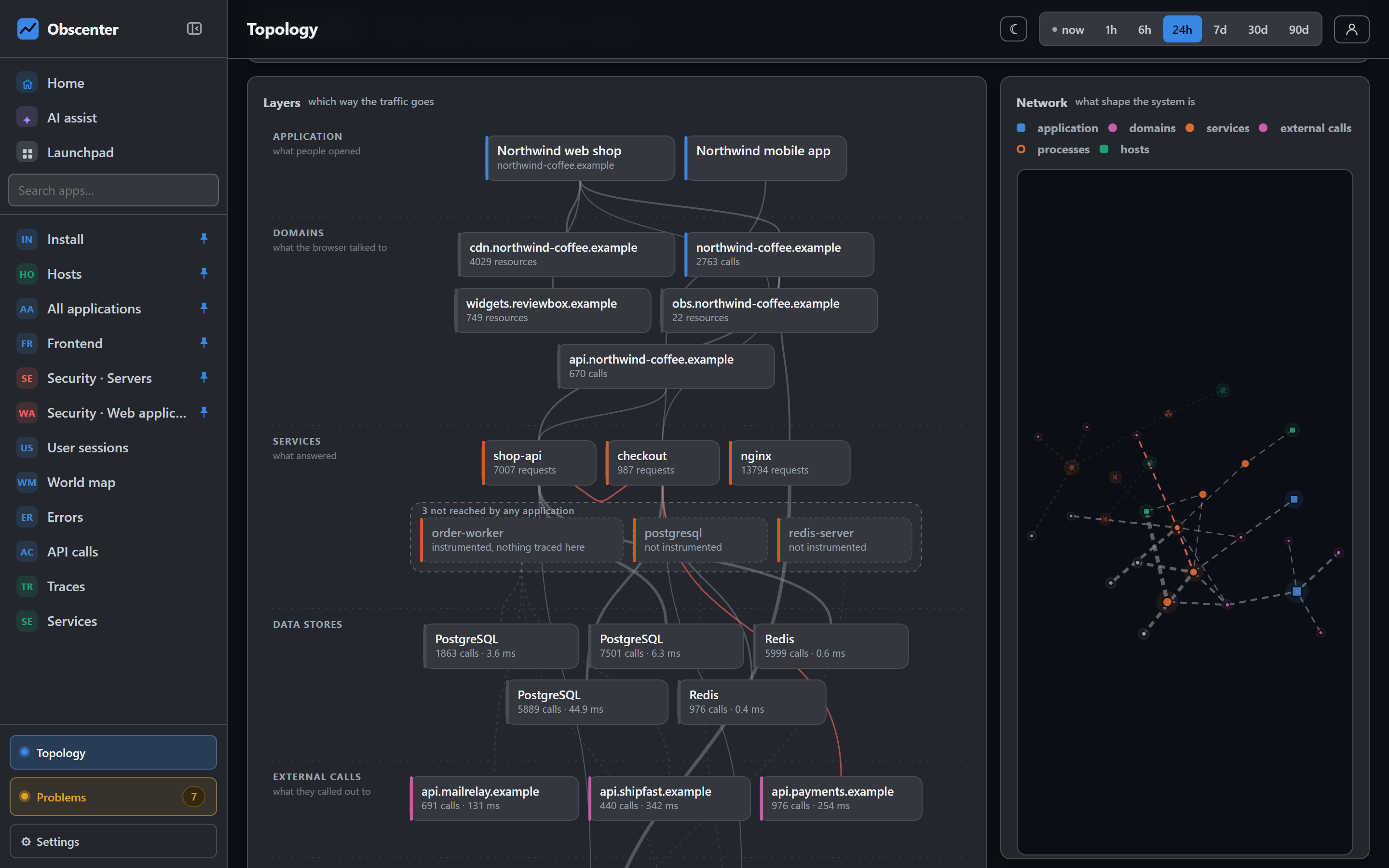
Every span is also an edge. The topology view draws browser to site, site to service, service to database and external dependency from the rows that were actually recorded, not from a diagram somebody maintains. A line on the map is a measurement you can click into.
Start tracing
Install the host agent and name the Node services you want traced, or point an OpenTelemetry exporter at your install. Either way, the first traces arrive with the first requests.
Start free or read Getting started.