Blog 26 October 2026 · 5 min read
Session replay that respects your visitors’ privacy
Session replay with every input masked, canvas and fonts never recorded, a sandboxed player and per-visitor sampling. What is captured, what is not, and why.
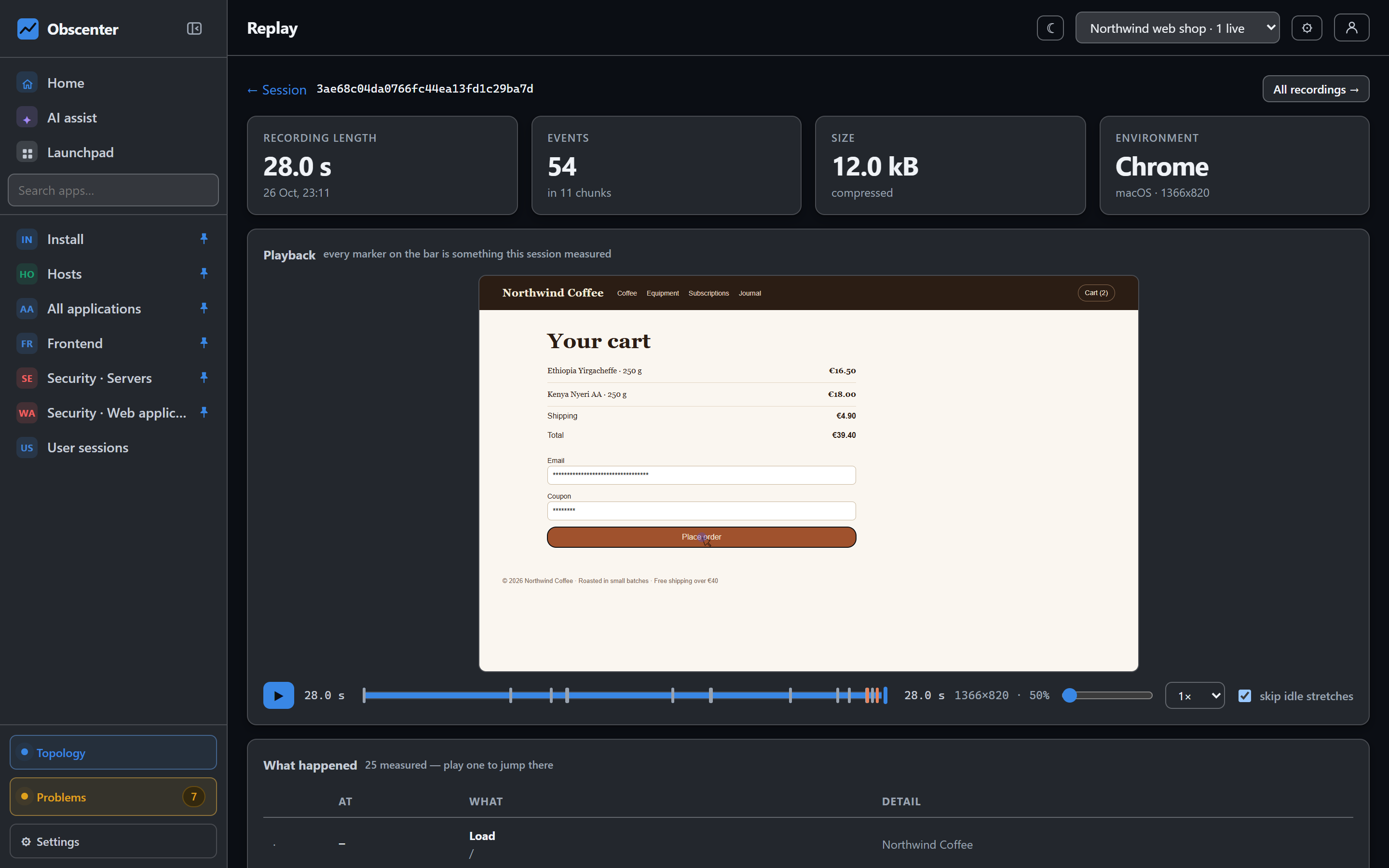
Numbers tell you that checkout got worse. A recording shows you why: the coupon field that rejected a valid code, the button hidden under a cookie banner on a small screen, the spinner that never stopped. Session replay is the fastest way from a bug report to a fix.
It is also a recording of somebody else's screen, which is why Obscenter treats privacy as the default rather than a setting you have to find. Here is exactly what is captured, what is not, and how the pieces fit together.
What session replay is for
Session replay does not record video. The recorder (the open-source rrweb library, vendored into the install rather than loaded from a CDN) takes a snapshot of the page's DOM once, then records the changes: elements added and removed, scrolling, mouse movement, clicks. The player rebuilds the page from that stream, so a minute of browsing costs kilobytes rather than megabytes, and text you have masked was never in the stream to begin with.
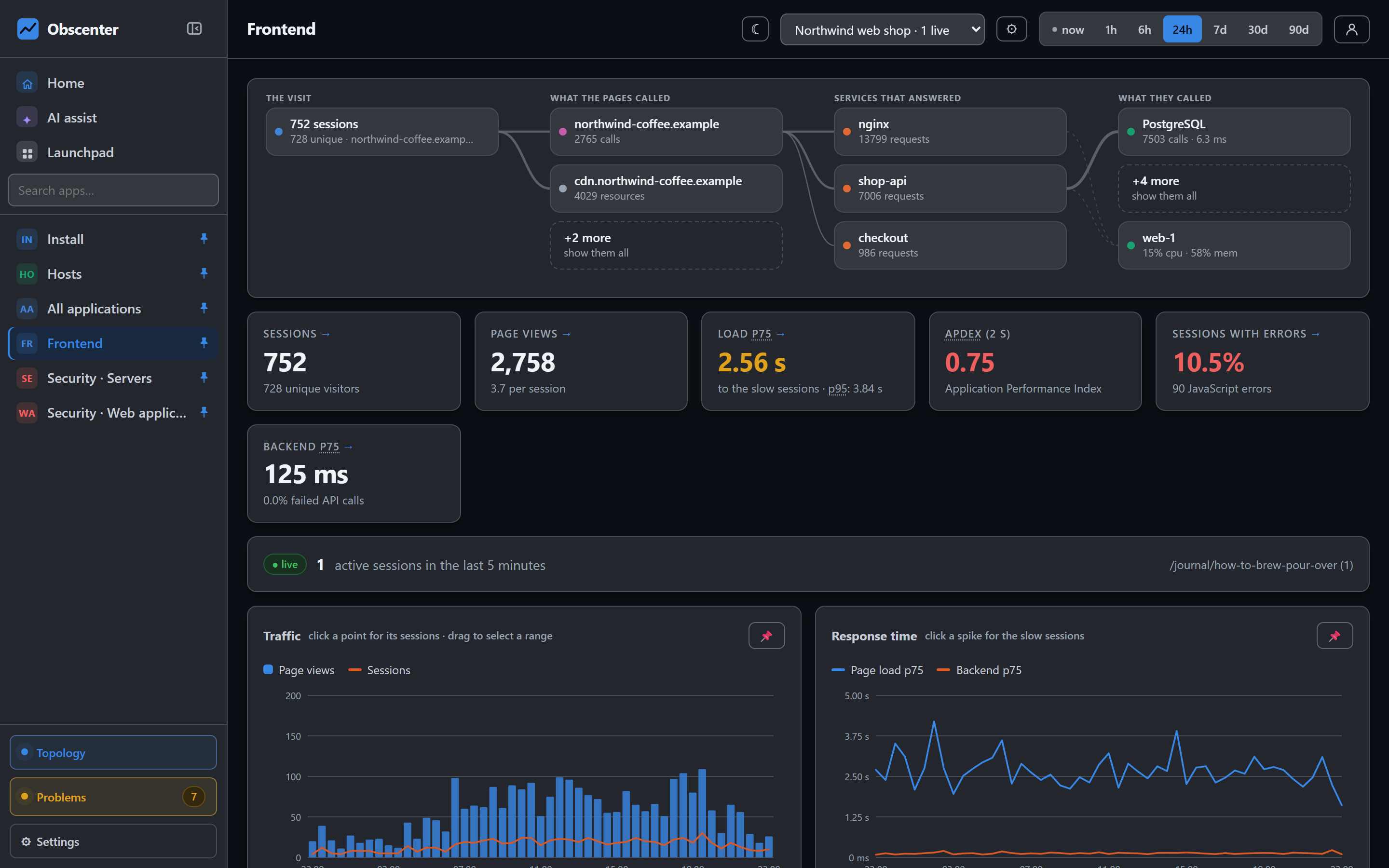
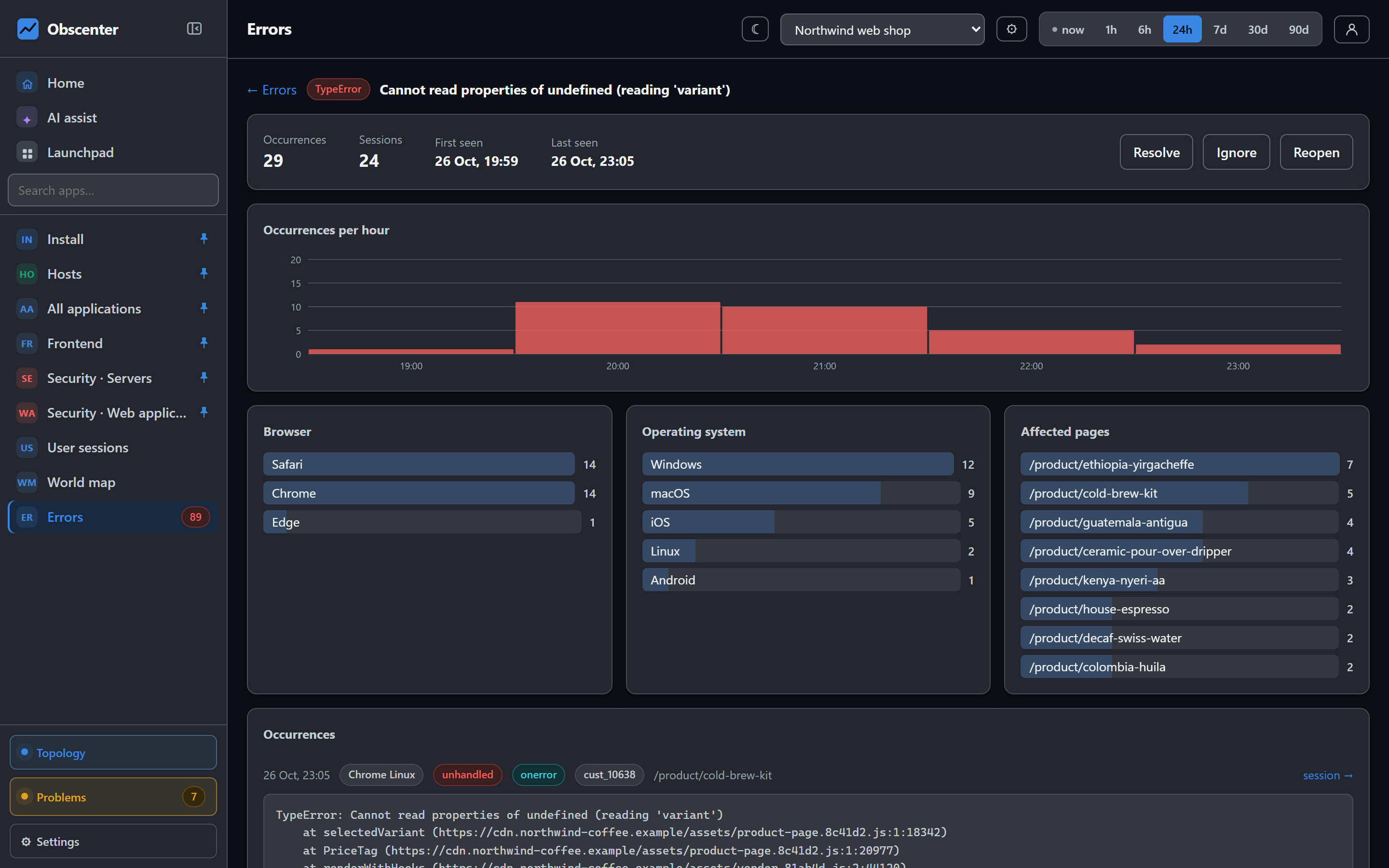
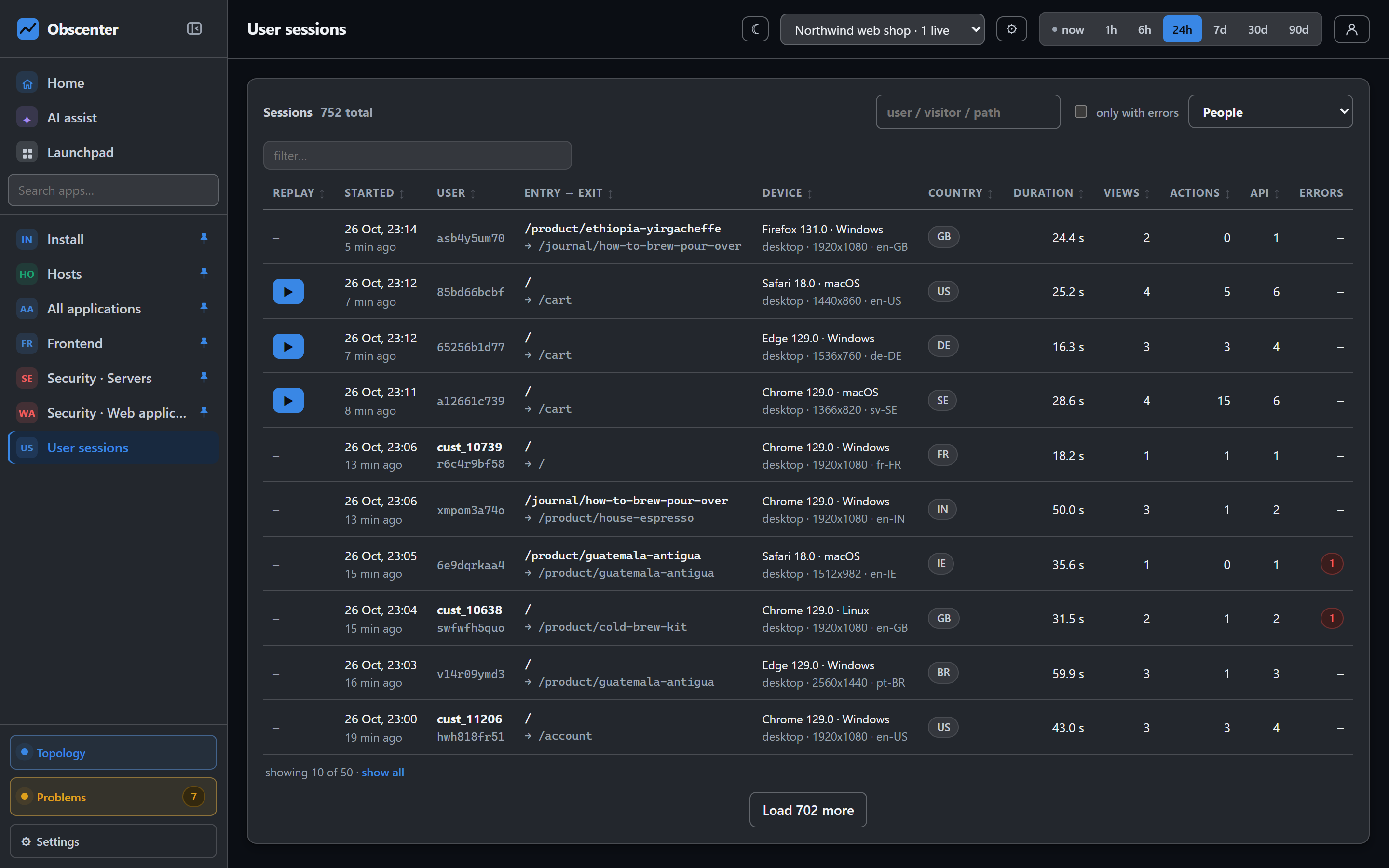
In Obscenter a recording is never a separate silo. It belongs to a session that already carries page timings, Core Web Vitals, errors and API calls, so you reach it from wherever the problem showed up: an error occurrence, a slow-page drill-down, a rage-click spike or a single customer's session.
A recorder most visitors never download
The recorder is the heaviest thing the tag can load, so it is not part of the tag. The base tag decides whether this visitor is in the replay sample, and only then fetches the recorder lazily. A visitor outside the sample never downloads it.
The sample is sticky per visitor, with its own salt, independent of the general measurement sampling. Somebody who is in it is recorded for their whole session, so you get complete stories rather than half sessions. The percentage is read from the server at load time, which means changing it in the dashboard takes effect on sites that pasted the tag months ago — nothing needs re-deploying.
A new application records from its first visit; the percentage is one field away in its settings if you want less, or none.
What session replay masks by default
Three rules are on for every application, with no configuration:
- Every input value is masked. Passwords, card numbers, search boxes, the address form — whatever is typed is replaced before it leaves the browser.
- Elements with the class
rum-maskhave their text hidden. Put it on an account-details panel, an order summary, a chat window. - Elements with the class
rum-blockare not recorded at all — not their text, not their structure. The player shows a placeholder of the right size. A CSS selector can be passed withdata-replay-blockfor parts of a page you cannot add classes to.
This is tested, not just configured: the replay check records a test page containing masked text, a blocked element and a password field, then asserts that none of the three appears anywhere in what was sent.
What is never recorded
- Canvas content. Canvas recording is switched off, so charts or anything drawn into a canvas element are not captured.
- Fonts. Font files are not collected.
- Cookies. The tag sets none and reads none.
- Your visitors' IP addresses. The session keeps a salted, shortened hash, as the rest of the product does.
Mouse movement is sampled at 50 ms and scrolling at 150 ms, and for inputs only the last state is kept — enough for faithful playback, without a firehose of events.
Playback that cannot run the recorded page
A recorded page is untrusted content. If it carried a script, playing it back inside your dashboard would run that script with your session. So the player rebuilds recordings inside an iframe sandboxed to exactly allow-same-origin, with scripts not allowed. The options that would loosen that guard are explicitly kept off.
Recordings are scaled to fit the player but never scaled up: a phone recording is shown at phone size, not stretched to a desktop width the visitor never saw.
Jump to the moment that matters
Most of a session is somebody reading. The player is built around skipping that:
- Markers on the timeline for errors, rage clicks and page changes — the moments you opened the recording for.
- Idle stretches skipped by default, and speeds from 0.5× to 8×.
- What was measured rides along: the timeline carries the session's own events, and a row in the session's list plays from that moment.
Recordings also feed attention heatmaps. Obscenter reads the stored recordings to work out which part of a page was on screen and for how long, and draws that over a picture of the page — even for visits recorded before you asked the question.
Sampling, retention and size limits
Replay has its own endpoint, its own table and its own retention, because it is the heaviest data the product keeps.
| Setting | Default |
|---|---|
| Who is recorded | A per-application percentage, sticky per visitor |
| Retention | 7 days, set per application, separate from measurement retention |
| Size per session | 8 MB compressed; after that the recorder is told to stop |
| Storage | Gzipped on the server |
A recording chunk that arrives for a session the collector has never seen is dropped. A recording cannot invent a session with no context around it.
What to write in your privacy policy
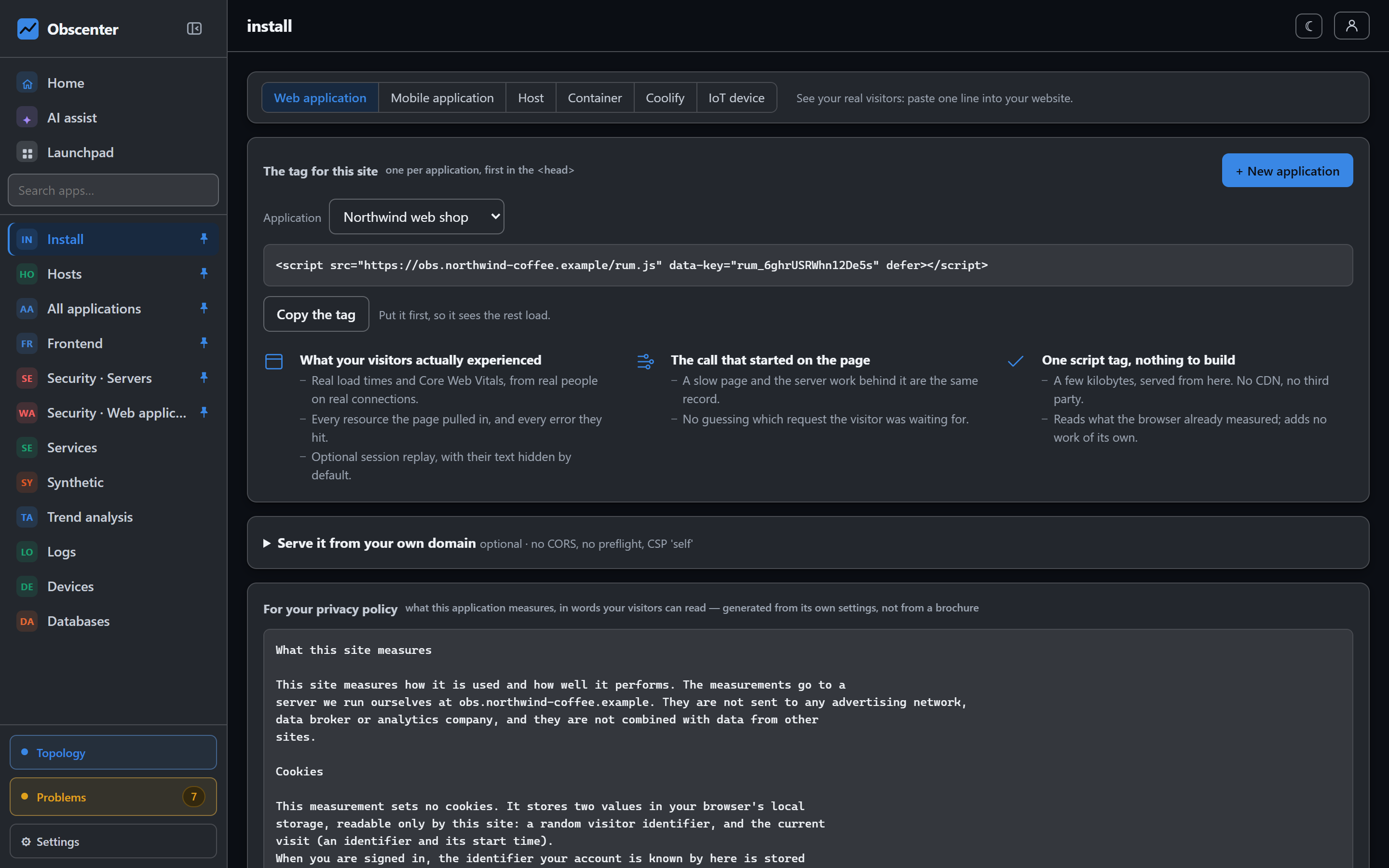
Every site that records sessions is eventually asked what it records. The install page answers that with a plain-English paragraph generated from the application's real settings: that the tag sets no cookies but keeps an id in local storage, that the IP address itself is not stored, whether visits are recorded and how long recordings are kept, and that anything typed is masked before it leaves the browser. Turn replay off or shorten retention and the text changes with it.
Native apps: rectangles, not text
For React Native apps, replay works differently because there is no DOM. The native capture module sends screenshots by default, or a wireframe of rectangles and colours on request. In wireframe mode the characters inside a text view are never read, and the collector does not take the module's word for it: every node is rebuilt from an allowlist, and any node carrying a string is refused.
Try session replay
Add the tag to a page, open it in another browser, click around, and the recording is in the dashboard a moment later.
Start free or read Getting started.