Blog 26 October 2026 · 7 min read
Auto-instrumentation: an agent that turns monitoring on
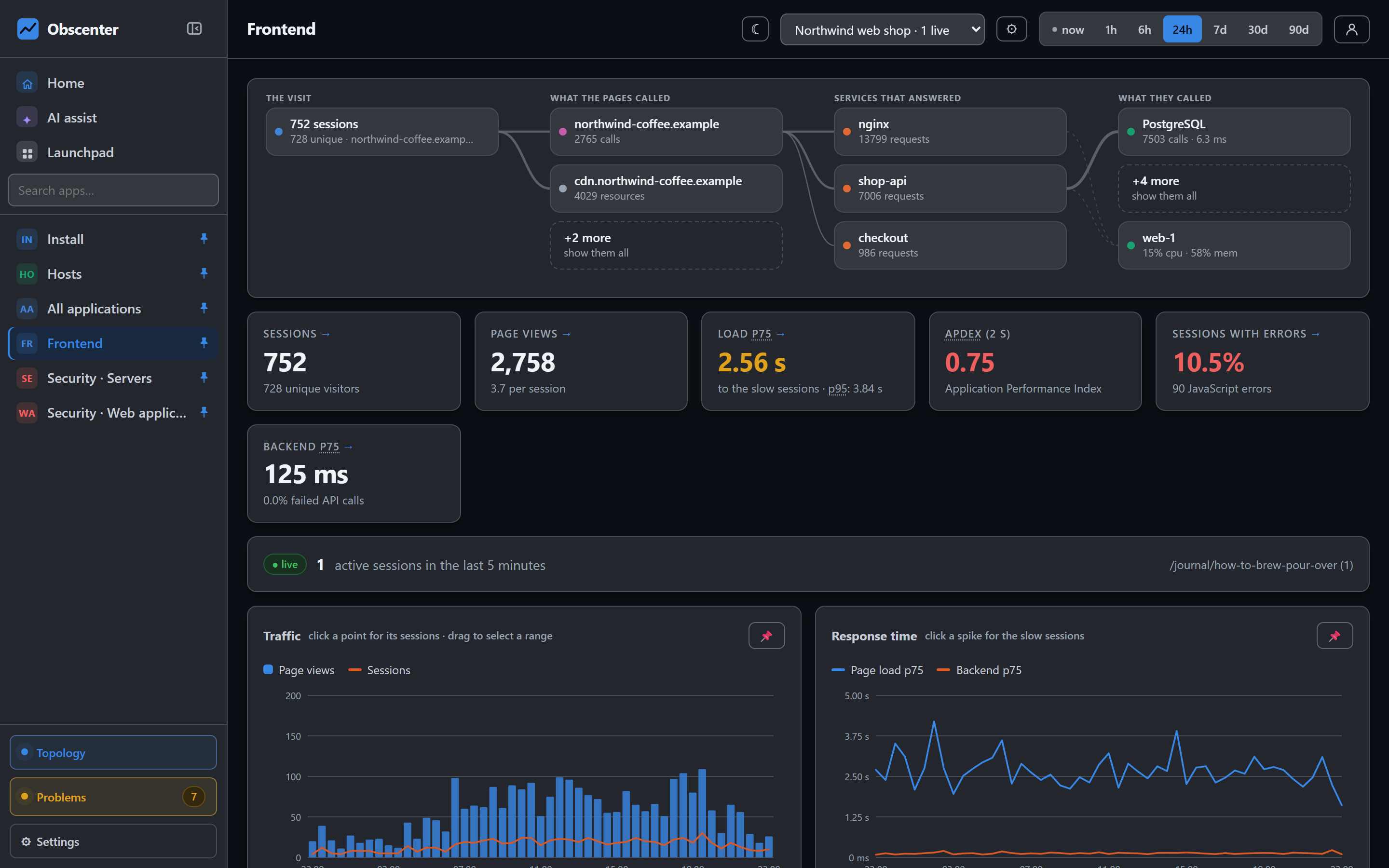
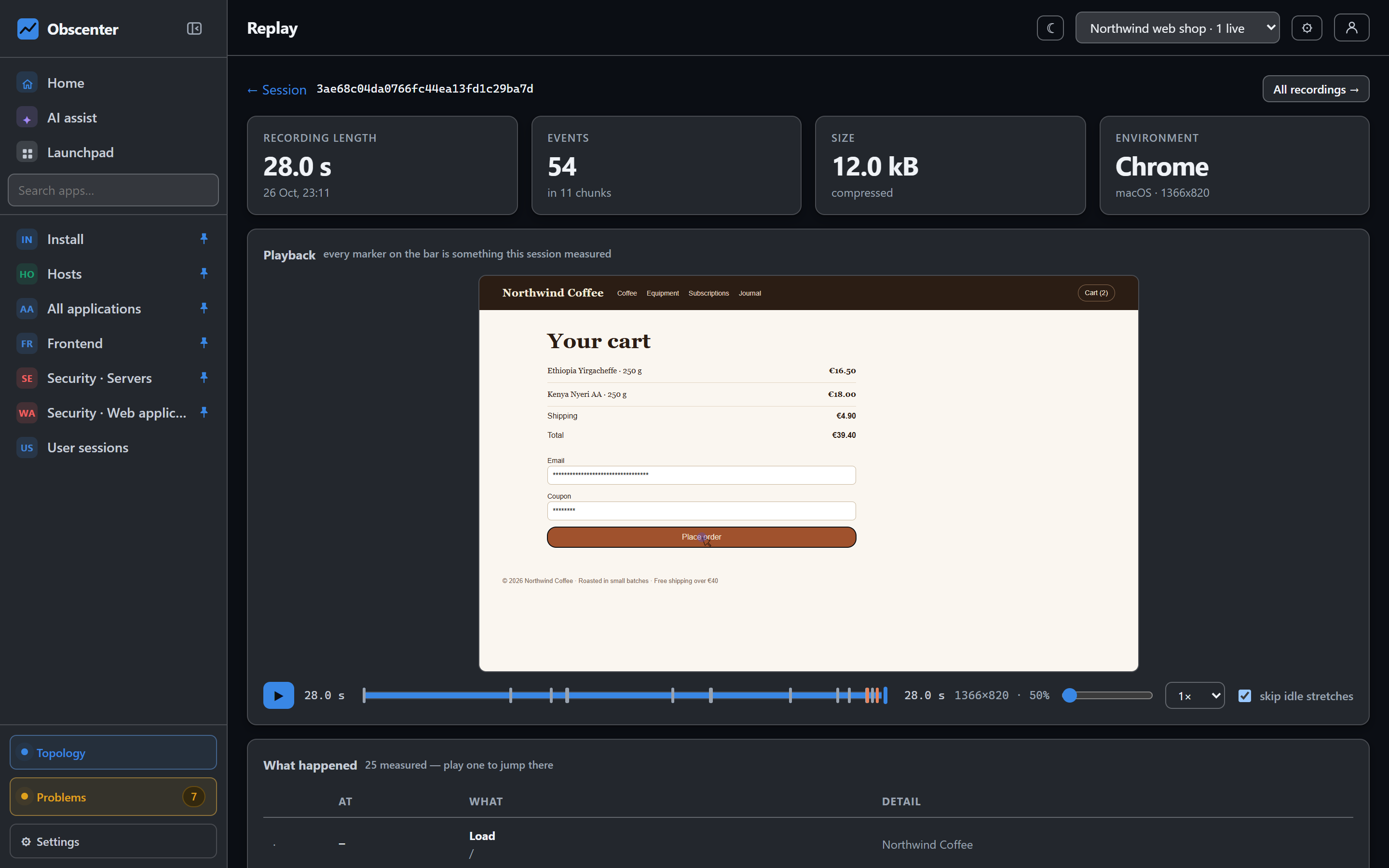
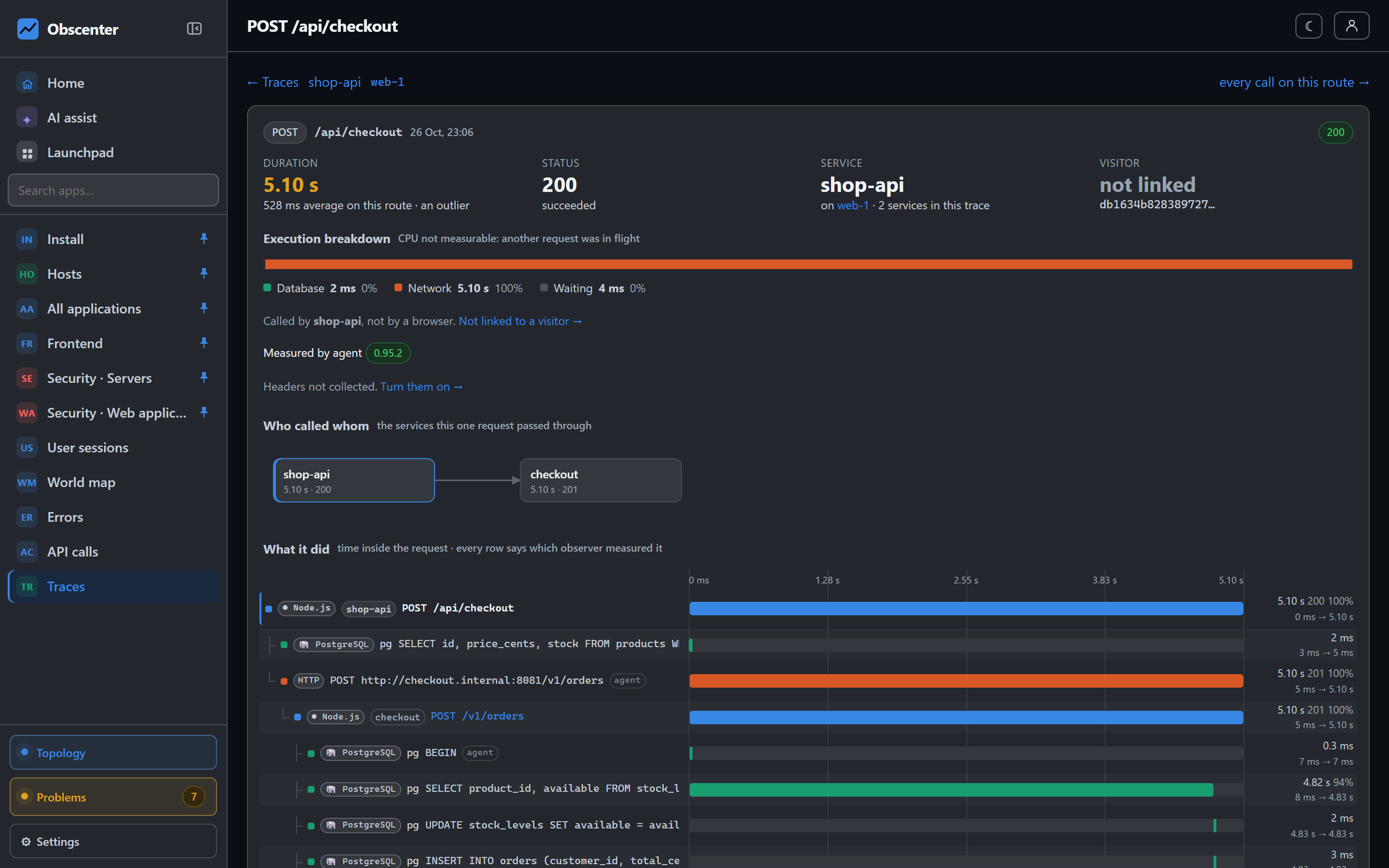
One install command: the agent finds the sites nginx serves, injects the RUM tag, prepares your Node services and claims the machine. All reversible.
Most monitoring setups fail in the gap between "installed" and "configured". The agent is running, but the website is not tagged, the access log is in a format nothing parses, the service was never restarted with instrumentation, and nobody remembers which of the four steps was skipped on which box.
The Obscenter host agent closes that gap itself. Install it once and it maps what the machine serves and turns monitoring on for each piece — and every one of those steps can be undone.
Install a monitoring agent with one command
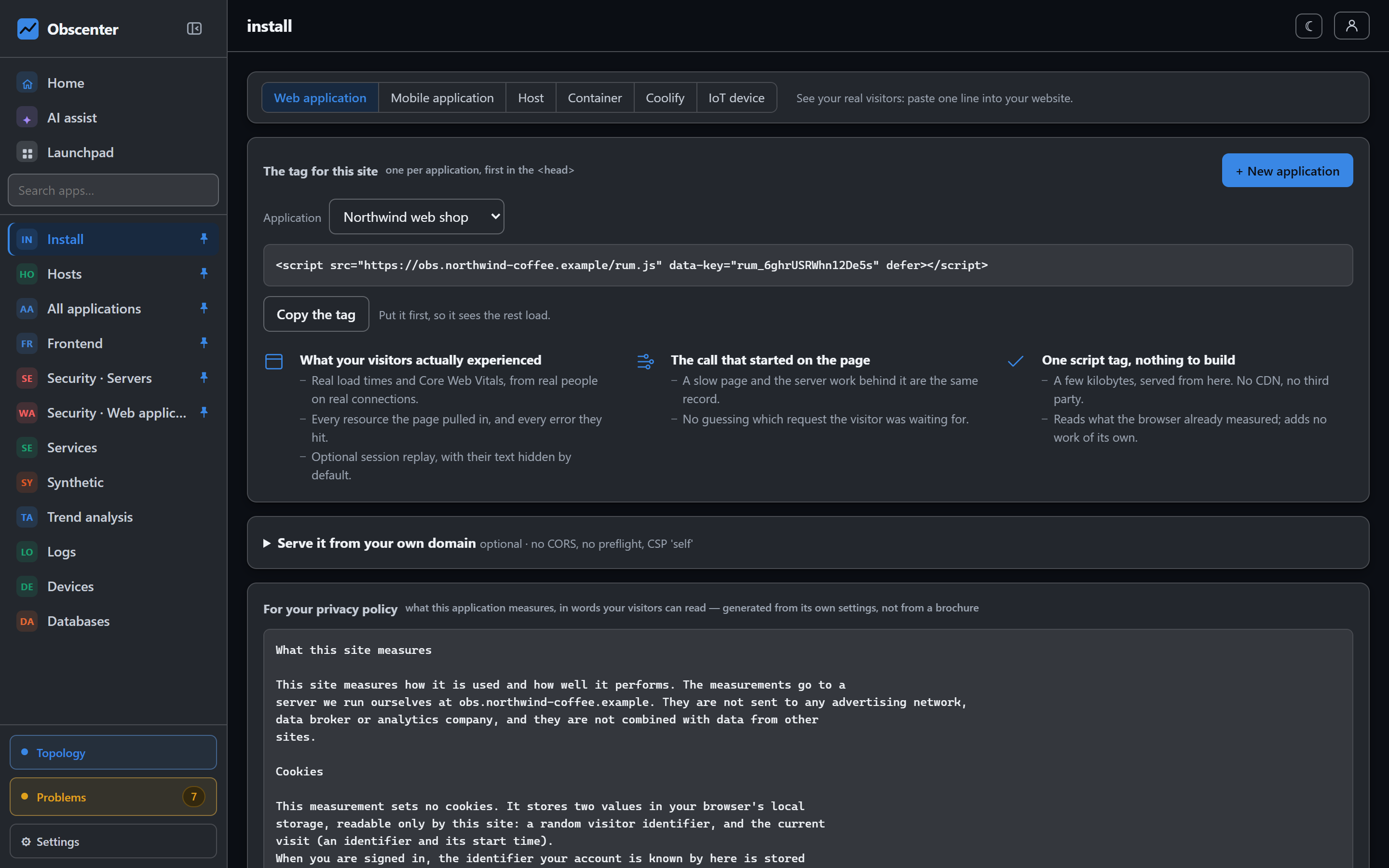
On Linux it is one line, run as root, copied from the install page with your key already in it:
curl -fsSL https://your-collector.example/agent/install.sh | sudo sh -s -- --key <agent key> --url https://your-collector.exampleWhat that script does, in full:
- Checks it can reach the collector before writing anything, so a wrong URL costs ten seconds and a sentence rather than a half-finished install.
- Uses the machine's Node if it is new enough, otherwise fetches a runtime from your collector into its own directory. The machine talks to no address but the one you gave it.
- Writes the agent to
/opt/obscenter-agentand installs one systemd service. - Runs one real collection cycle against the collector and prints the numbers it read and the answer it got, so you see it working before the script exits.
The installer itself installs, upgrades or configures nothing else: not the system Node, not a package, not a repository. It needs systemd and curl, checks every agent file against the checksum the collector publishes, opens no inbound port, and reports outbound to your collector only.
The agent it starts is a different matter, and says so. It runs as root, and the rest of this article is the list of what it changes on its own: systemd drop-ins, nginx config, a Postgres container that lacks query statistics, its own files. The installer prints that list before it exits, each item with the way to turn it off. The one thing that stays off unless you ask is a root terminal from the dashboard: that needs --allow-terminal, which the install page adds when you tick it.
Installing also claims the machine for whoever generated the install command — that machine, and only that machine — so it appears in the right organisation without anybody assigning it.
What the host agent sees on its own
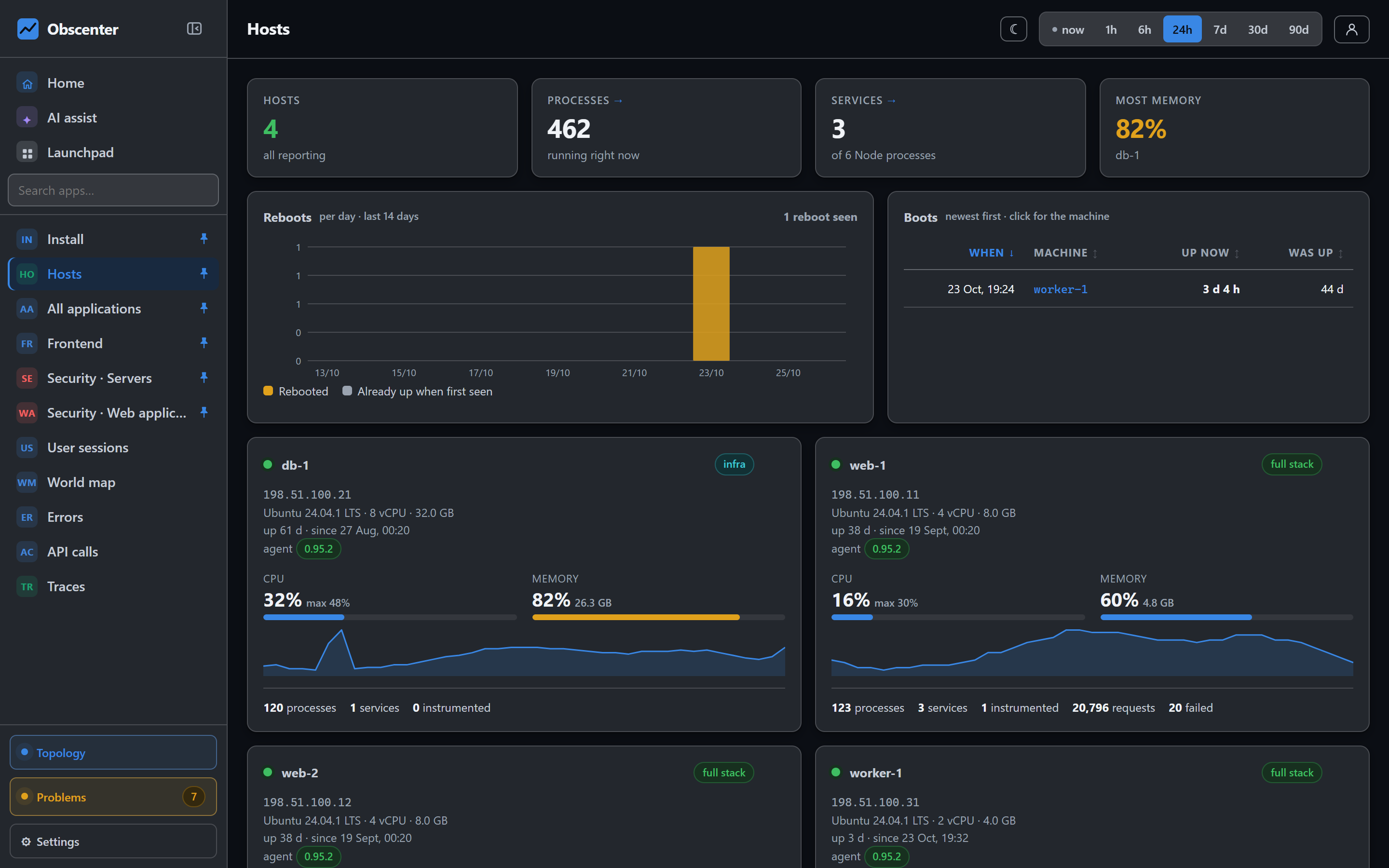
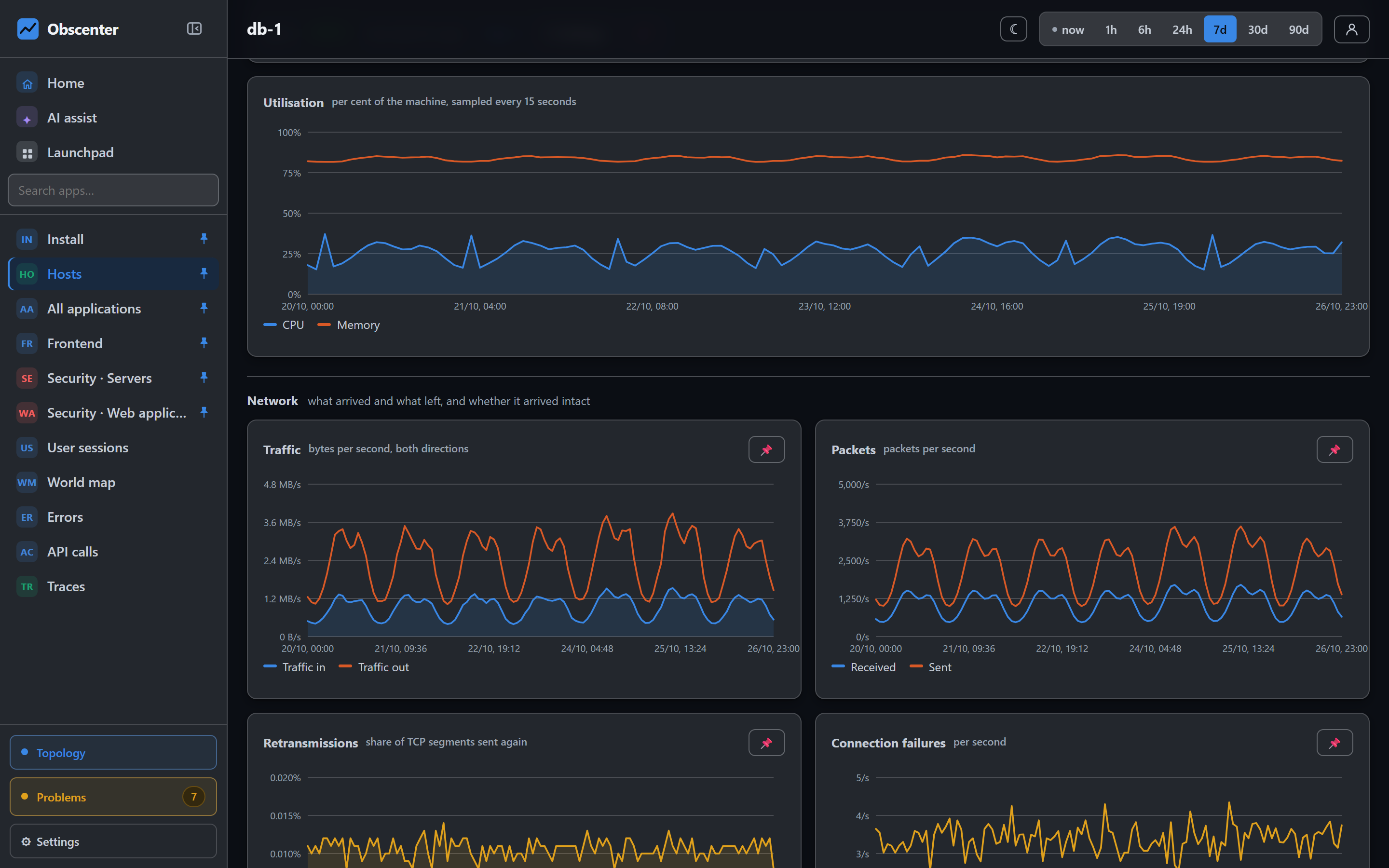
Without any configuration, the agent samples the machine every 15 seconds and walks it once a minute:
- Processor, memory, swap, every disk and the network, per machine and per process.
- Every process and systemd unit — what each runs, what language it is, what it costs.
- Listening ports, containers, and reboots.
- Installed packages, which feed the vulnerability scanner (more on that here).
- Log sources it could collect — the journal,
/var/log, PM2 logs and deploy directories — offered in the dashboard, not collected until you switch one on.
Almost all of this is language-blind. A box running nginx and Python is charted, watched and alerted on exactly like one running Node. Only per-request tracing needs an agent inside the process.
Finding the websites a server hosts
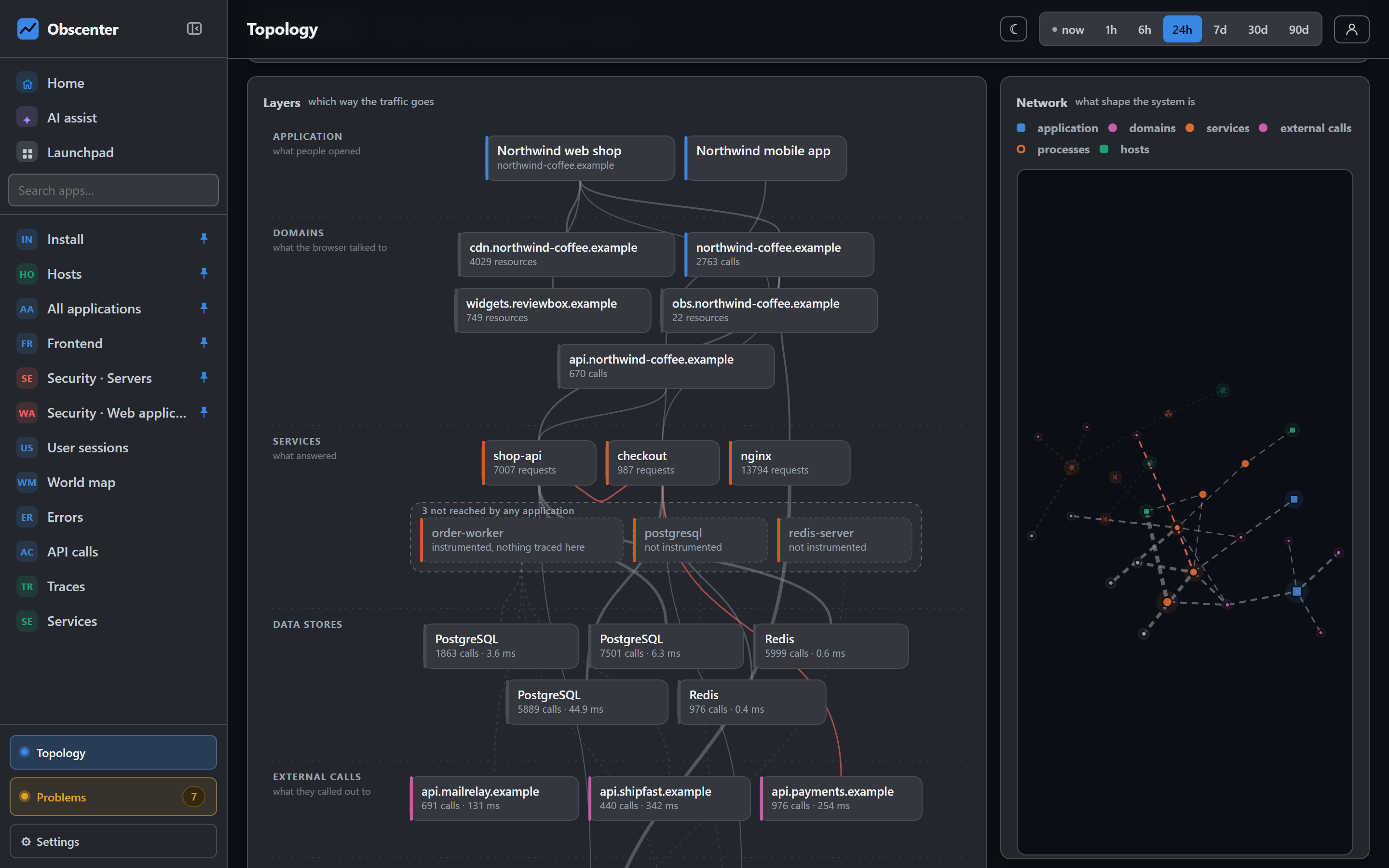
If the machine runs nginx, the agent reads the resolved configuration with nginx -T — not a guess at which files are included — and lists every server block. It then probes each site the way a browser would, including asking for gzip, because a page that looks right to curl can look completely different to a real browser.
Each domain becomes an application in the dashboard. An nginx block that answers nothing (return 444) is recognised as a refusal and not turned into a site. A domain discovered from a Host header rather than a config file is checked against the address the machine reports from first, because a Host header is whatever a client typed.
Injecting the RUM tag through one file and one marked line
The browser tag goes into the pages through nginx's sub_filter, written into one file: /etc/nginx/conf.d/00-obscenter-rum.conf, and nginx is reloaded. A map on $server_name picks the right key for each site; a site not in the map is served byte-for-byte unchanged. Deleting that file puts the machine back exactly as it was.
Two details make it actually work in production:
- Compressed upstreams.
sub_filtercannot rewrite a body the backend already gzipped, so a proxied site would be tagged forcurland for no real browser. The file asks the backend for plain text — only for the tagged sites — and nginx compresses to the client itself. - Header overrides. nginx replaces inherited
proxy_set_headerlines rather than merging them, so a server block that sets its own drops ours. For those blocks the agent adds oneAccept-Encodingline, through a pure function that is idempotent, exactly reversible, leaves blocks it was not asked about untouched, and respects a block that already sets the header its own way.
Every write is followed by nginx -t before any reload, and the original is put back on failure. On a shared machine, a config that fails to parse breaks every site on it, not just the one being tagged.
The agent also turns on a second access log at http level, in a format it can parse, so requests served by nginx — PHP, Python, static files — get timings too. Existing logs keep writing exactly what they wrote before.
No nginx? The in-process Node agent can inject the tag into the HTML its own service produces. It only touches 2xx text/html responses that are not already encoded and have a </head> early in the body, and falls back to the original output on any error. If both nginx and the Node agent could tag a site, nginx wins, so a page never carries two tags.
Instrumenting Node.js services without surprise restarts
Turning on tracing for a Node service means loading the in-process agent through NODE_OPTIONS, and Node reads NODE_OPTIONS once, at start. So instrumentation has two halves, and only the safe one is automatic:
- The agent prepares each Node service it finds: it writes a systemd drop-in and runs
daemon-reload. The running process is not touched. - The restart is yours —
systemctl restart <unit>, or simply your next deploy. The dashboard shows the service as "ready · restart it" until then.
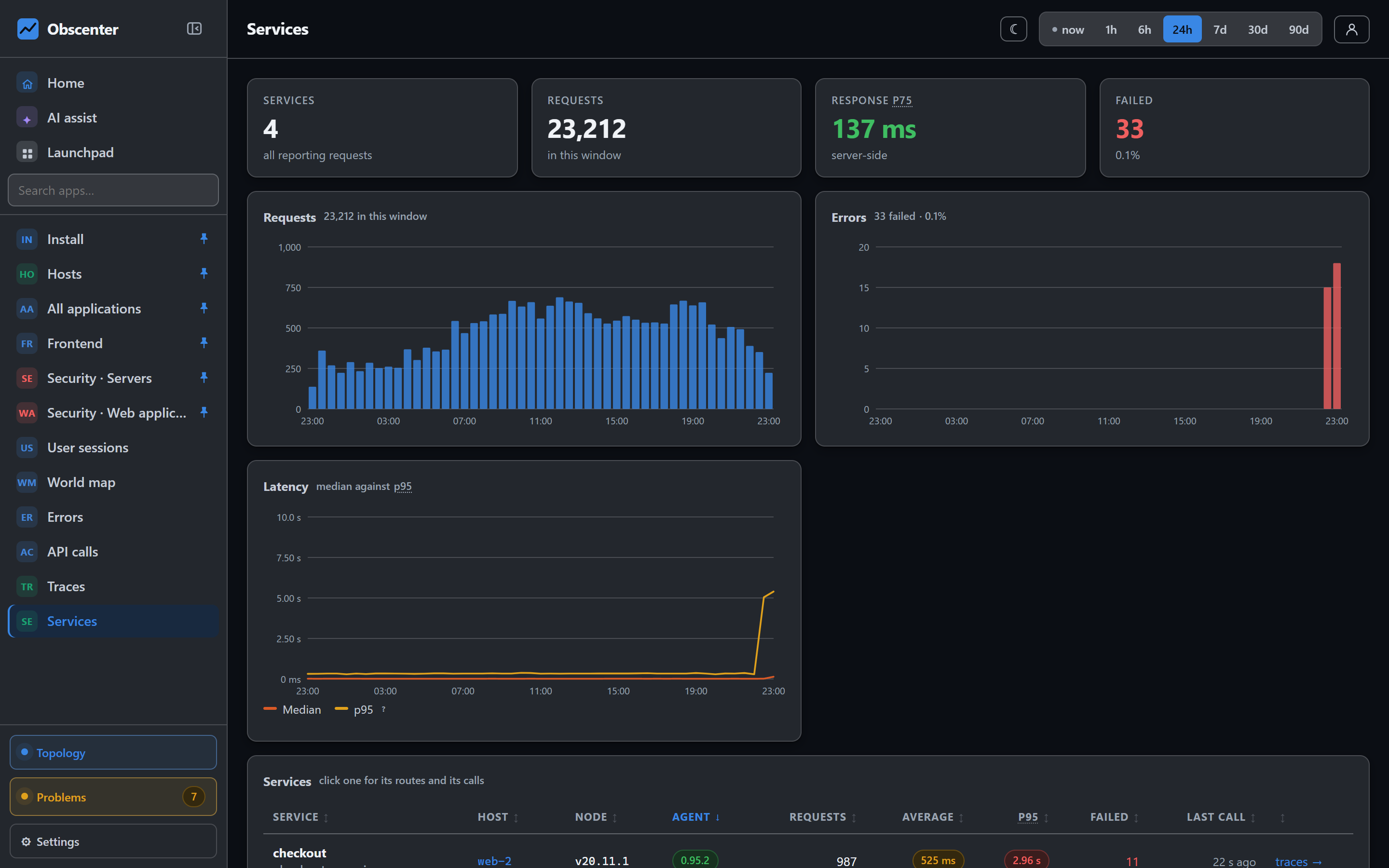
PM2 is handled too: a drop-in on the PM2 daemon reaches every app it starts, and the in-process agent reports each PM2 app under its own name rather than as one blob. Units on the exclusion list are never prepared.
Containers, Kubernetes and Windows
Inside a container image, the in-process agent goes in with three ADD lines and NODE_OPTIONS; for Kubernetes, the install page generates an init container that fetches the current agent onto a shared volume, so nothing is baked into the image. A failed fetch leaves an empty file, so a collector outage can never stop pods from starting.
On Windows Server 2016 and later and Windows 10 and 11, a separate agent covers the infrastructure: processor, memory, disks, processes, services and the event-log channels you choose. It installs as a regular Windows service and instruments nothing.
Every step is reversible
A product that writes into other people's systems needs a way out of every one of them:
| What | How to take it back |
|---|---|
| The tag in one site | Ignore the site in the dashboard; it stays listed and stops being tagged |
| The tag everywhere on a box | obscenter-agent rum --disable, or OBSCENTER_NO_RUM=1 so nothing from the dashboard can turn it on |
| Automatic tagging for the fleet | One switch in settings |
| The access log | obscenter-agent nginx --disable, or the button on the host page |
| Instrumenting services | obscenter-agent deny-instrument, a per-machine setting, or --no-allow-instrument at install — this also stops every nginx and Postgres change |
| Preparing services (the drop-ins) without asking | OBSCENTER_AUTO_PREPARE=0 in the agent environment |
| Enabling query statistics in a Postgres container (one container restart) | OBSCENTER_NO_PG_FIX=1 in the agent environment |
| Updating itself | OBSCENTER_AUTO_UPDATE=0 in the agent environment |
| A root terminal from the dashboard | Off unless installed with --allow-terminal; obscenter-agent deny-terminal on a machine that has it |
| The whole agent | obscenter-agent uninstall |
Uninstall reverses everything in the opposite order it was added: the nginx changes first, then every drop-in it wrote (restarting those units so they really drop the agent), then its own service, then its files.
It updates itself, carefully
An agent that has to be upgraded by hand on every host stays on its first version for ever. This one replaces itself when the collector serves a newer version, under strict rules: it downloads only from the collector it was installed against, refuses any file whose SHA-256 is not the one the collector published, installs nothing that node --check and a self-check will not pass, keeps the previous copy as a backup, and tries each version once. Before it swaps, it leaves a small guard running under systemd that outlives its own restart: if the new version has not reported successfully within four minutes, or keeps crashing, the guard puts the previous version back by itself. Why an update did not take is shown on the machine's page. The in-process file is replaced on disk, but no application is restarted for it — that stays your decision.
Install the agent
Create an account, copy the command from the install page, and paste it into a root shell. The machine, its services and its sites appear within a minute.
Start free or read Getting started.