Blog
How Obscenter sees what your users see
Walk-throughs of what the product measures and how it gets from a symptom to the cause — with screenshots from a demo shop.
-
 01 / 24
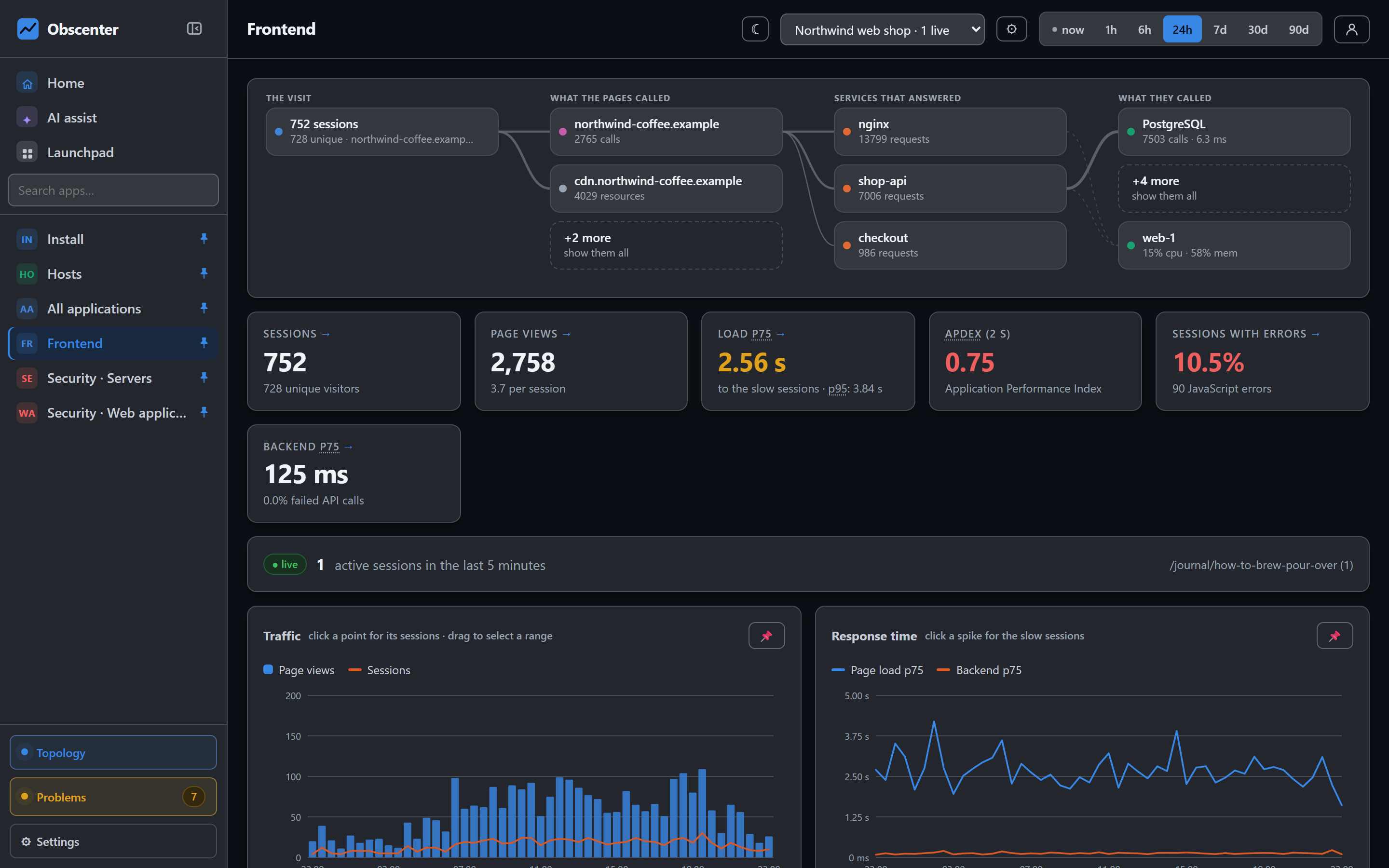
Real user monitoring: Core Web Vitals from real visitors
How Obscenter measures page loads, LCP, INP and CLS from the visitors you actually have, and lets you click any number through to the sessions behind it.
Read the walk-through -
 02 / 24
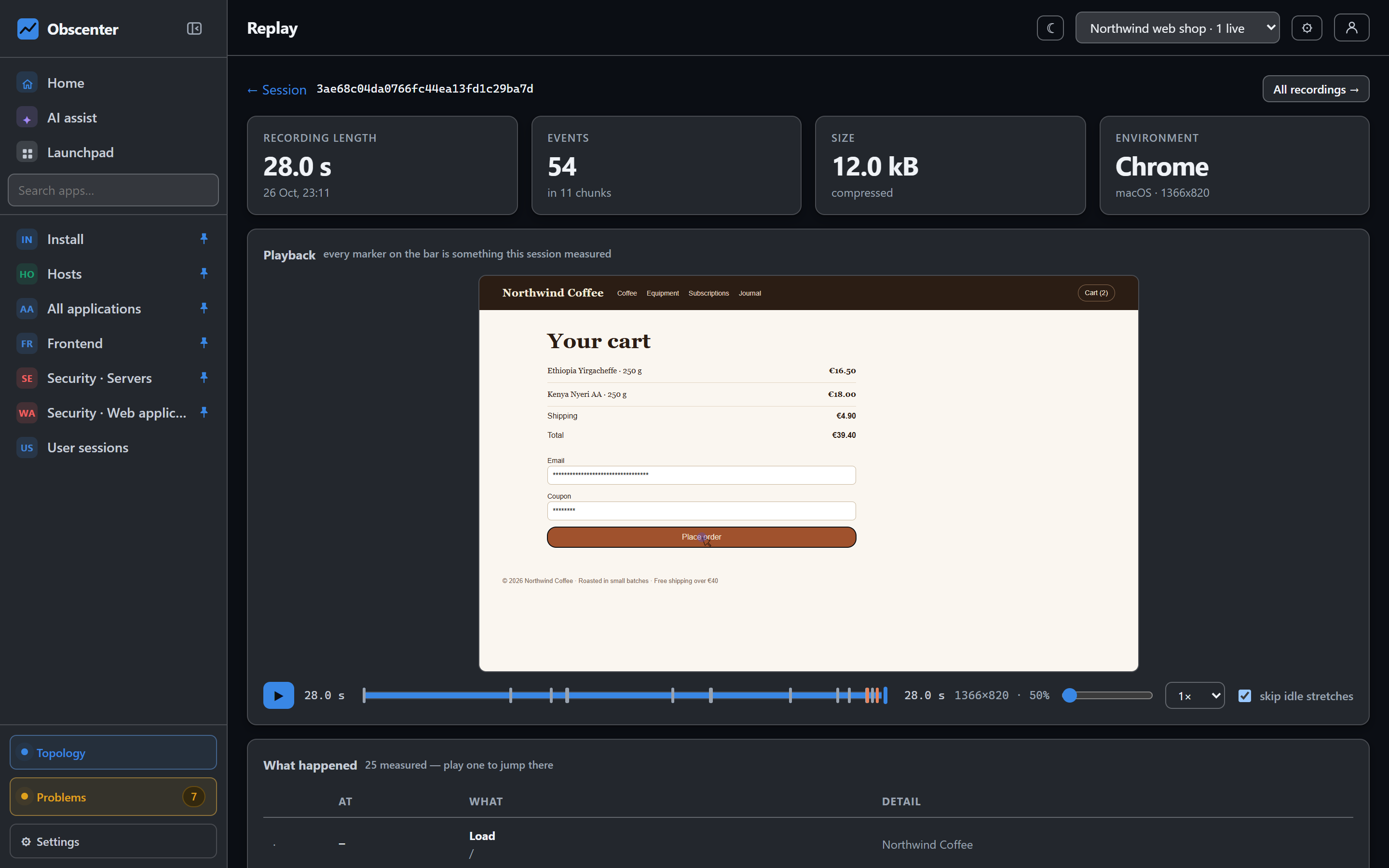
Session replay that respects your visitors’ privacy
Session replay with every input masked, canvas and fonts never recorded, a sandboxed player and per-visitor sampling. What is captured, what is not, and why.
Read the walk-through -
 03 / 24
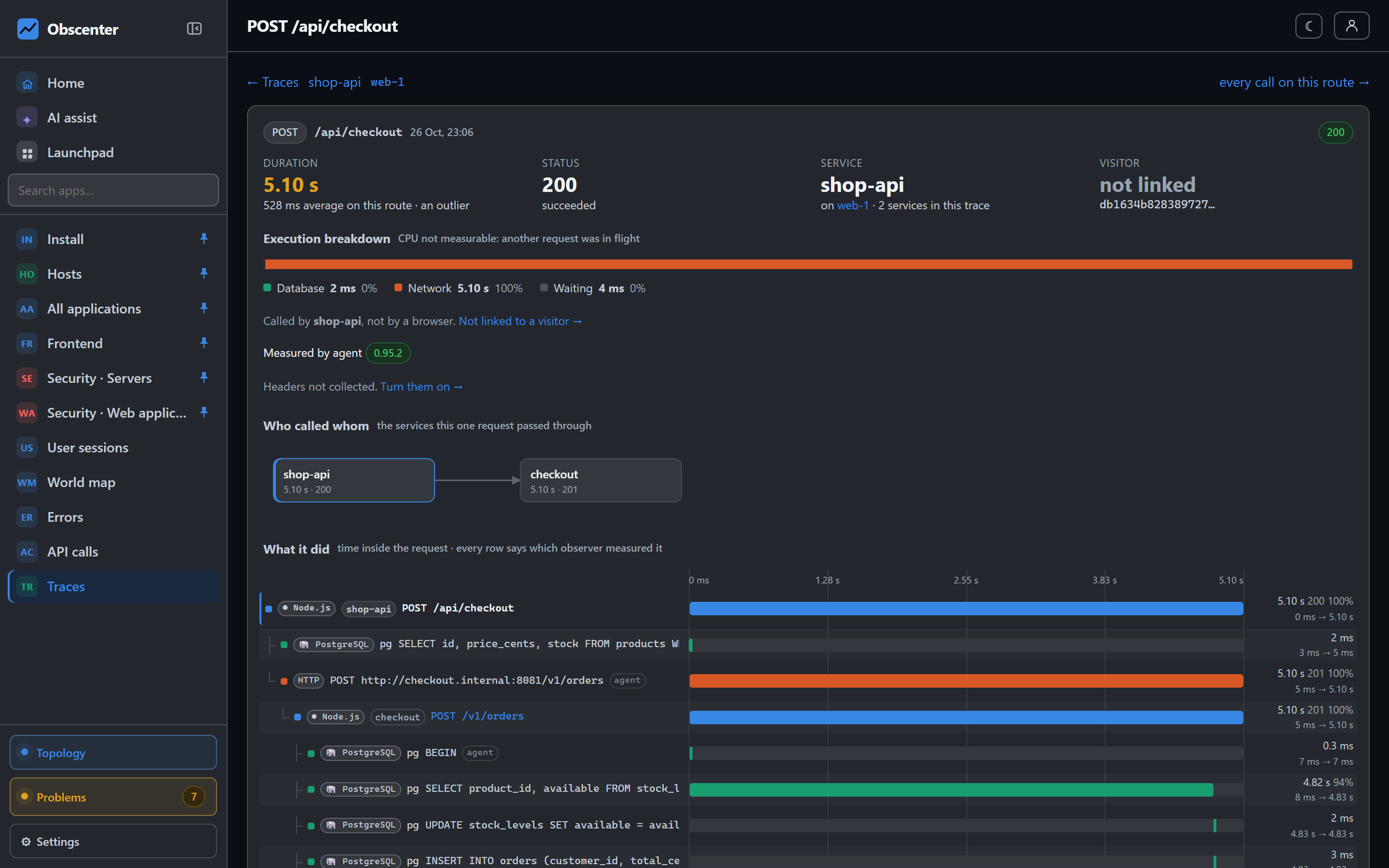
From a slow page to the SQL behind it: end-to-end tracing
One trace from the browser click through your Node.js services to the database query, with OpenTelemetry spans from other languages merged in.
Read the walk-through -
 04 / 24
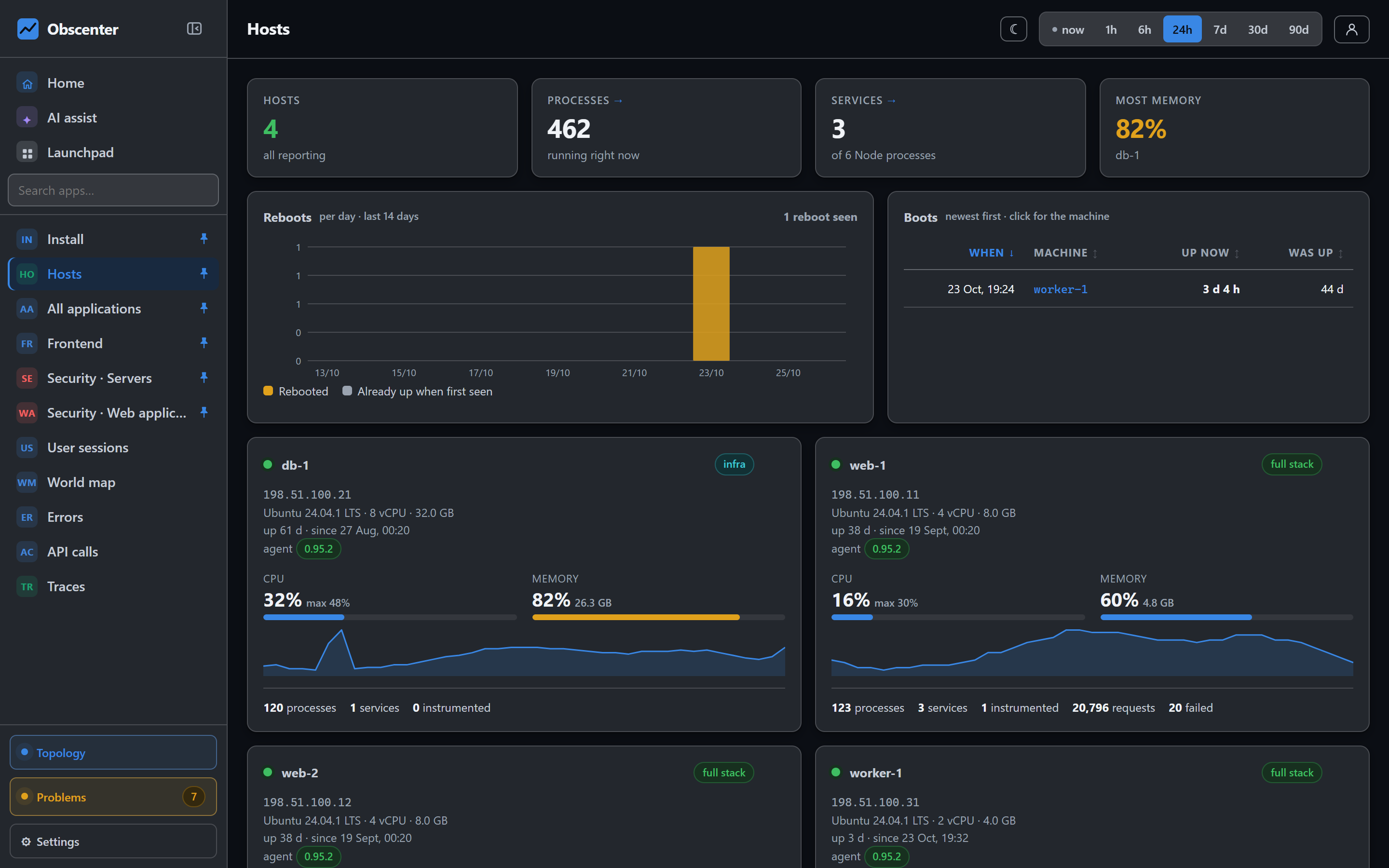
Auto-instrumentation: an agent that turns monitoring on
One install command: the agent finds the sites nginx serves, injects the RUM tag, prepares your Node services and claims the machine. All reversible.
Read the walk-through -
 05 / 24
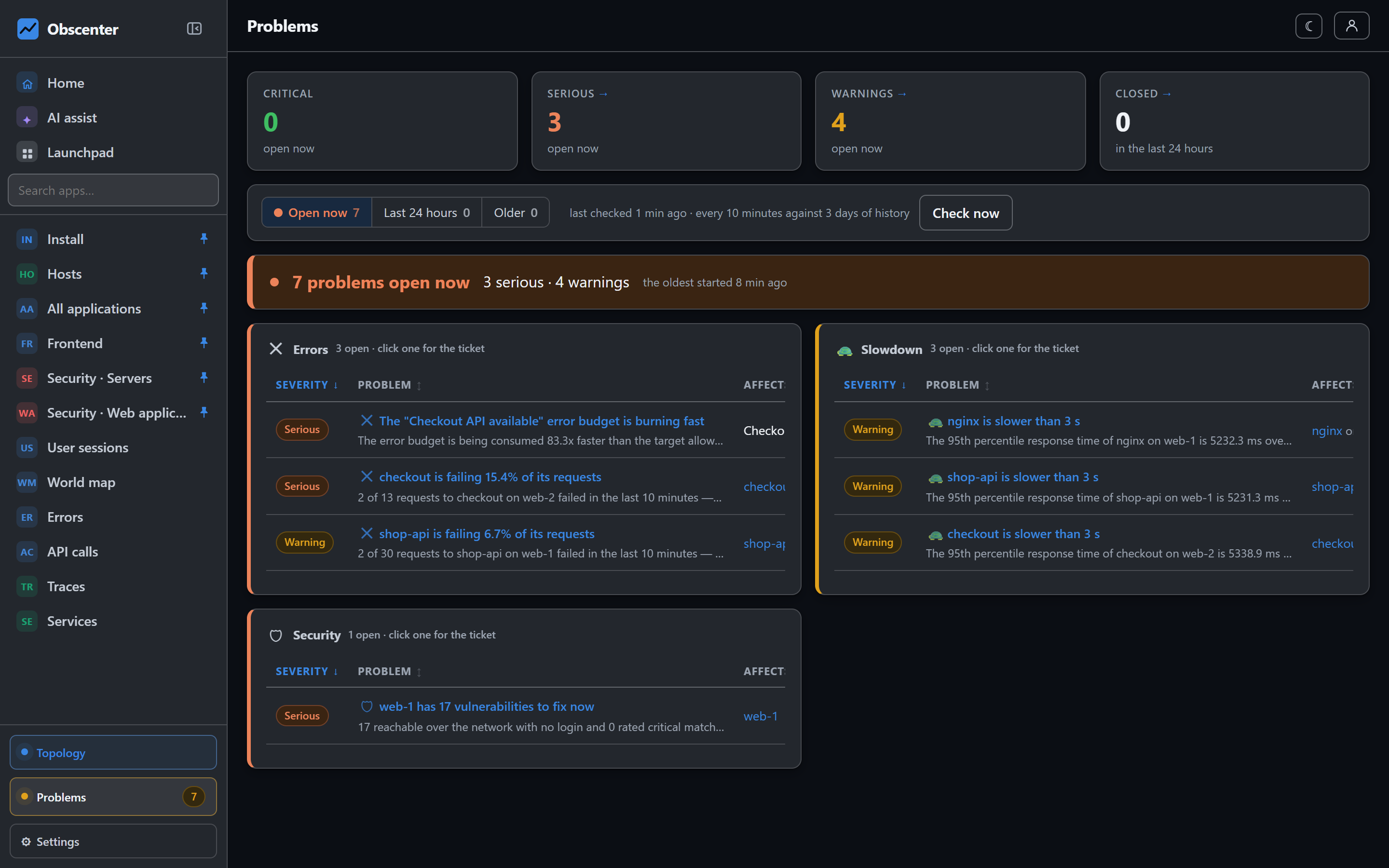
Root cause analysis instead of alert fatigue
One ticket per fault, judged against its own baseline, with the root cause named from your traces and routed to Slack, Teams, email or a webhook.
Read the walk-through -
 06 / 24
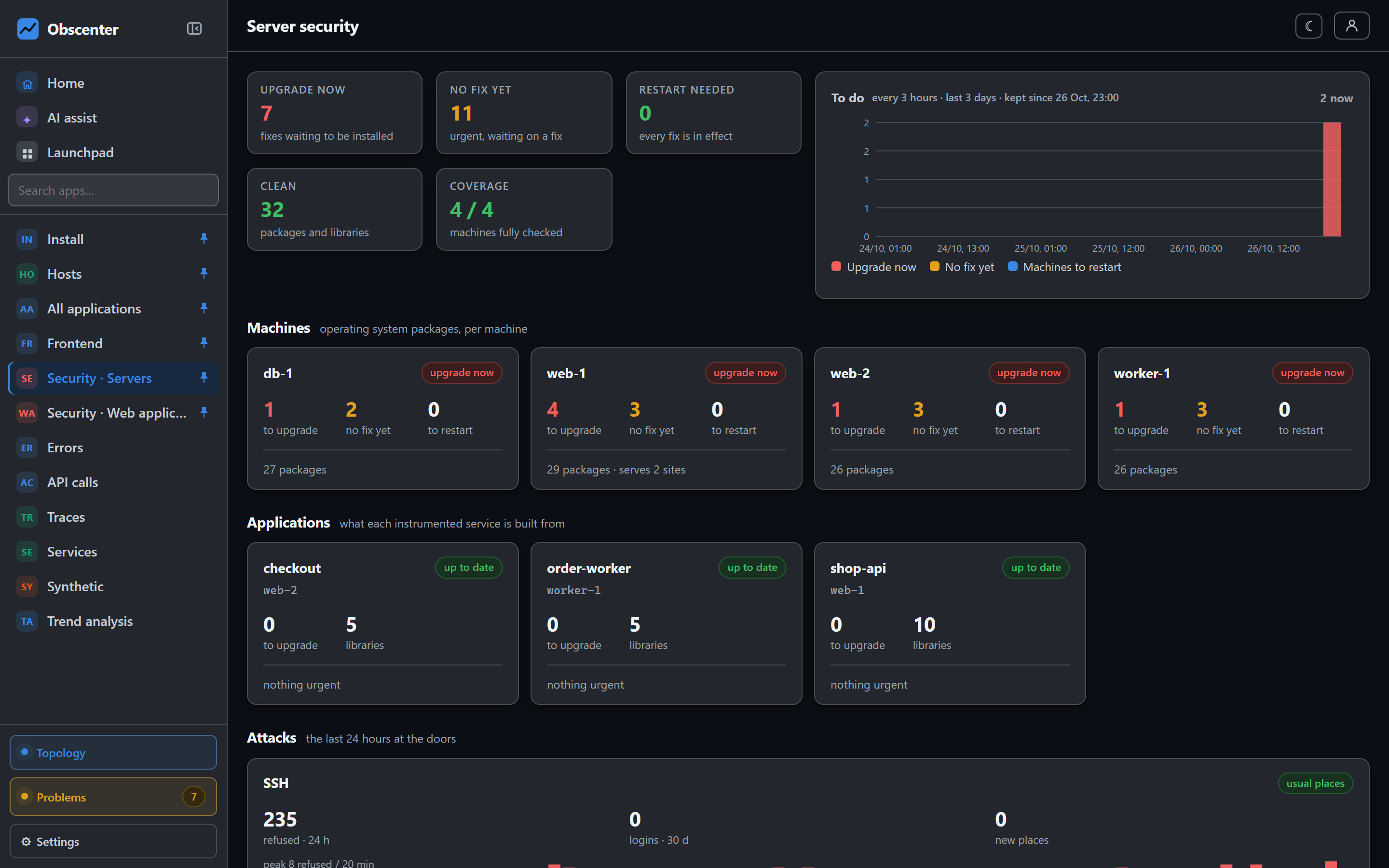
Linux server security monitoring without another tool
CVE scanning by source package with KEV and EPSS, reboots and restarts that are due, SSH logins from new places, scanners, and a sign-in log for the dashboard.
Read the walk-through -
 07 / 24
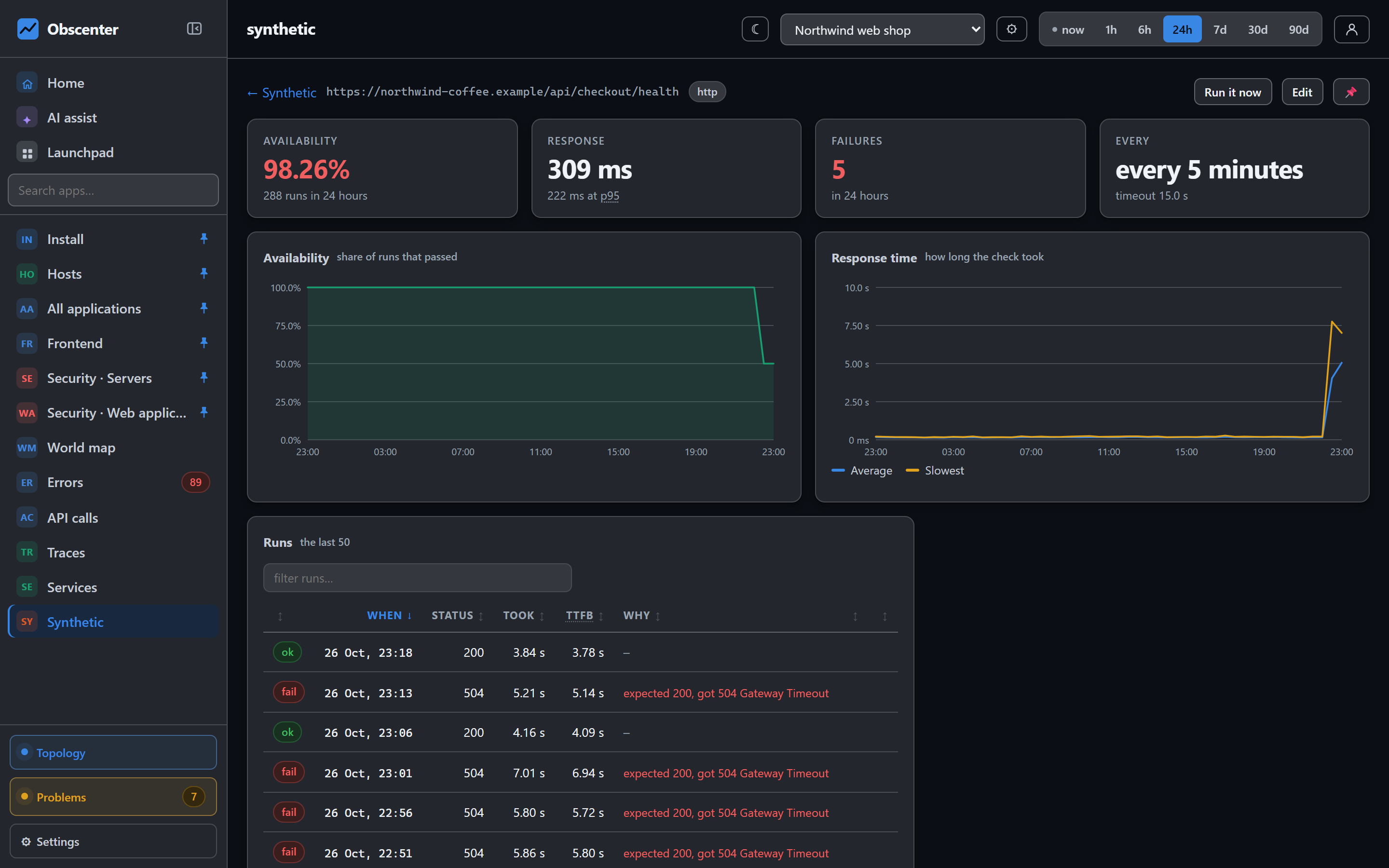
Synthetic monitoring and load testing in one place
HTTP checks with phase timings and certificate expiry, real-browser checks with click paths and screenshots, and JMeter load tests sized to the machine.
Read the walk-through -
 08 / 24
Self-hosted observability: one Node process, one SQLite file
Obscenter runs on Node and SQLite with zero npm dependencies, keeps your data on your servers and scales to mirrors. Or use the hosted version, with teams.
Read the walk-through -
09 / 24
Automatic problem detection with learned baselines
How Obscenter judges every measurement against its own last three days, opens one ticket per fault, and closes it by itself when things are normal again.
Read the walk-through -
 10 / 24
React Native and Expo app monitoring without a native SDK
Monitor a React Native or Expo app with one vendored file: screens, cold starts from the tap, crashes, failed requests, long tasks, and optional native replay.
Read the walk-through -
11 / 24
SSH brute force and attack detection for your servers
Detect SSH and RDP password guessing, spraying, logins from new places and web scanners from logs your agent already reads, mapped by country and source.
Read the walk-through -
12 / 24
Vulnerability scanning with CVE, KEV and EPSS
Every host package and library checked against OSV every four hours, by source package, ranked by CISA KEV and EPSS, with one upgrade command per machine.
Read the walk-through -
 13 / 24
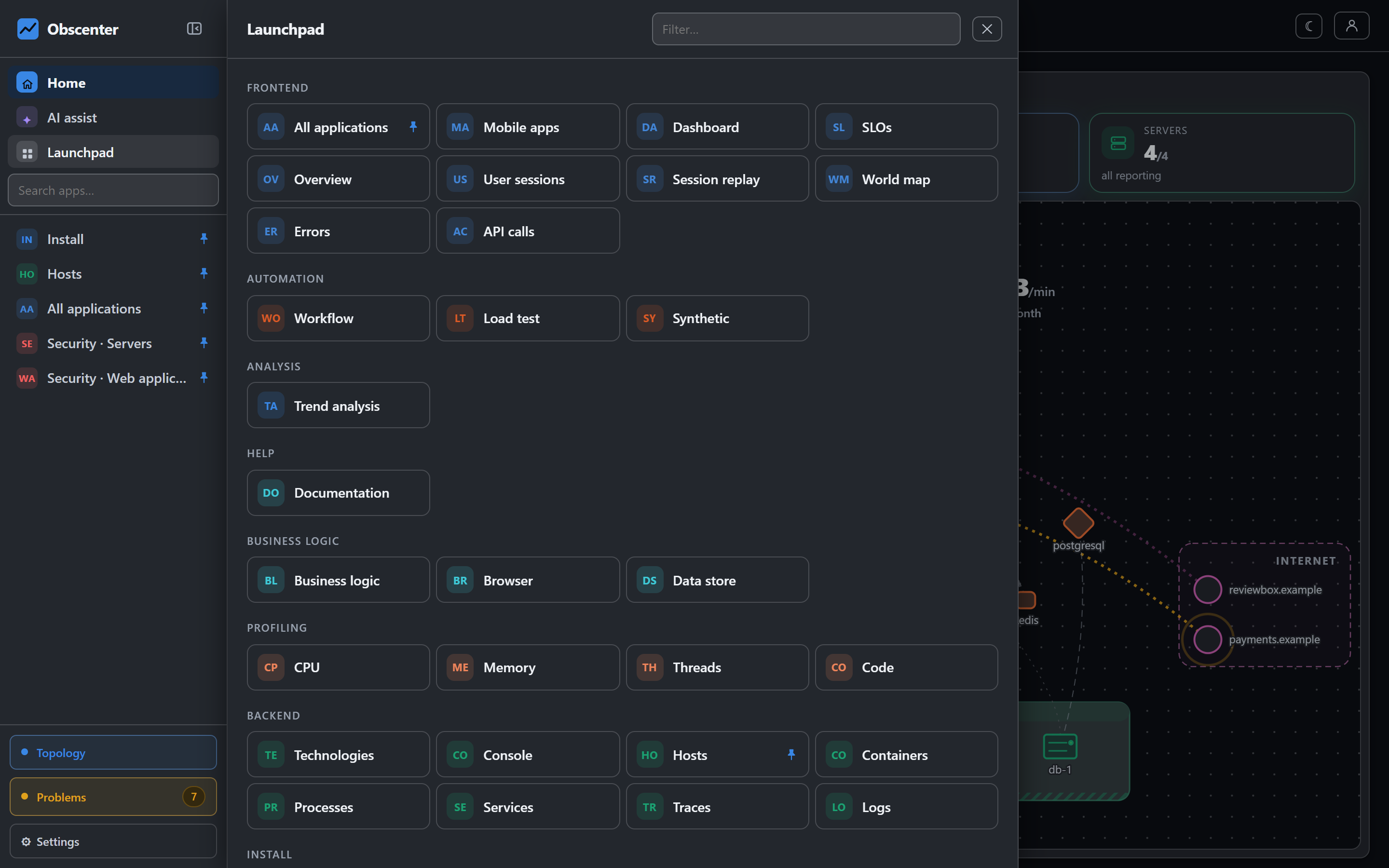
Load testing with JMeter, sized to the machine running it
Shape a ramp, spike or soak, run it with JMeter from the dashboard, and be told up front whether the machine generating the load can actually drive it.
Read the walk-through -
 14 / 24
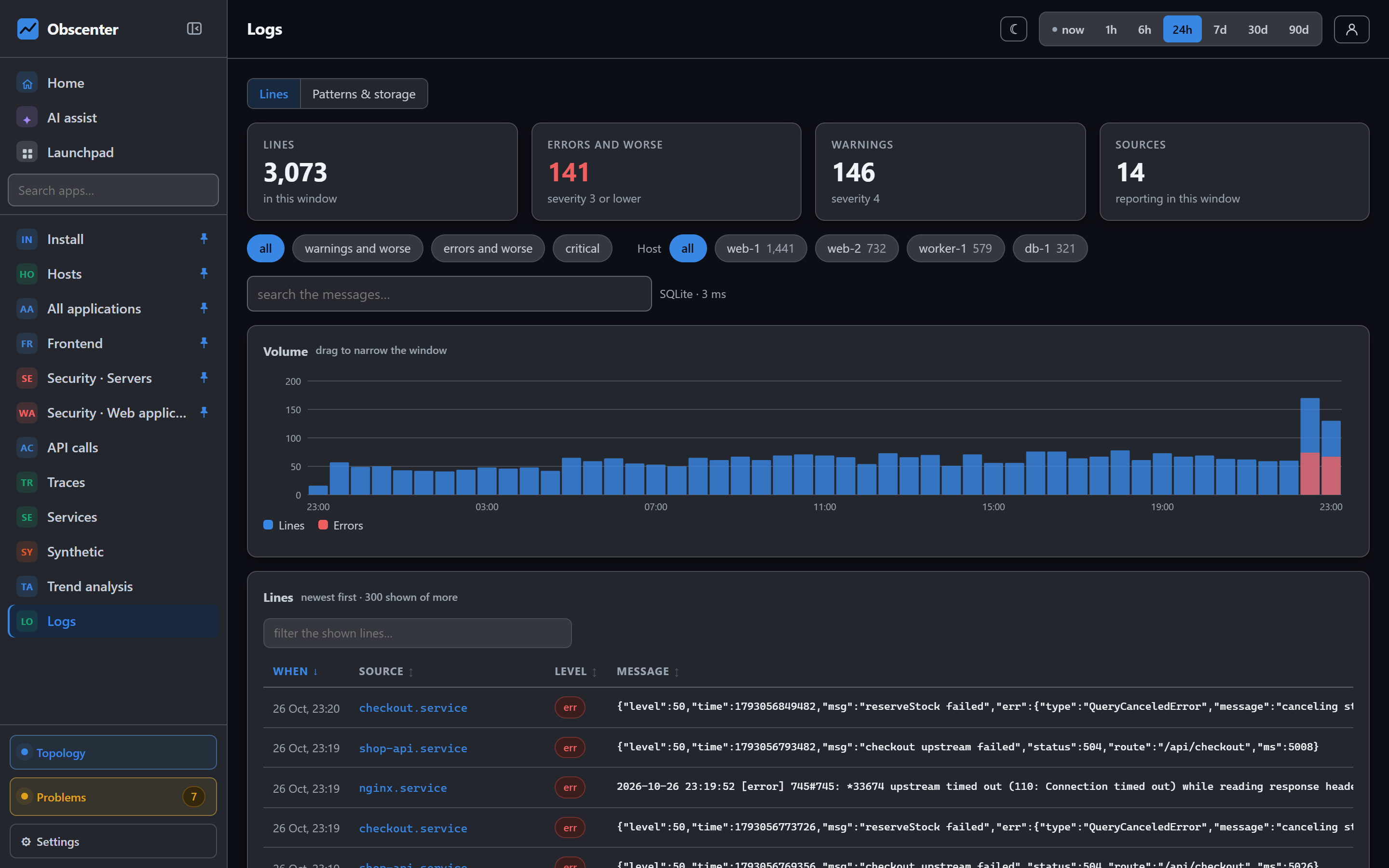
Server log monitoring: journald, files and log patterns
Collect systemd journal units and log files from every host, see which sources are worth it, filter by level, and drop noise by pattern at the collector.
Read the walk-through -
15 / 24
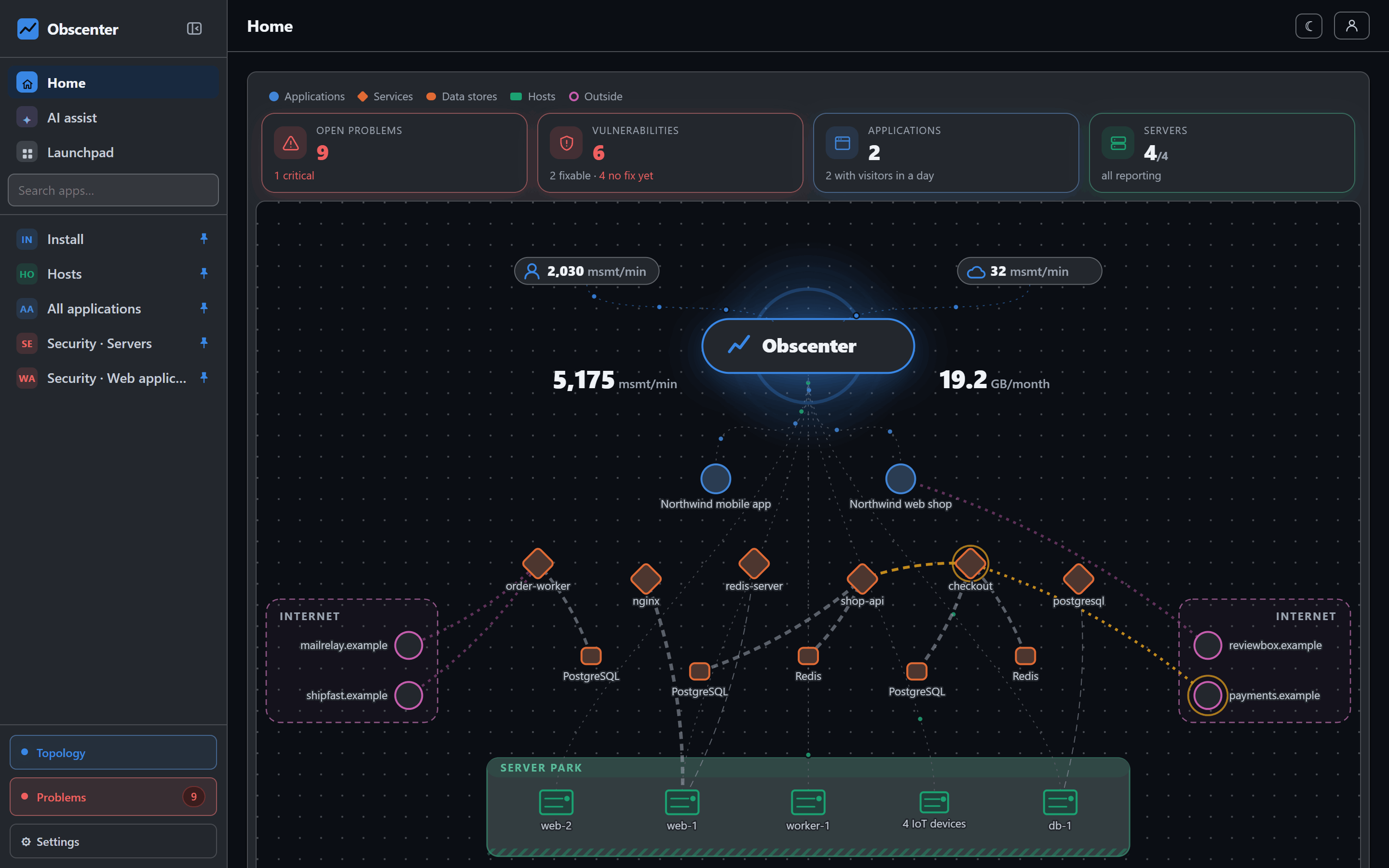
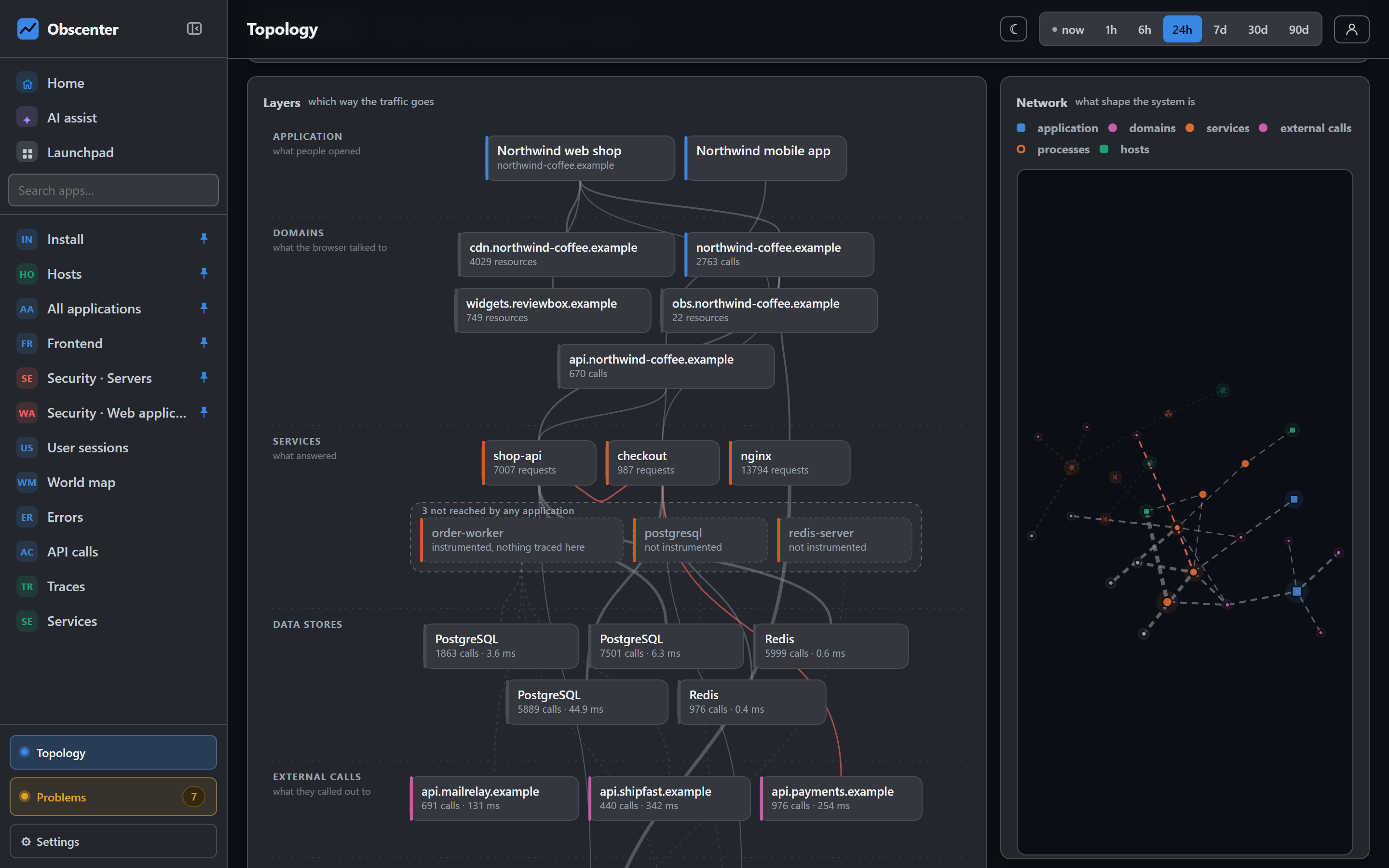
A live service topology map, drawn from real traffic
A service dependency map from browser to service to database and external APIs, where every line is a measured call and every machine is on the map.
Read the walk-through -
 16 / 24
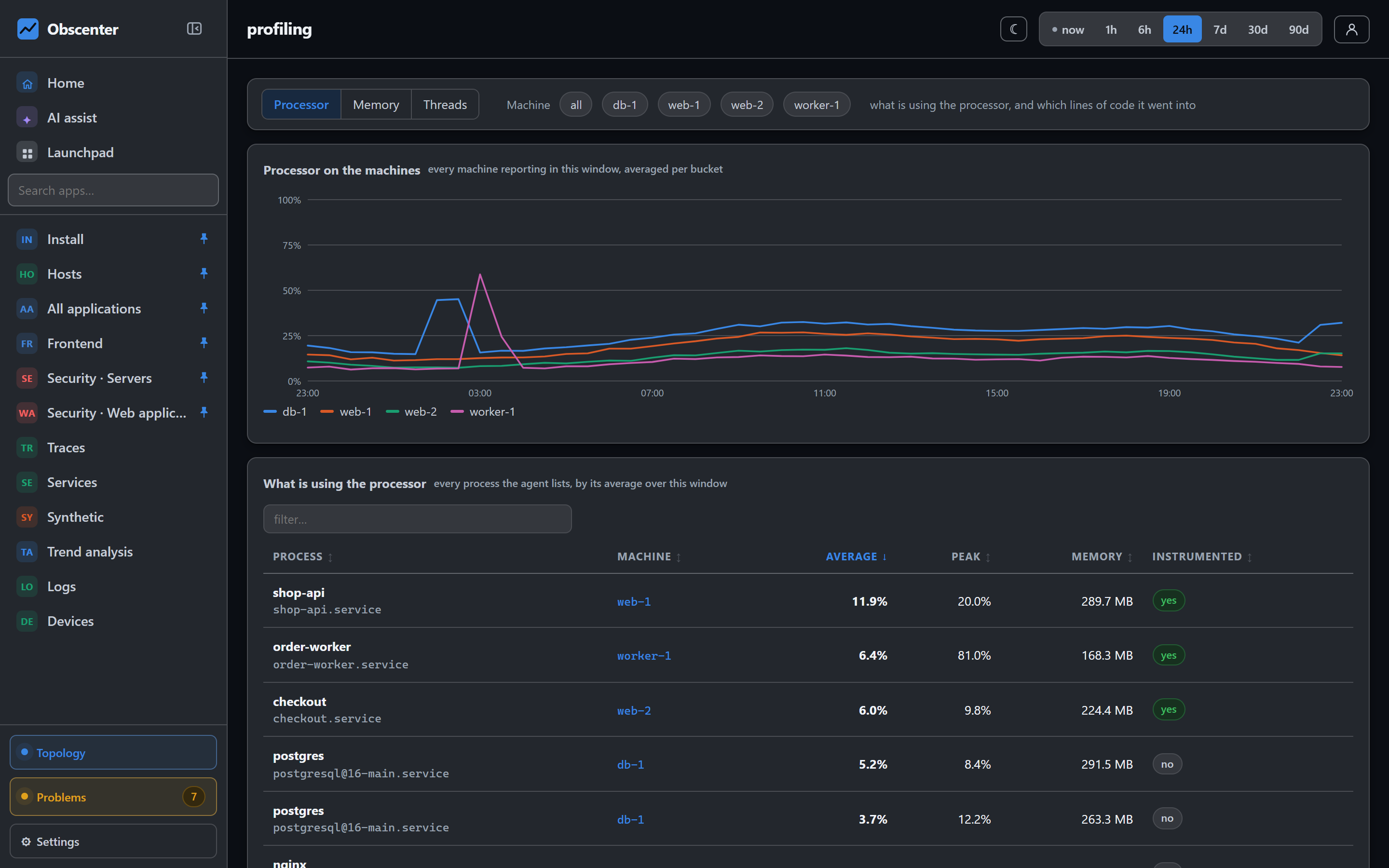
Code-level profiling for Node.js in production
Sampled CPU profiles, heap growth with time left, event loop saturation, and pins for functions you must keep measuring, within a 1% budget of the main thread.
Read the walk-through -
17 / 24
SLOs, error budgets and burn-rate alerting
Set availability, error and latency objectives, track the error budget over a rolling window, and alert on one-hour and six-hour burn rates, not every blip.
Read the walk-through -
18 / 24
Incident workflow automation when a problem opens
When a problem opens: branch, wait, look things up, ask a model, write the message, call a webhook or send mail. What runs today, and what does not yet.
Read the walk-through -
19 / 24
A browser terminal to any server, with no SSH port open
Open a root terminal on a monitored Linux server from the browser, through the agent already on it: nothing listening, off until the machine allows it, every session audited.
Read the walk-through -
20 / 24
Attention heatmaps: which part of a page was actually read
Time on screen for every band of a page, rebuilt from session recordings, even for visits recorded before you asked. Plus scroll depth, sections and video.
Read the walk-through -
 21 / 24
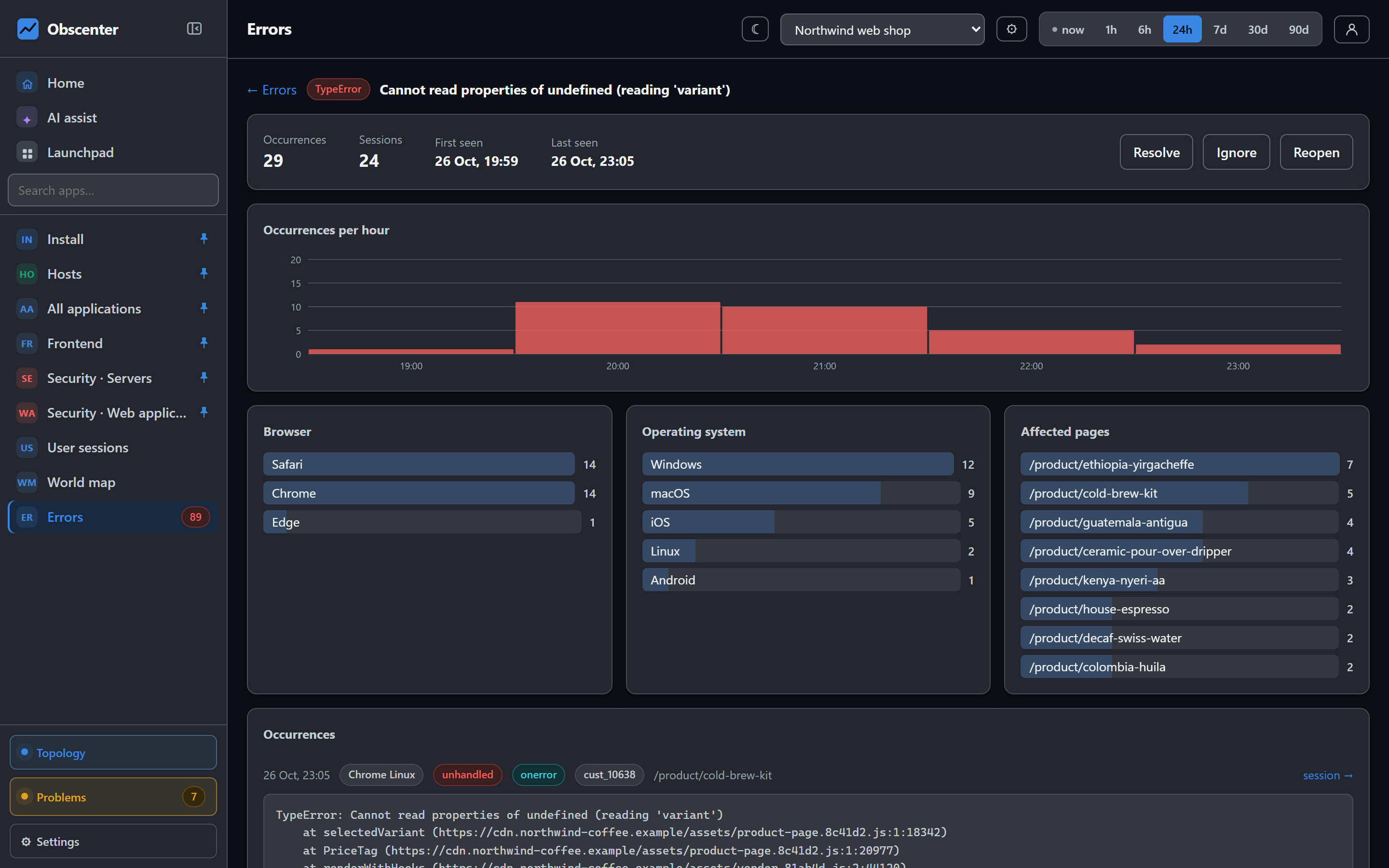
Sentry integration: issues and releases beside your own data
Connect a Sentry organisation and see its issues, releases, crash-free sessions and users next to your traces and machines, pulled every five minutes.
Read the walk-through -
 22 / 24
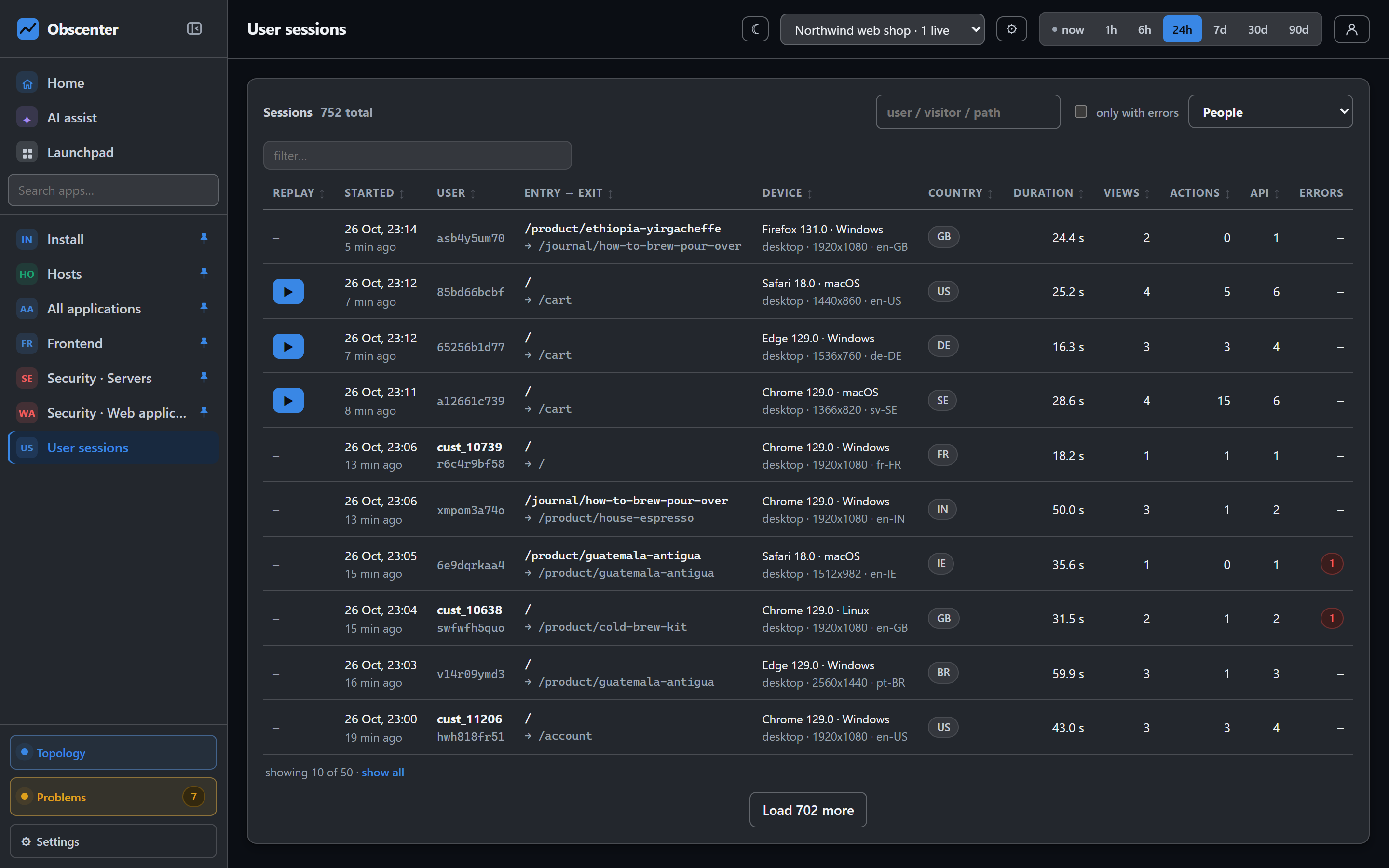
Conversion funnel analysis, walked in order per session
Build funnels from page paths and custom events, walked strictly in order per session, then find out why people left from their sessions and replays.
Read the walk-through -
 23 / 24
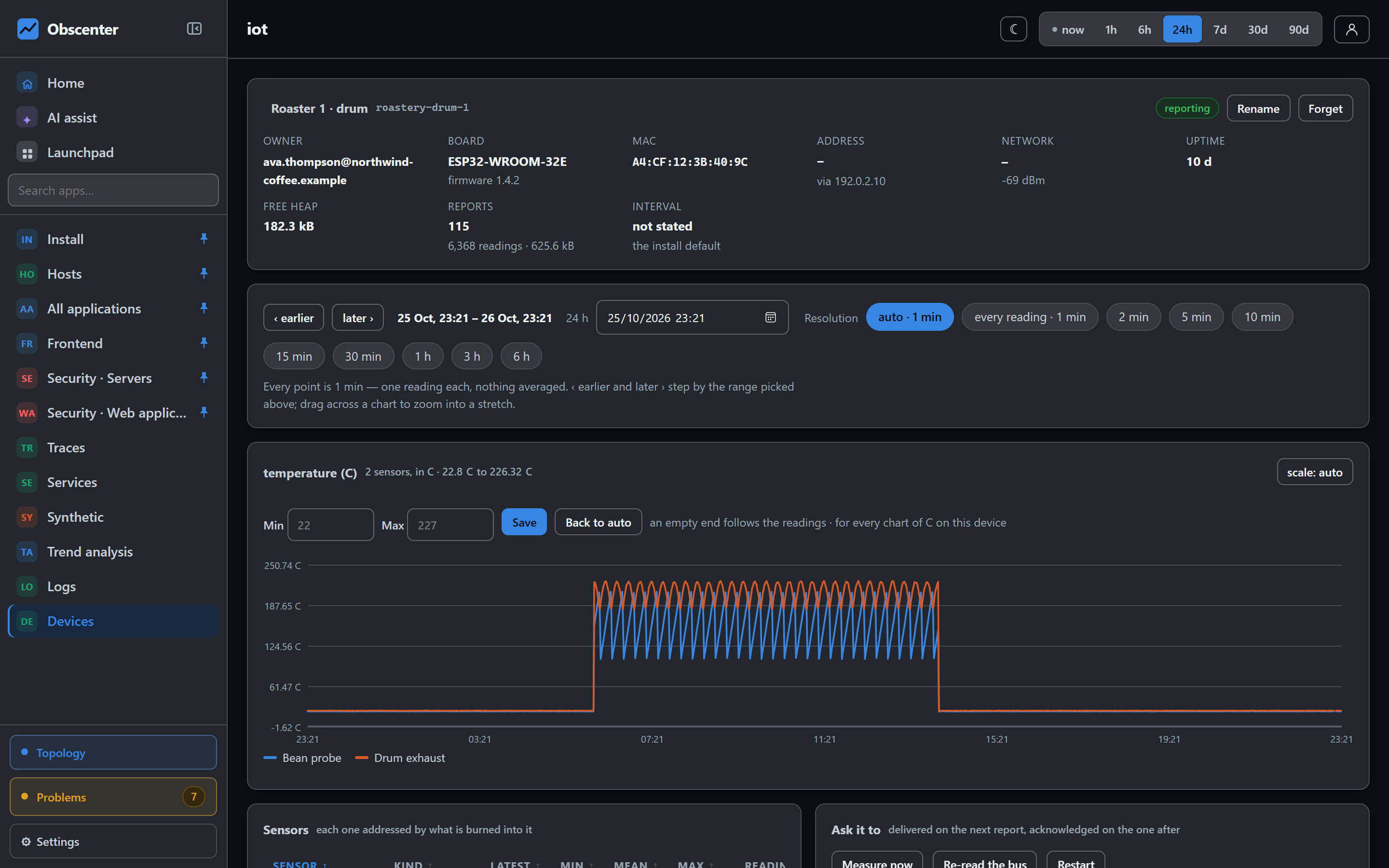
IoT device monitoring: an ESP32 thermometer in one HTTP call
Monitor ESP32 sensors with one JSON POST and no agent: readings, device health, logs and report traces, plus settings and actions sent back on the answer.
Read the walk-through -
24 / 24
Custom dashboards and an AI assistant that asks first
Pin any chart into dashboards of your own, share them with your organisation, and ask an assistant that reads your data and offers changes as buttons you press.
Read the walk-through