Blog 26 October 2026 · 6 min read
Self-hosted observability: one Node process, one SQLite file
Obscenter runs on Node and SQLite with zero npm dependencies, keeps your data on your servers and scales to mirrors. Or use the hosted version, with teams.
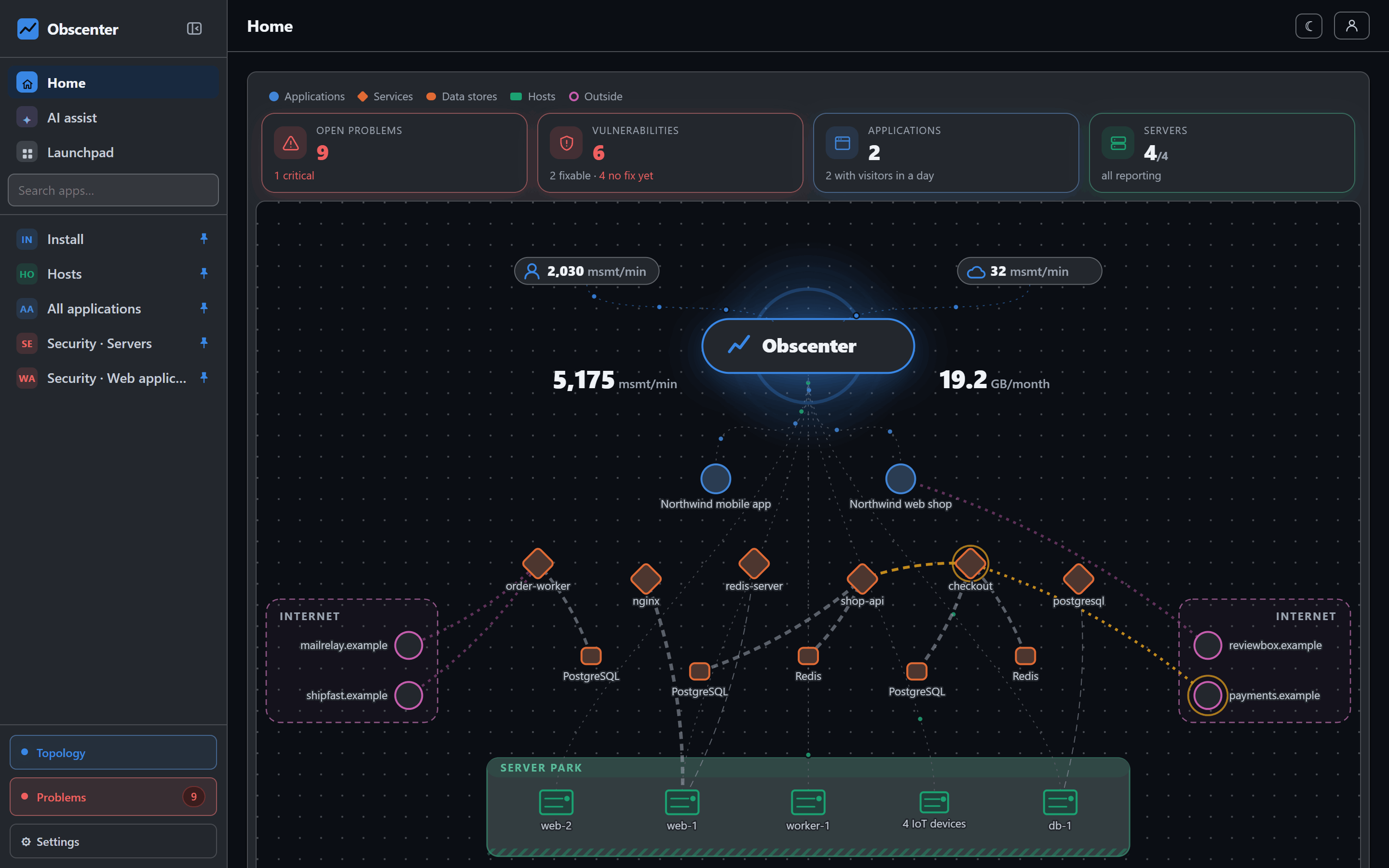
A full observability stack usually means a time-series database, a log store, a trace store, a queue between them, a dashboard on top, and somebody whose job is keeping all of it alive. For a large organisation that is a reasonable trade. For a small team with a web shop, a mobile app and a few servers, it is more infrastructure than the thing being monitored.
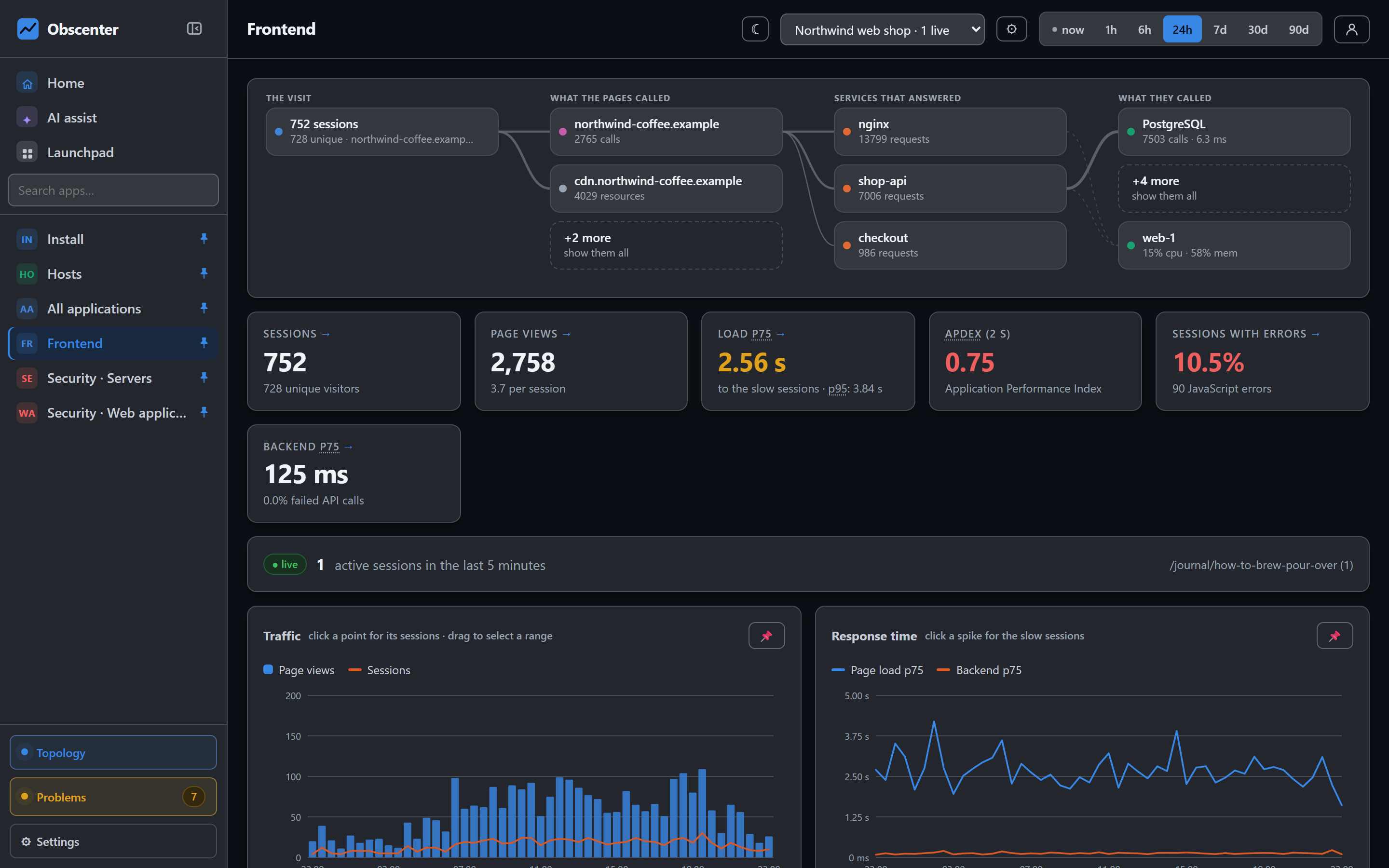
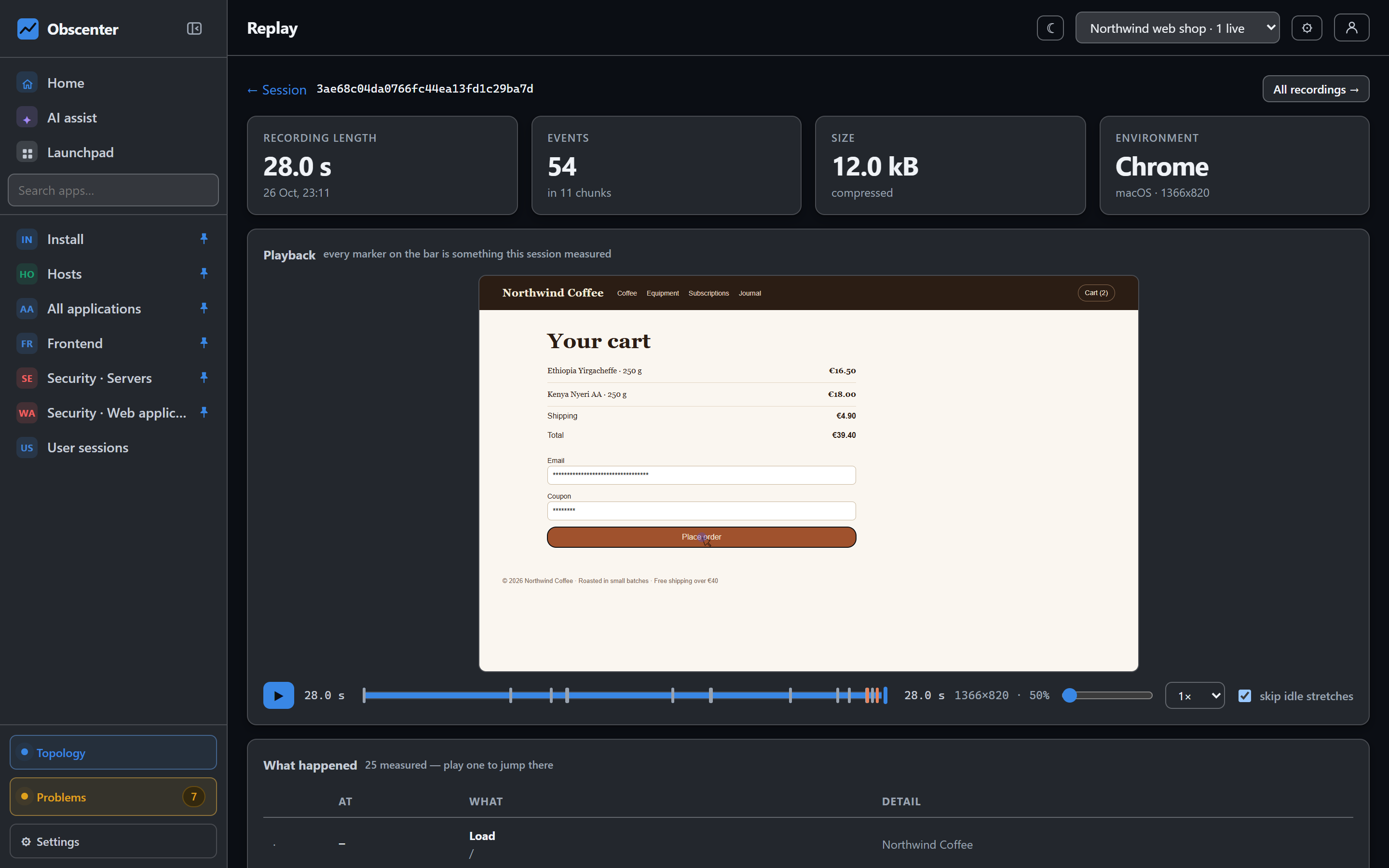
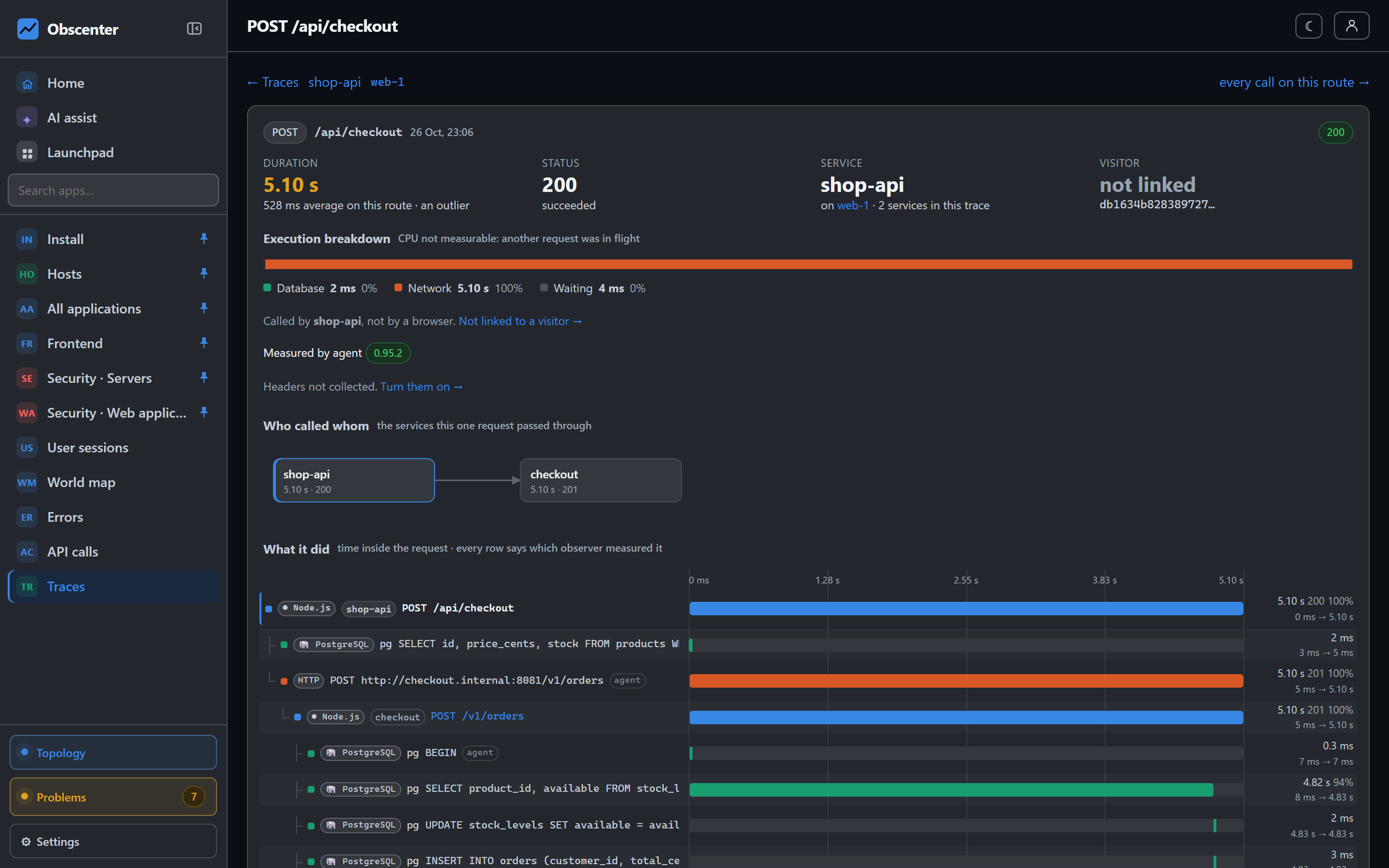
Obscenter takes the opposite position: one Node process and one SQLite file, covering real users, servers, traces, logs, security and alerting — on your own machine, or hosted by us.
How small a self-hosted observability stack can be
The collector, the API, the dashboard and the problem engine are one Node.js program. It needs Node 22.5 or newer, because it uses Node's built-in node:sqlite and node:http. There is no npm install and no build step. Configuration is a .env file: the public URL that goes into the generated snippets, retention, and whether the server sits behind a reverse proxy.
The code is not published, so self-hosted here does not mean a download. If your data has to stay on your own machine, we install Obscenter on your server, on request, and hand it over to you. You get the same software that runs obscenter.site. Write to info@obscenter.site.
Zero npm dependencies
The server's package.json has no runtime dependencies. Not a small number — none. The client-side libraries the dashboard uses — Leaflet for maps, rrweb for session replay and xterm.js for the console — are vendored into the install with a generated hash manifest, and served from it rather than a CDN.
That has practical consequences:
- Nothing to audit but the code. No transitive tree of packages to keep patched, and no install step that reaches out to a registry.
- The things that would normally be libraries are written for the job. Browser checks drive Chrome over the DevTools Protocol on Node's native WebSocket. IP-to-country lookups use a local table in memory. Mail goes out over the built-in SMTP client.
- It checks itself. The security page re-hashes the vendored files and reports a file that changed on disk.
Why SQLite is enough
SQLite runs in WAL mode, and each beacon is processed in a single transaction. Ingest and queries live in their own modules, separate from the schema. Heavy work stays off the request path: the retention purge, backups and the infrastructure rollup run on a thread of their own, the detectors on another, and dashboard reads on a pool of reader threads — nobody waits for the purge, and the collector's writes still commit.
The whole state of the install is one database file. Backing it up is copying a file, and Obscenter does it on its own: a backup runs once a day by default, and on a multi-node install the archive is streamed to every peer.
reset empties the measurement tables, for all applications or one, and leaves the logins alone.Retention, rollups and backups
| Data | Kept for (default) |
|---|---|
| Raw measurements | 30 days, set per application |
| Hourly aggregates | 400 days |
| Session recordings | 7 days, set per application |
Long-range charts read the hourly aggregates, so the history survives after the raw rows are purged. A rollup runs every minute and always recomputes the last few hours, so late beacons are still counted.
And because an observability tool is rarely asked what it costs, Obscenter measures that about itself: the agent's processor share of one core, the bytes the collector actually received from each host, and the sampled cost of a span. What it cannot measure is listed on the page, rather than rounded to zero.
What it talks to on the network
A self-hosted monitor should not phone anywhere you did not choose. The agents talk only to your collector — even the Node runtime the Linux installer may need is fetched from your collector, which downloaded and checksummed it once. The collector itself reaches out for the features that need it: the public vulnerability feeds (OSV, CISA KEV, EPSS), the checks and asset audits you configure, mail delivery, the one-time downloads of the agents' runtime and the load-test engine, and a language model if you set one up. Geolocation is a local table; no visitor address is sent anywhere. The map's basemap tiles come from OpenStreetMap by default and are loaded by your browser; set MAP_TILES=off and the dashboard draws an offline vector map instead, with no external request at all.
When one node isn't enough
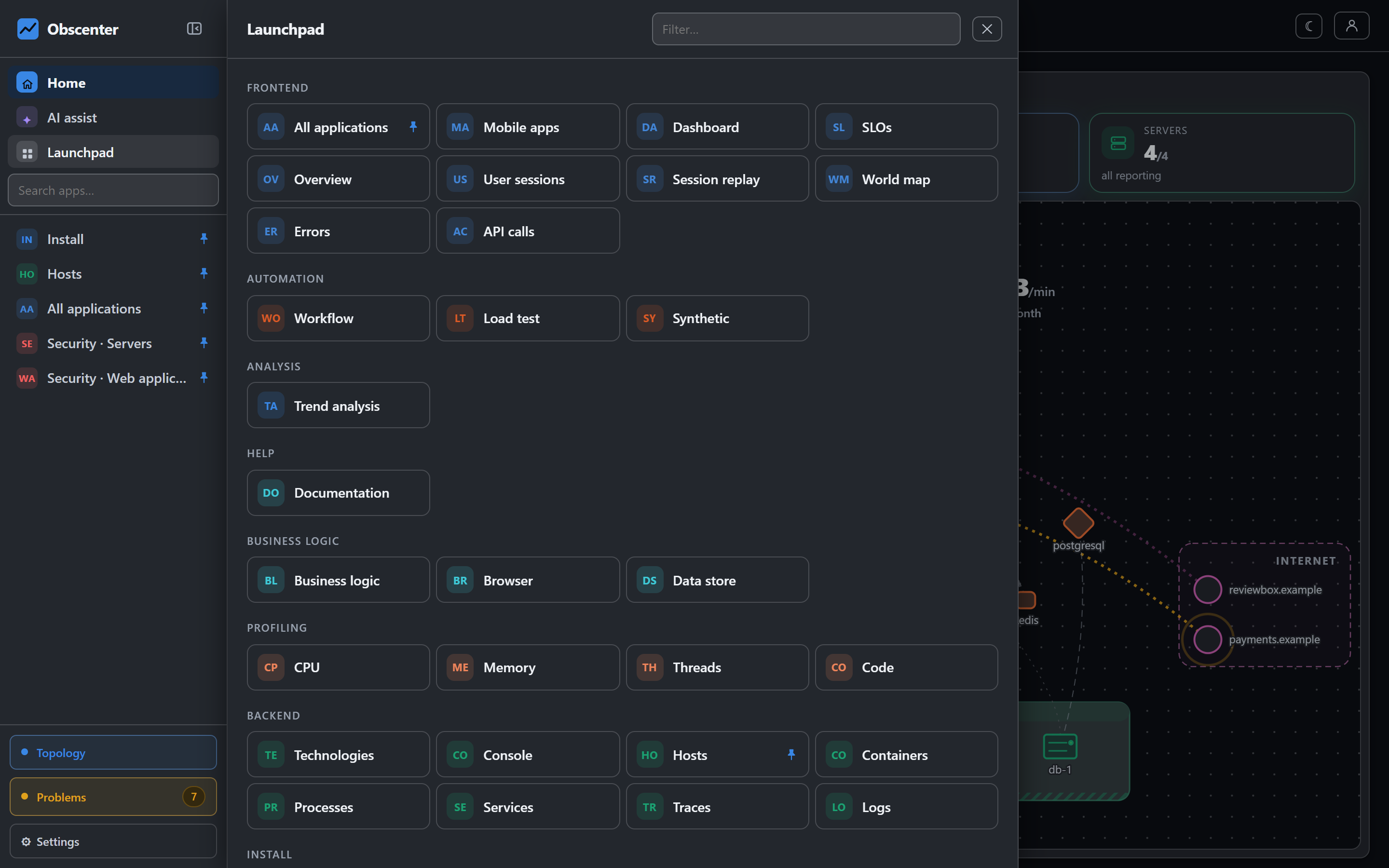
An install can run on several machines: one primary that the agents and tags report to and that sends the alerts, and mirrors that receive a copy of every ingest request and serve the same dashboard from their own stores. The settings page asks every node what it is holding right now, so the cluster view is never a list somebody typed in and forgot. Where a ClickHouse server is available, logs and time series can be kept there, beside SQLite.
Organisations, teams and roles
One install can hold many organisations, and everything — applications, machines, devices, checks, keys — belongs to exactly one of them. Inside an organisation there are four roles:
- Owner — everything, including the other owners.
- Admin — everything in the organisation: members, keys, channels.
- Member — what was granted to them or their teams, and may act on it.
- Viewer — the same, read-only: no installs, no automation, no console, no keys.
Teams group people and carry grants, so "the payments team sees the payments machines" is one rule, and notification policies can route to a team rather than a list of addresses. People join by invitation (invitations expire after seven days), sign in with a password, with Google, or by scanning a QR code from a phone that is already signed in. API keys come in two kinds: view keys, which read and never write, and write keys.
Something that is not yours answers exactly like something that does not exist: the product does not tell another organisation's machine from a missing one.
Or let us host it
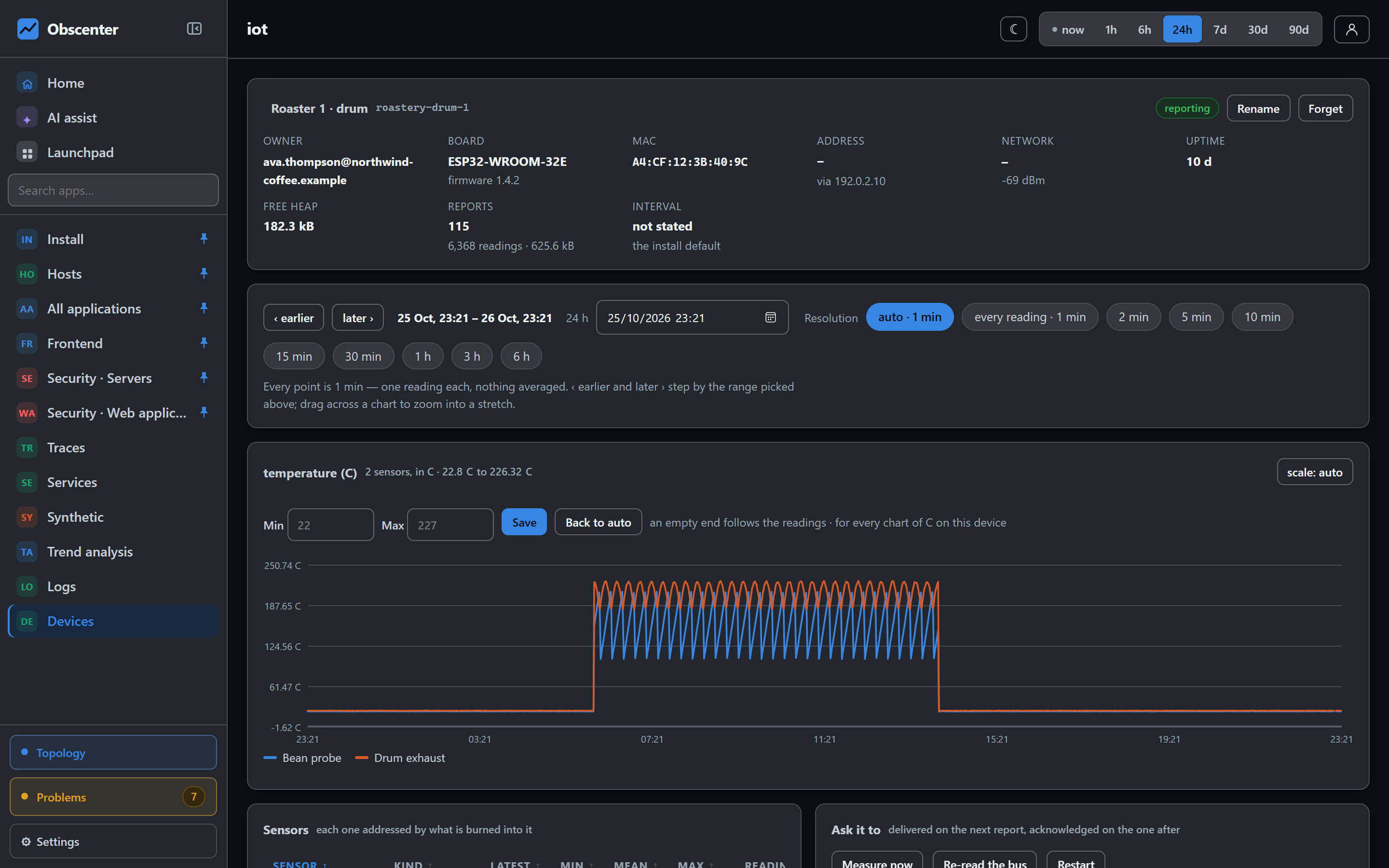
If running it yourself is not the point, obscenter.site runs the same product as a hosted service. Registration is open, with a 15-day free trial with 1 server, unlimited websites and mobile apps; then a licence — info@obscenter.site. Invite your whole team: access is decided by roles and grants, not by a seat count.
Either way the data model is the same: what your tag and agents send belongs to your organisation, and you decide what is collected.
Get started
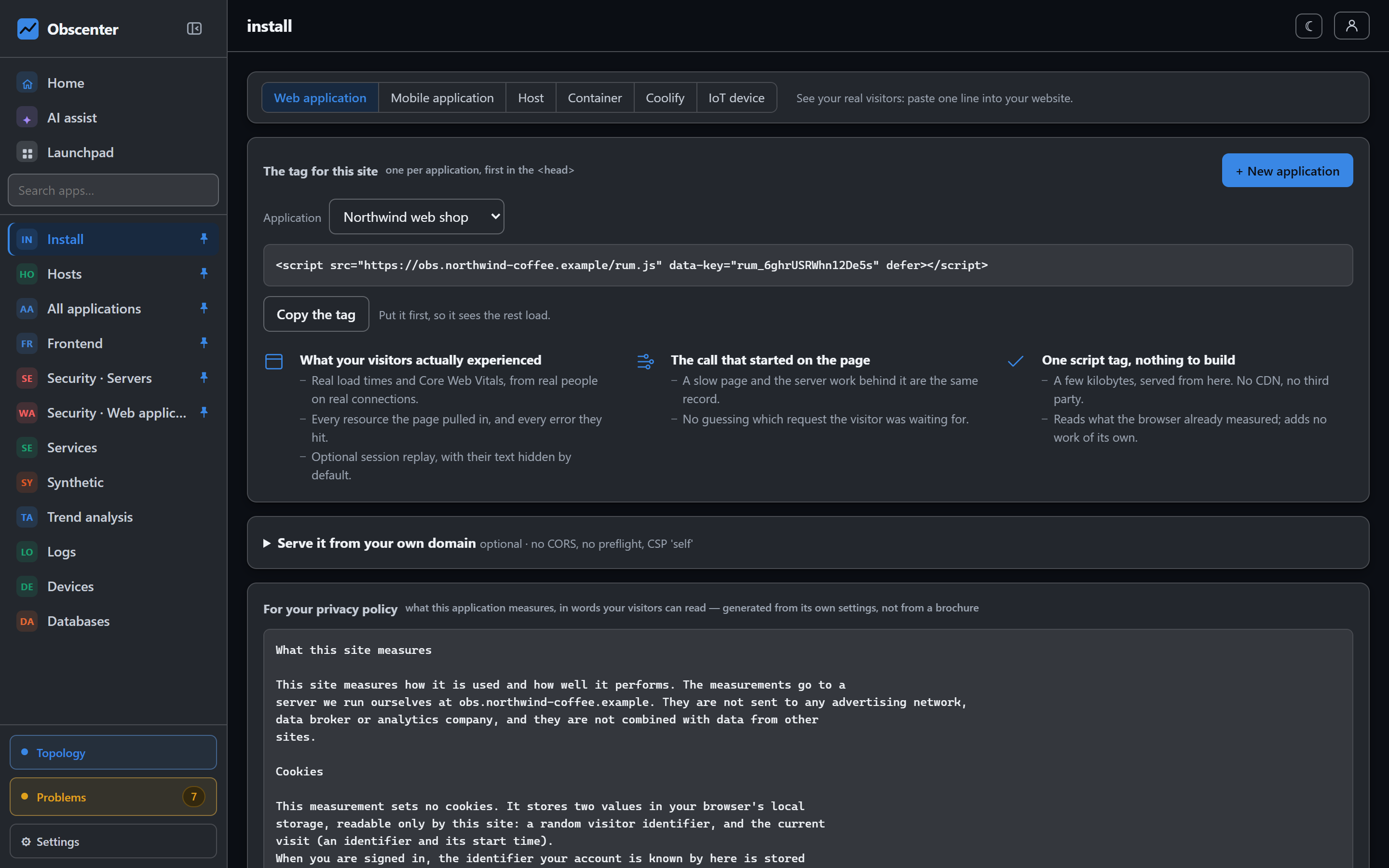
Create an organisation on the hosted service in a minute, or read the documentation to run your own.
Start free, read Getting started, or browse the documentation.