Blog 26 October 2026 · 6 min read
SSH brute force and attack detection for your servers
Detect SSH and RDP password guessing, spraying, logins from new places and web scanners from logs your agent already reads, mapped by country and source.
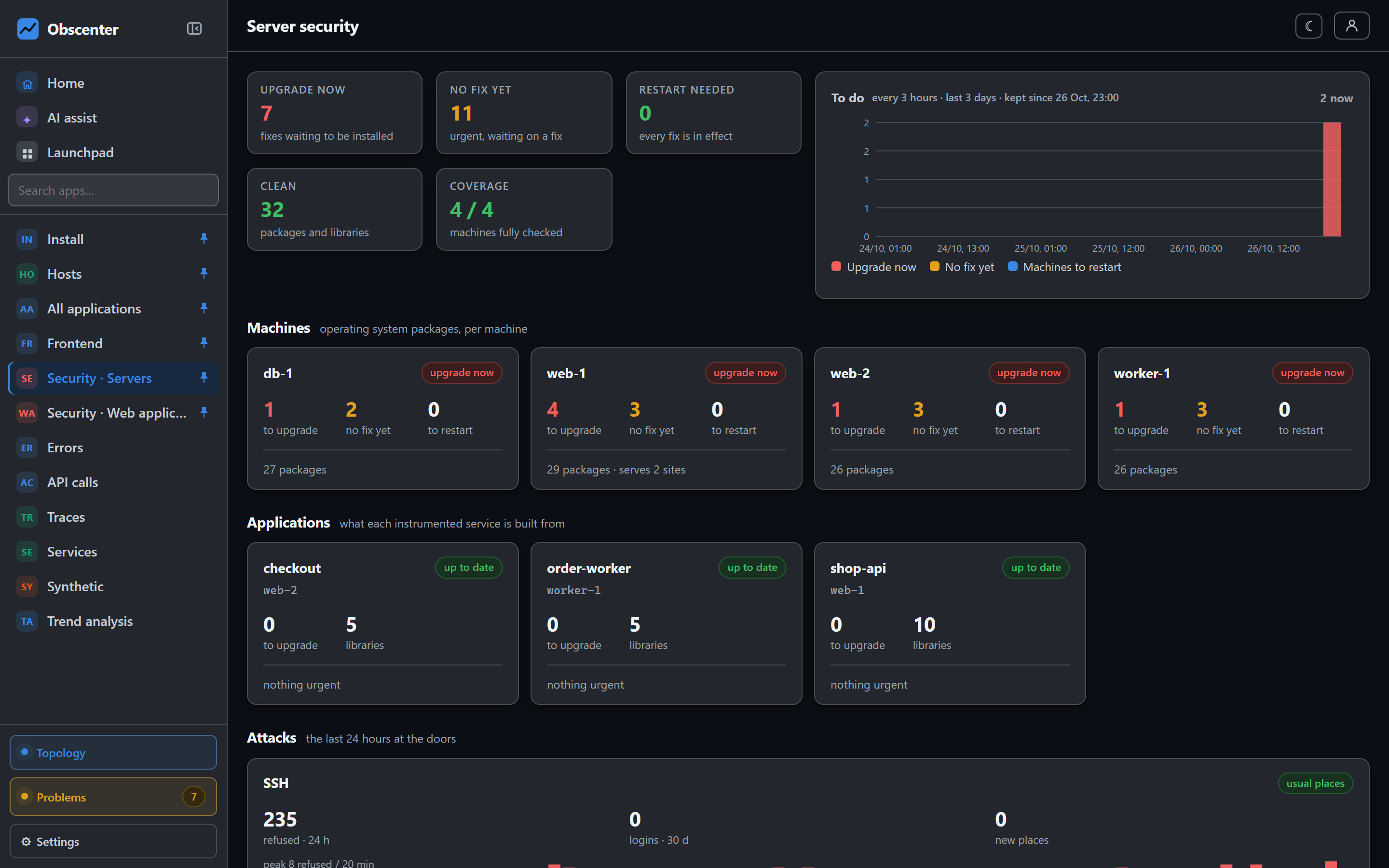
Any server with a public address is being tried right now: SSH passwords against root and admin, RDP logons against Administrator, and web requests for /.env, /.git/config and old admin panels. Almost all of it is background noise. The job of attack detection is to keep it as background — counted, mapped, out of the way — and to be loud about the very few events that are not noise.
Obscenter does that from logs its agents already read. There is no separate sensor to install.
Where the data comes from
- SSH:
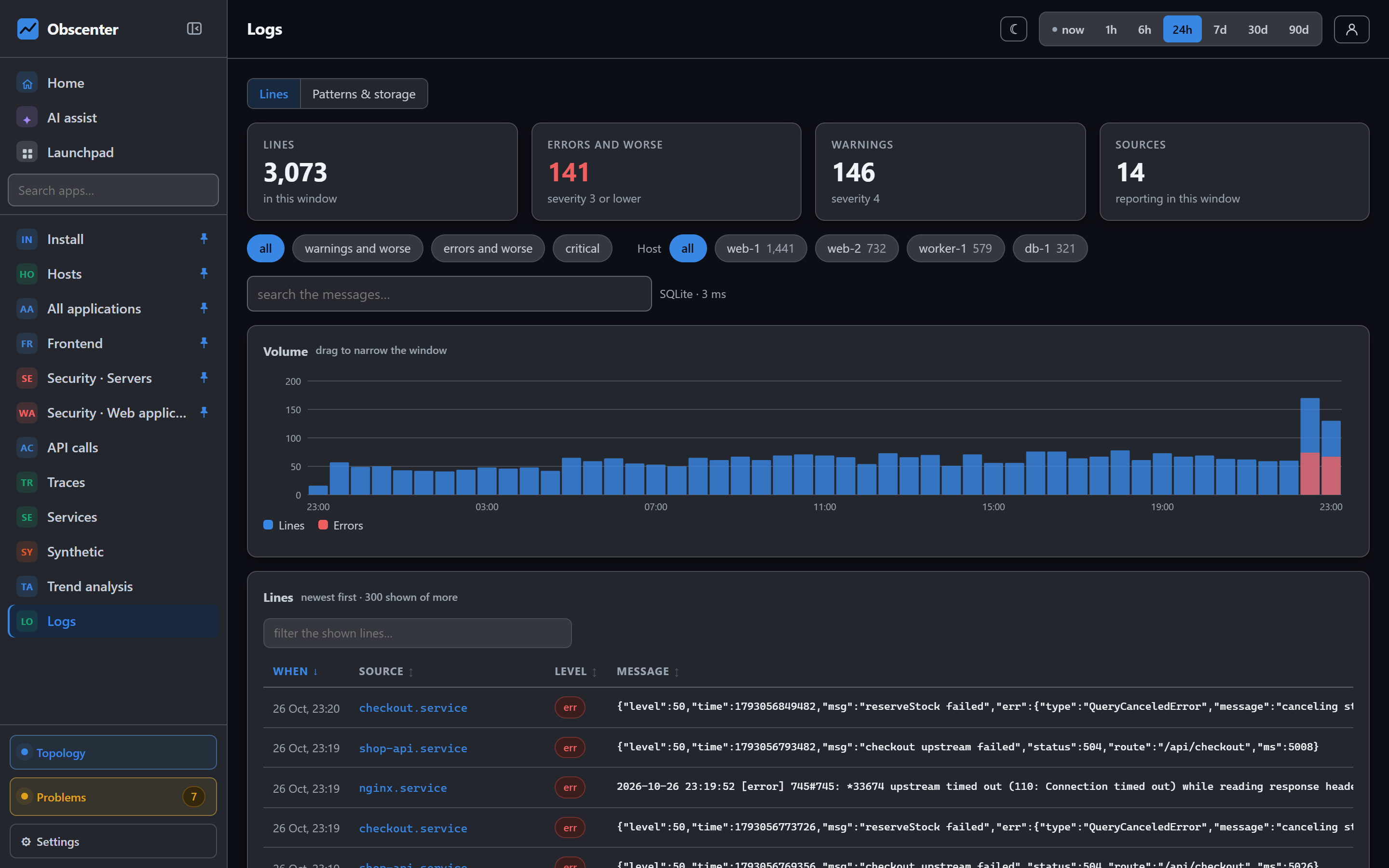
auth.logor the SSH journal unit. It is always among the agent's "worth switching on" log suggestions, because a quiet auth log is the good case. - Windows: the Security event log, events 4625 (failed) and 4624 (succeeded), read as structured fields so it works on a Windows in any language. RDP is told apart from other logon types.
- Scanning: the nginx or Apache access logs the agent collects.
Failed attempts and scanners are kept as a salted hash and a country, never as an address — enough to follow one source through the table, too little to identify anybody. Successful SSH logins are the exception: they show the address, the region and the reverse DNS name, because the question about a login that worked is "was that me?", and you can only answer it if you can recognise your own connection.
SSH brute force: breadth, not volume
A detector that alarms on every failed login is switched off within a day. So the rules ask for breadth, which is what guessing looks like, rather than volume:
| Ticket | When | Severity |
|---|---|---|
| Guessing from one source | 10 or more failures across at least 3 accounts, or 5 accounts that do not exist, within 10 minutes | Warning; serious from 100 failures |
| Guessing from many sources | Several guessing sources on one machine, or 15 or more sources with 50 or more failures | Warning |
| A login worked after guessing | The same guessing pattern, then a success | Critical with a password, serious with a key |
| Login from a new place | A success from a network not seen before | Critical |
Somebody who mistypes their own password four times and then gets in is not an attack, and is not reported as one. A key login after failures is milder than a password login, because a key cannot be guessed. Your own successful logins show in green as signed in, not as an alarm.
Logins from new places
A login counts as usual when an earlier login came from the same network — the same /24 for IPv4 or /64 for IPv6 — or from the same provider's dynamic pool within the same wider block, because mobile carrier NAT moves you between /24s every day. A hosting provider's name never counts as usual: an attacker renting a server from the same provider is exactly the case to catch. When the agent first starts, the last eight days of logs are read in as the baseline, so the first week does not page you about yourself.
Anything else is a new place, and a critical ticket that mails, written in words: the machine, the place, your usual places, the local time, and what to do if it was not you.
RDP and Windows logon guessing
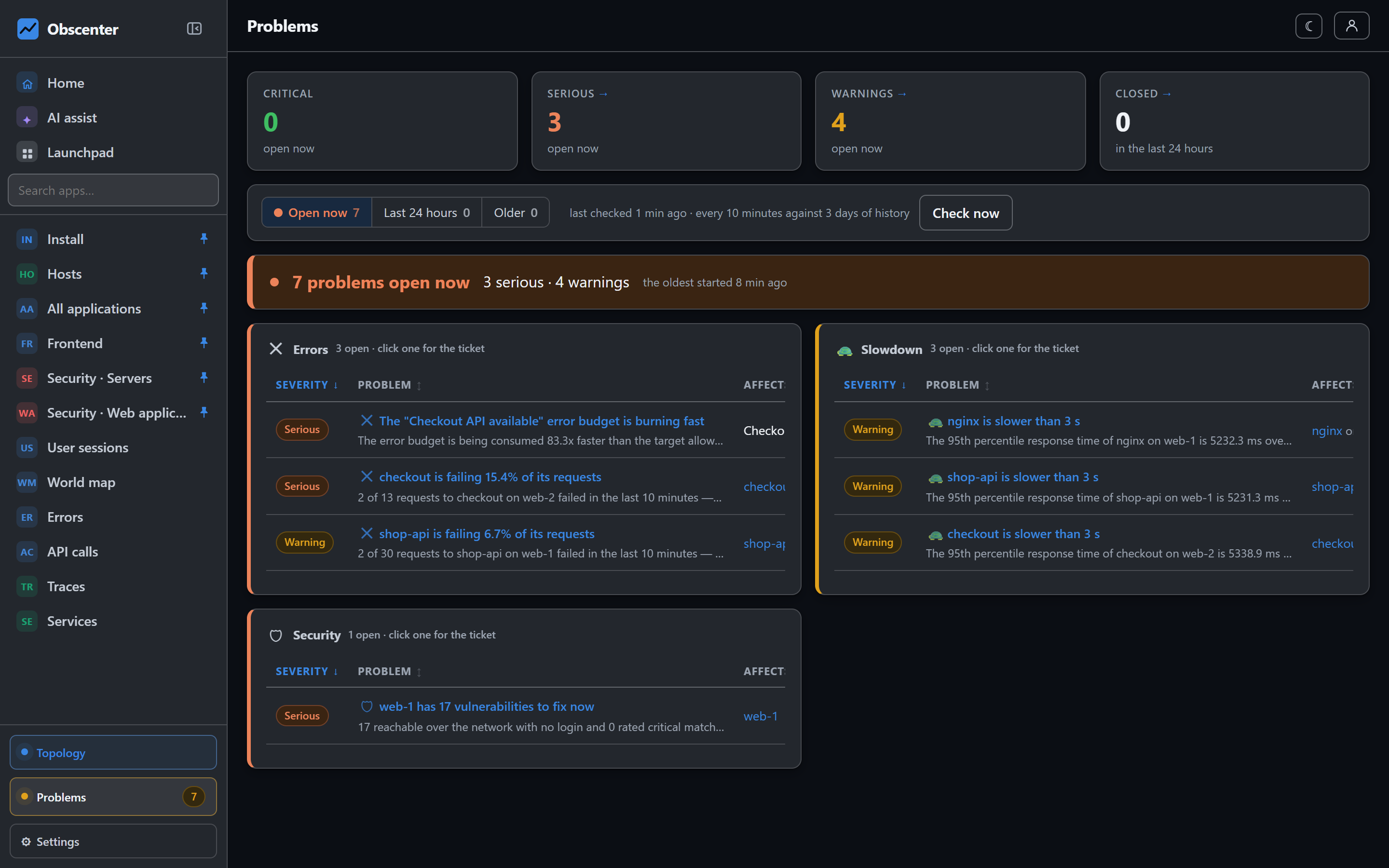
Windows logons follow the same rules: guessing from one source, guessing from many, and a logon that succeeded after failures, which is critical. One more ticket covers a single account failing again and again with the wrong password — usually a service still holding an old password, not an attacker, and worded as such. Every 30 minutes the Windows agent checks that the Security log is readable and that logon auditing is on, because a silent log on a machine with auditing off is not good news.
Web scanners and the 200 that matters
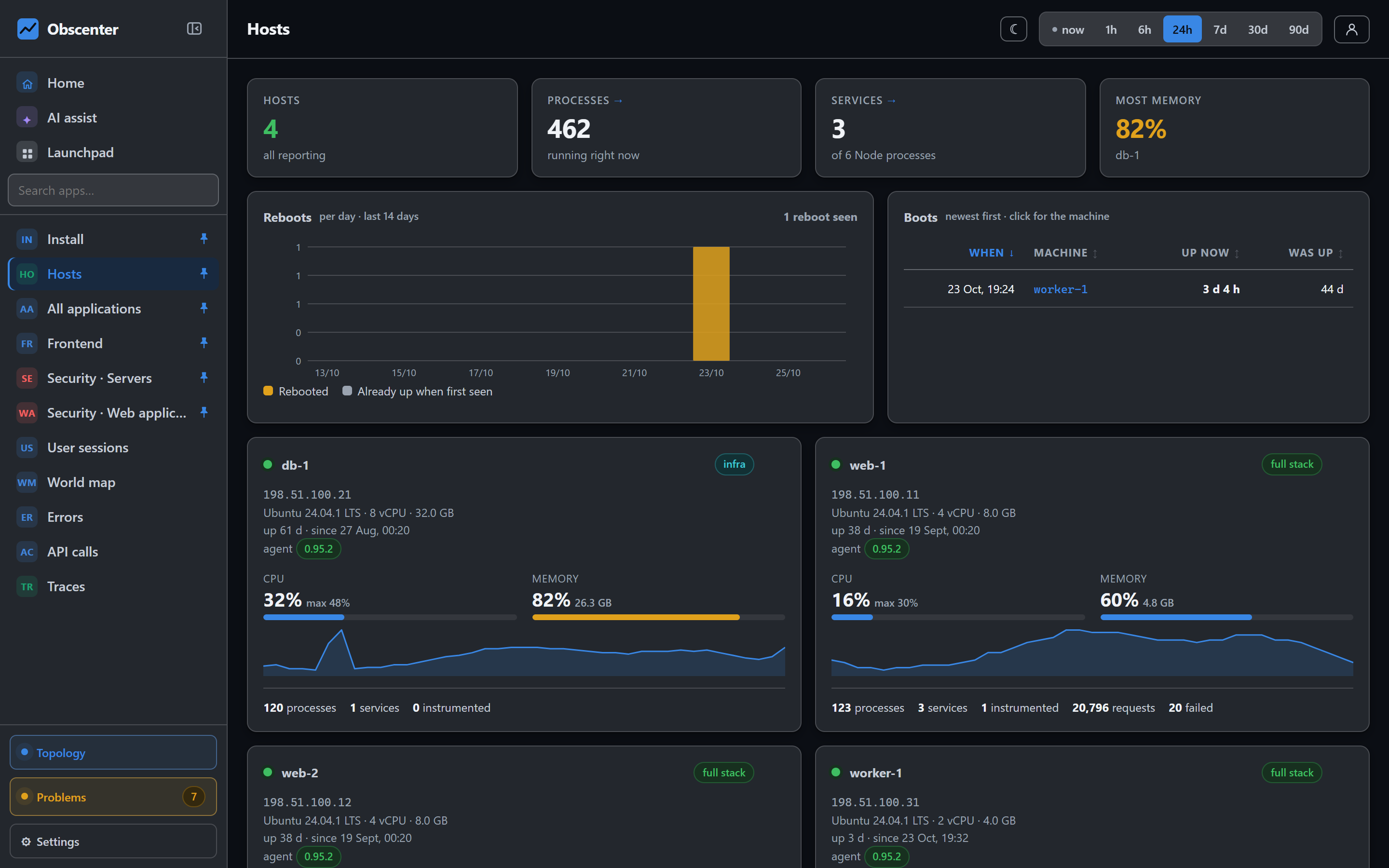
The scanning view reads collected access logs and answers four questions: where from, when, who, and where it landed — which site, on which machine. It maps sources by country and draws them by hour.
A refused probe and an answered one are always kept apart. A thousand 404s for /.env is weather. A 200 means the server handed something out. But a single-page app answers 200 to everything, because its router runs in the browser, so a 200 alone proves nothing. Obscenter compares the size of the answer with what the site serves for its ordinary pages, and then checks for itself: it fetches the path from origins your install already knows are yours — never from a URL taken out of a log line — and recognises a private key, a git config, cloud credentials, an .env file or a database dump from the content.
- Being scanned: one source asking for at least 8 different probe paths in 12 or more requests within 10 minutes — a warning.
- Served a secret to a scan: critical only once the content is confirmed; an unconfirmed answer is serious. Verdicts are re-checked every six hours.
Your own machine is never the attacker
Loopback, private ranges and link-local addresses are left out of all three views. This rule exists because of a real mistake: a reverse proxy appears as 127.0.0.1 in its own access log, and a detector once opened a critical ticket accusing the operator's own proxy of stealing a git config. The fix was to exclude the machine's own traffic everywhere, and the check for it is a set of negative controls.
The dashboard's own door
Sign-ins to Obscenter itself are recorded in a separate sign-in book, with an automatic brake on repeated failures and administrator blocks that end every session of the blocked account on the spot. That is covered in the server security article, together with vulnerability scanning and reboots.
Details and thresholds: SSH logins, Windows logons and scanning and Logs and log patterns.
Watch your doors
Install the agent, switch on the auth log it suggests, and the SSH cards fill in from the first lines.
Start free or read Getting started.