Blog 26 October 2026 · 5 min read
Synthetic monitoring and load testing in one place
HTTP checks with phase timings and certificate expiry, real-browser checks with click paths and screenshots, and JMeter load tests sized to the machine.
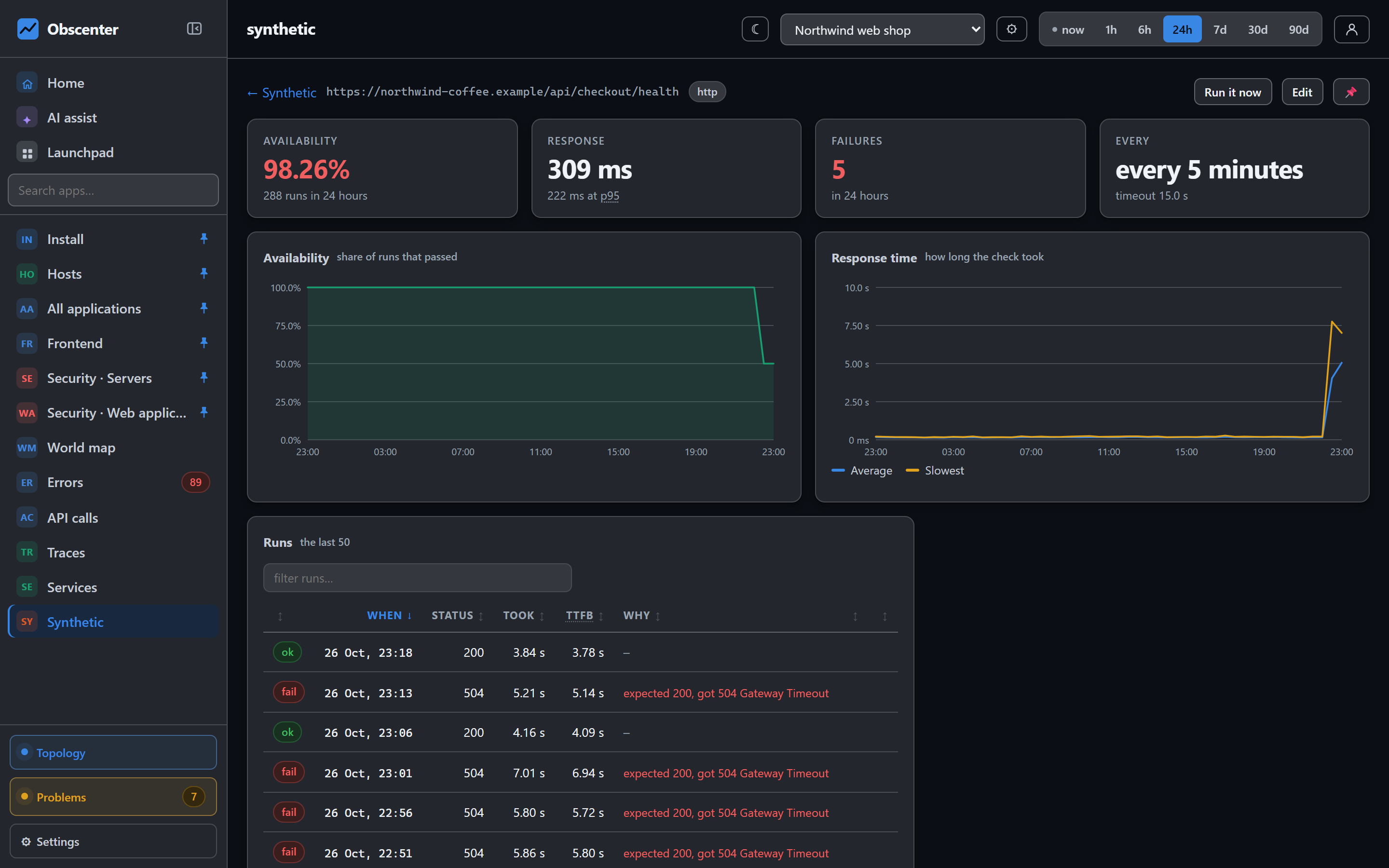
Real user monitoring sees what visitors happen to do. That means it goes quiet at three in the morning whether the site is healthy or gone — and from the inside, those look identical. Synthetic checks answer the question passive monitoring cannot ask: is it up when nobody is looking, and does it still work?
Obscenter has two kinds of check, because sites fail in two different ways, and a load tester for the question that comes after: will it hold when everybody arrives at once?
HTTP checks: uptime with phase timings and certificate expiry
An HTTP check fetches a URL on a schedule — every five minutes by default, as often as every thirty seconds — and times each phase from the socket's own events: DNS, TCP, TLS and the first byte. Those are the same phases the browser tag reports for real visitors, so a synthetic result reads directly against the real ones beside it.
It catches the outages that are outages:
- DNS gone, connection refused, a timeout;
- an expired, self-signed or unverifiable certificate, said in those words;
- a 5xx or any other error status;
- a body that no longer contains the text it should — the page that returns 200 and says "Service unavailable".
Every check also reads the TLS certificate and records how many days it has left. At 14 days a warning ticket opens, at 7 it becomes serious, at 3 critical — weeks before every visitor sees a browser warning.
Browser checks: a real Chrome, a click path and a screenshot
The modern outage is a site that answers 200 and renders nothing: a broken bundle, a failed API call the page depends on, a consent banner that covers the button. Only a real browser catches that.
A browser check loads the page in Chrome, driven directly over the DevTools Protocol — no Playwright, no Puppeteer, no extra download — at a desktop or a mobile viewport. Then it runs a short click path. The steps are deliberately not a scripting language: open the page, then four verbs cover the journeys people actually monitor.
- click a selector,
- type into a field,
- wait a moment,
- expect some text to be on the page.
Up to twenty steps per check, and the check can also require text on the page after the last one.
Each step is timed and recorded whether it worked or not, so a failed run says which step failed. Each run ends with a screenshot.
Cookie banners are handled without guessing. If you ask the check to accept them, it uses the stable id of a known consent manager, or a visible button whose own label says it accepts. Buttons that say settings, manage, reject or decline are excluded explicitly — clicking one and calling it consent would be worse than doing nothing.
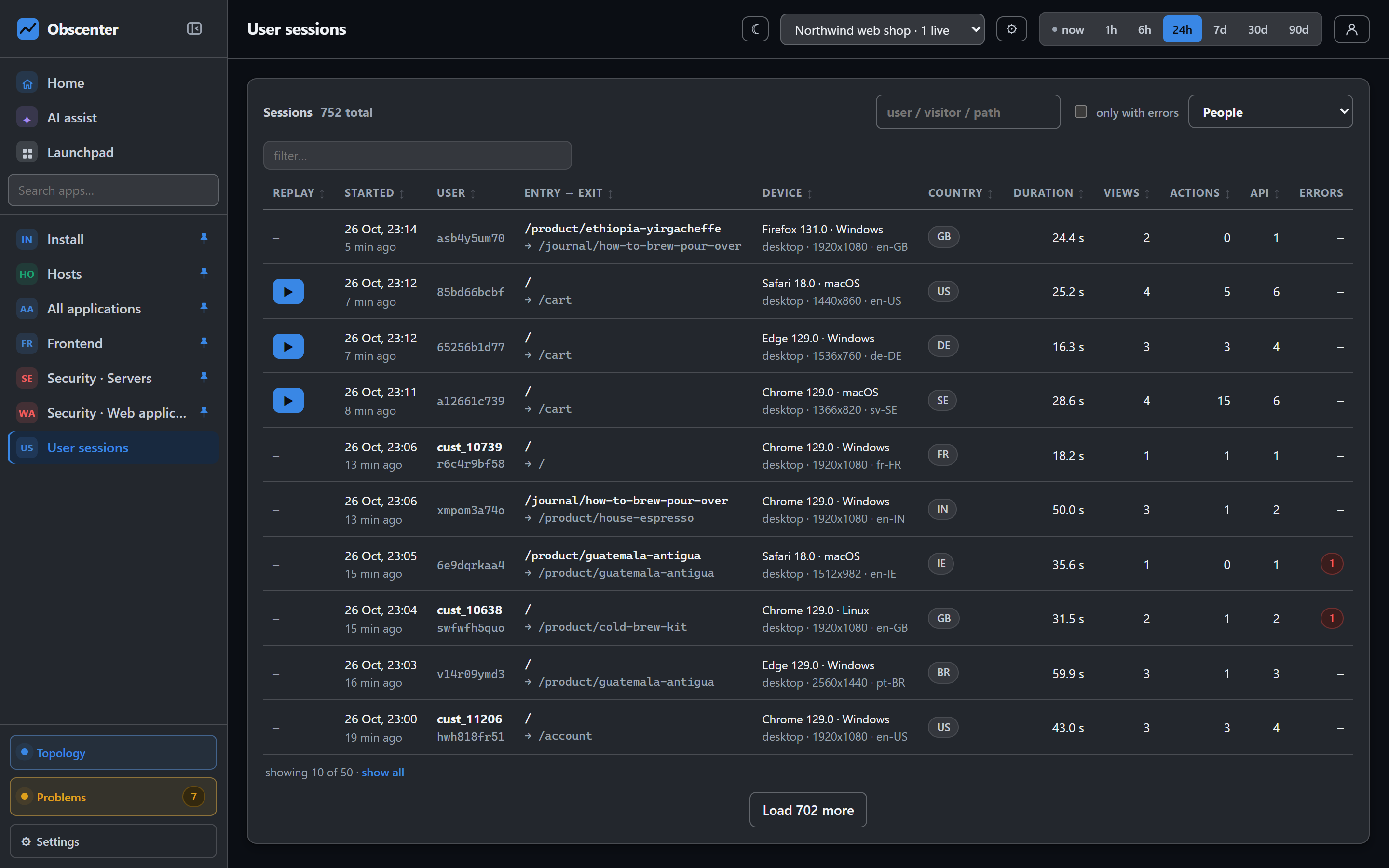
Because the check runs a real browser, the Obscenter tag on your page runs too. The check reads the session id the tag actually used, so each run links to its own recorded session — page timings, errors, and a replay if replay is on. The tag marks that session as synthetic, so it does not count as a very regular visitor in your RUM numbers.
If no browser is installed on the server running the checks, a browser check says so plainly. "We could not look" and "the site is broken" are different facts.
When a check fails
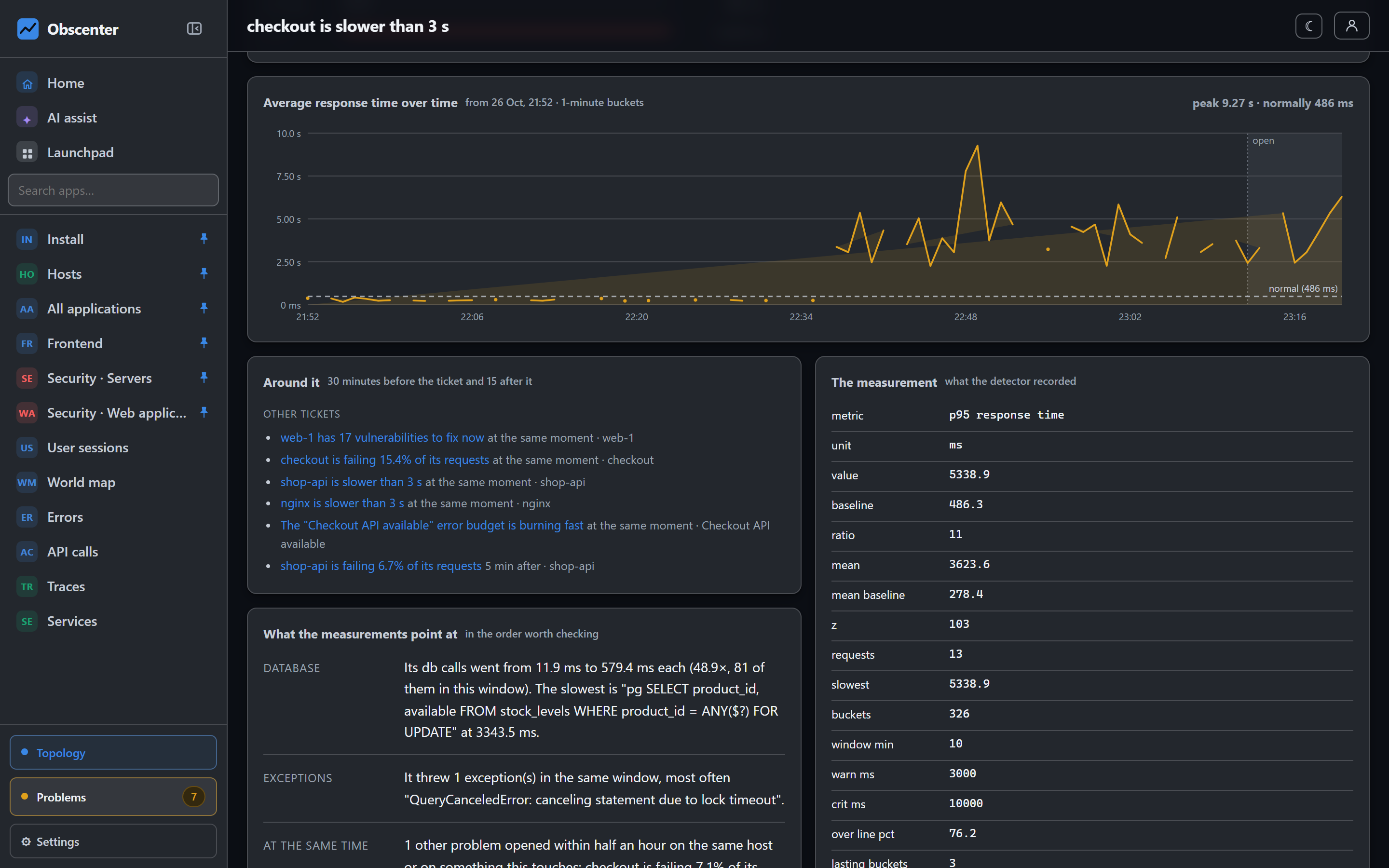
One failed run is not an outage; networks blink. A check opens a ticket after two consecutive failures, and it becomes critical at four. The ticket goes through the same notification policies as everything else, and closes itself when the check passes again.
Load testing with JMeter, planned from a shape
Load tests run on JMeter, not on a hand-rolled request loop. A load generator that does not fetch the images, stylesheets and scripts measures something no visitor experiences, and JMeter has done that correctly for twenty years. If the machine has no JMeter, Obscenter fetches its own — a Java runtime and JMeter, checksum-verified.
You describe the test as a shape: users at the start, the peak, users at the end, ramp-up, hold and ramp-down times, and the pause between requests. Short and steep is a spike, long and flat is a soak. The picture on the page and the plan handed to JMeter are built from the same function, so the diagram can never describe a test nobody ran. Optionally each request also fetches the page's assets.
While it runs, the numbers update live; afterwards you get p50, p95, p99, the maximum and failures by status code. Requests identify themselves as Obscenter-LoadTest rather than pretending to be a browser.
A load test that refuses to overload its own machine
The machine generating the load is often small, often shared, and very often the same machine serving the site under test. A load test that takes the box down measures nothing and costs an outage. So before a run, Obscenter works out what this machine can drive right now — from its cores, its available memory and what it is already carrying — and gives a verdict on your plan in one sentence. A plan over the limit is refused, with what would run instead, so the answer is a smaller test rather than no test.
The estimate starts deliberately pessimistic and is replaced by what real runs on that machine actually cost. When the target resolves to the same machine, it gets a smaller share, because the generator would be competing with the site it is testing.
Limits that keep a shared service safe
- One load test at a time per install. Two at once measure each other.
- Only a signed-in person can start one — never an API key, whatever that key can otherwise write.
- Checks refuse private addresses by default — the server will not be turned into a probe of its own network, and every redirect hop is checked again.
- On the hosted service, each organisation has a budget for checks and runs per hour, with a browser run counted as ten. The terms of service are plain about the rest: aim checks and load tests only at systems you control.
Set up your first check
An HTTP check takes a URL and nothing else. Add it, and the first result and the certificate's days-left are there on the next run.
Start free or read Getting started.