Blog 26 October 2026 · 5 min read
Attention heatmaps: which part of a page was actually read
Time on screen for every band of a page, rebuilt from session recordings, even for visits recorded before you asked. Plus scroll depth, sections and video.
Time on page says somebody stayed. It does not say what they stayed for. A visitor who spent forty seconds on a landing page either read the pitch or watched the demo video, and those are opposite verdicts on the same number. A click map does not help either: most of reading is not clicking.
Obscenter answers the question directly: how long was each part of the page actually on screen?
An attention heatmap is not a click map
The heatmap shows time in view. The page is cut into fifty bands from top to bottom, and each band is credited with the seconds it spent on the visitor's screen. Two rules keep the number honest:
- Credit stops 30 seconds after the visitor's last activity, so a tab left open over lunch does not paint the top of the page hot.
- Phones and desktops are kept apart (narrower than 768 pixels counts as a phone), because the same page is a different shape on each. A band that is "the second screen" on a desktop is the fifth on a phone.
Even for visits recorded before you asked
Most heatmap tools start collecting when you create the heatmap, so the first useful answer is a week away. Obscenter's is rebuilt from stored session recordings. A recording already holds where the visitor scrolled and when, so the heat can be computed for visits that happened before anyone opened the page — as far back as the application's replay retention.
That also means it needs session replay to be on for the application. Replay is masked by default: every input value is hidden in the browser before it leaves, and blocked elements are never recorded.
Drawn over a picture of the page
Heat needs something to be drawn on. Your install takes its own picture of the page, a screen at a time, using the collector's own browser — not a third-party screenshot service — with every request guarded against private addresses. For a page behind a login, which the collector cannot sign into, the picture is rebuilt from a recorded visit instead. You can ask for a fresh picture after a redesign.
Scroll depth and time on page, measured properly
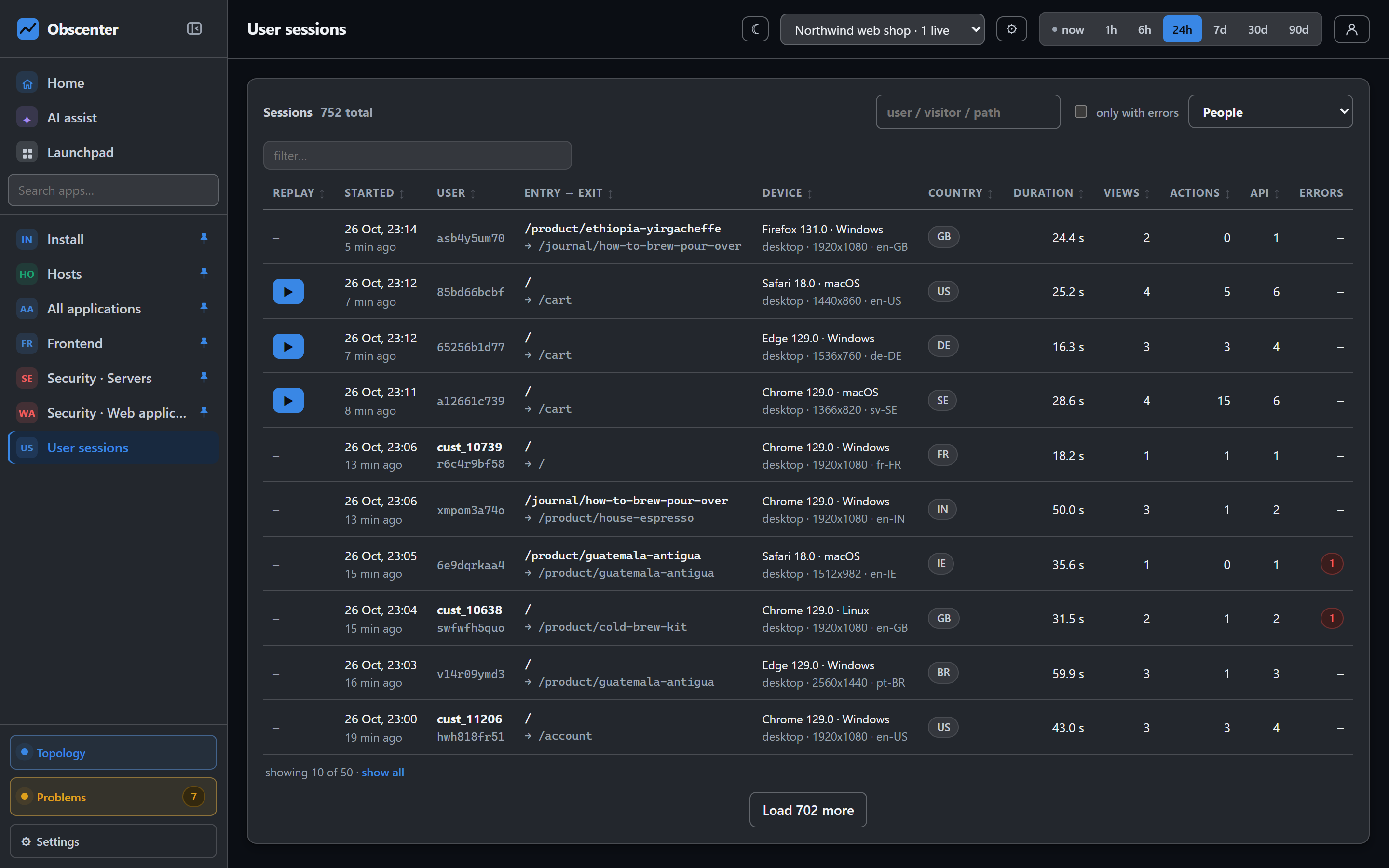
Beside the heatmap, each page's detail shows:
- Time on page counted only while the tab was in front — not the age of a background tab.
- How far down the page visitors got, as a distribution rather than an average. The tag measures depth against each view's own maximum, so after a route change in a single-page app the new page starts from zero.
Page sections: did they see the pricing table?
Bands answer "where on the page"; sections answer "which part". The browser tag times parts of a page automatically, with nothing to configure:
- elements marked
data-rum-section="name"; - every
<section>with an id; - every
<video>.
Up to ten more rules can be added in the application's settings. A section counts as on screen while at least half of it is visible, or while it fills at least half the viewport, and only while the tab is visible. It counts as seen after one second on screen. For each section the page shows where it sits, how many visitors saw it, the time on it (median and p75), and how much of it was on screen.
For videos, the time played and the furthest point reached are recorded too — so "how many visitors watched the demo past the first minute" is a number rather than a guess. Sessions can be filtered by a section that was seen, which leads straight to the replays of the people who read the pricing table and still left.
Attention and performance, on one page
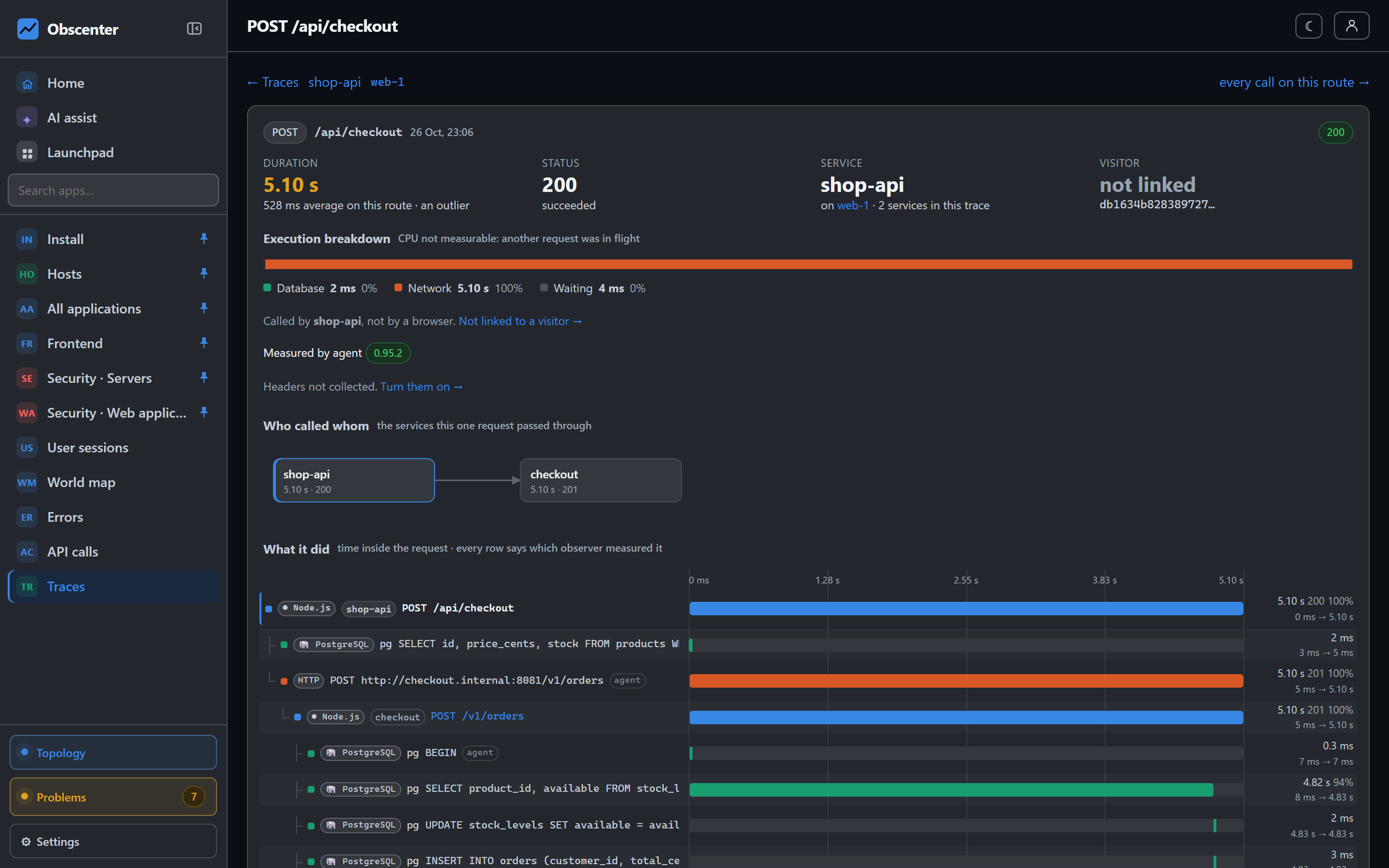
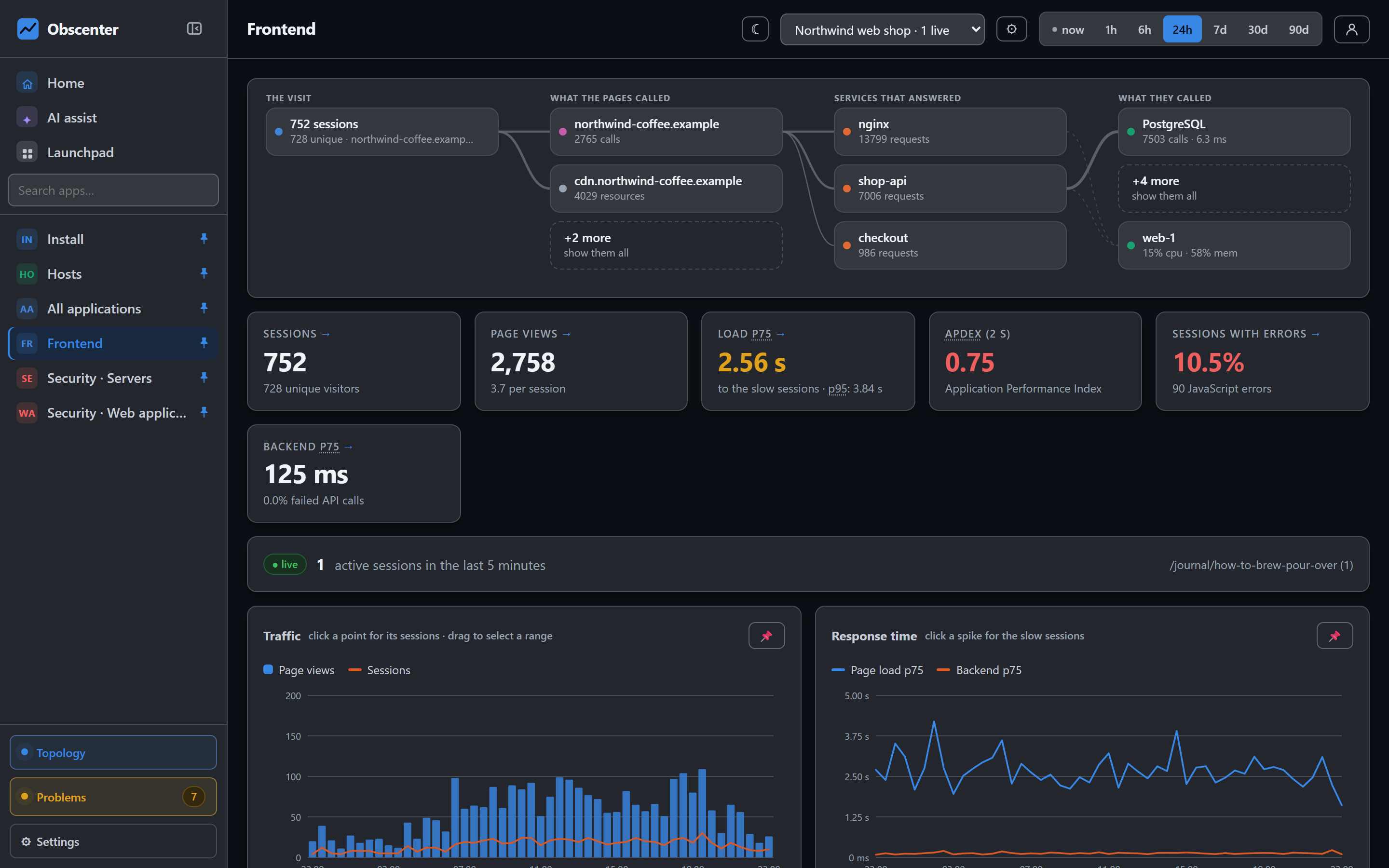
The page detail that carries the heatmap also carries the page's views, load time and Core Web Vitals at p75, each opening the sessions behind it. That matters because the two questions are related: a hero image that takes four seconds to paint is not read for those four seconds. When the top band is cold, check the LCP before you rewrite the headline.
Reading an attention heatmap
A few patterns come up again and again, and each points at a different fix:
- A hot top and a cold everything else on a long page usually means people decided in the first screen. Either the first screen answers their question, or it fails to promise that scrolling will.
- A warm band far down the page, with cold bands above it, often means people jumped there — a navigation link, a "pricing" anchor — and the content above it is being skipped.
- A band that is hot on phones and cold on desktops is usually layout, not content: on a phone that section may sit where the desktop's sidebar was.
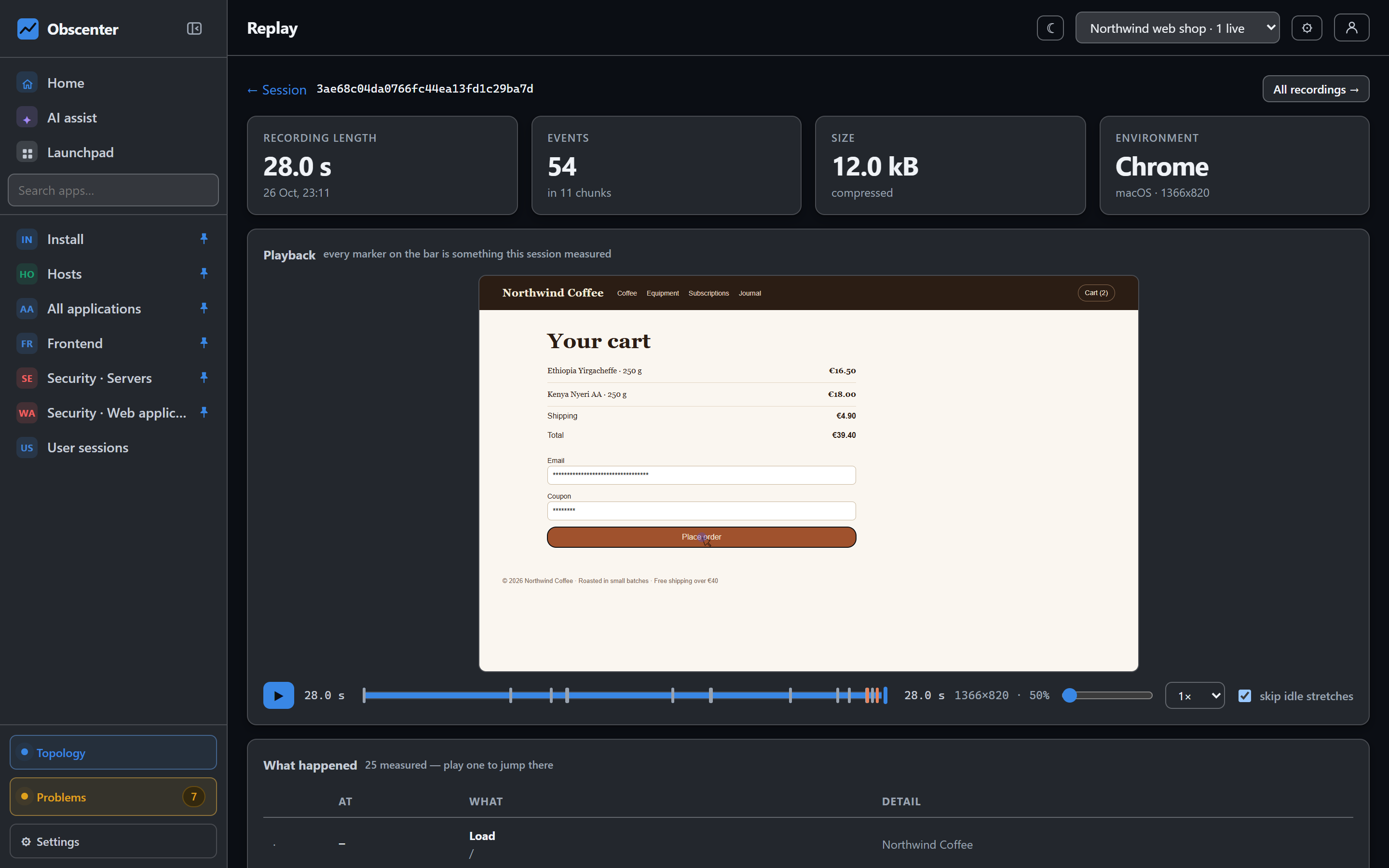
- A section seen by many but with a short median time was scrolled past rather than read; a section seen by few but for long is valuable to the people who reach it, and worth moving up.
Because the heat is built from recorded sessions, a pattern you do not understand is a short step from the recordings that made it.
What it costs the visitor
Section timing is part of the browser tag and travels in the batches the tag already sends. The heatmap itself is computed on the server, on a reader thread, from recordings already stored. The recorder is loaded only for visitors in the replay sample.
The reference is Pages, attention heatmaps and resources, and recording settings are in Session replay and privacy masking.
See what gets read
Add the tag, leave session replay on, and open any page's detail after the first visitors.
Start free or read Getting started.