Blog 26 October 2026 · 5 min read
Conversion funnel analysis, walked in order per session
Build funnels from page paths and custom events, walked strictly in order per session, then find out why people left from their sessions and replays.
Of everyone who opened the cart, how many paid? It is the most important question a web shop can ask its analytics, and one of the easiest to answer wrongly. Count page views per step and you double-count people who reload; count visitors without order and you credit someone who paid first and looked at the cart afterwards with "going from cart to payment".
Obscenter's funnels are walked per session, strictly in order, and the step where people stop is a search away from their sessions and replays.
Steps: pages and custom events
A funnel has two to eight steps. Each step is either:
- a page path, matched exactly, or as a prefix when it ends in
*—/product/*matches every product page; or - a custom event you send from your own code with the tag's JavaScript API.
A checkout funnel for a coffee shop might be:
1. /cart                    page
2. /checkout                page
3. /checkout/payment*       page (prefix)
4. purchase                 custom event
Send the last step from the code that confirms the order, not from the thank-you page, so the step means a purchase rather than a page that can be reloaded or bookmarked:
rum('event', 'purchase', order.total, { currency: order.currency });Walked strictly in order, per session
For each session, the funnel is walked from the first arrival at each step, in order. A visitor who paid and then looked at the cart is not counted as having gone from the cart to payment. A visitor who went straight to checkout from a saved link enters at the checkout step, not at the cart. The result is a funnel that describes journeys that actually happened.
For every step the page shows how many sessions reached it, as a share of those who entered and as a share of the previous step, plus the conversion from first step to last. The biggest drop is where to look first.
Why did they leave? Drill into the drop-off
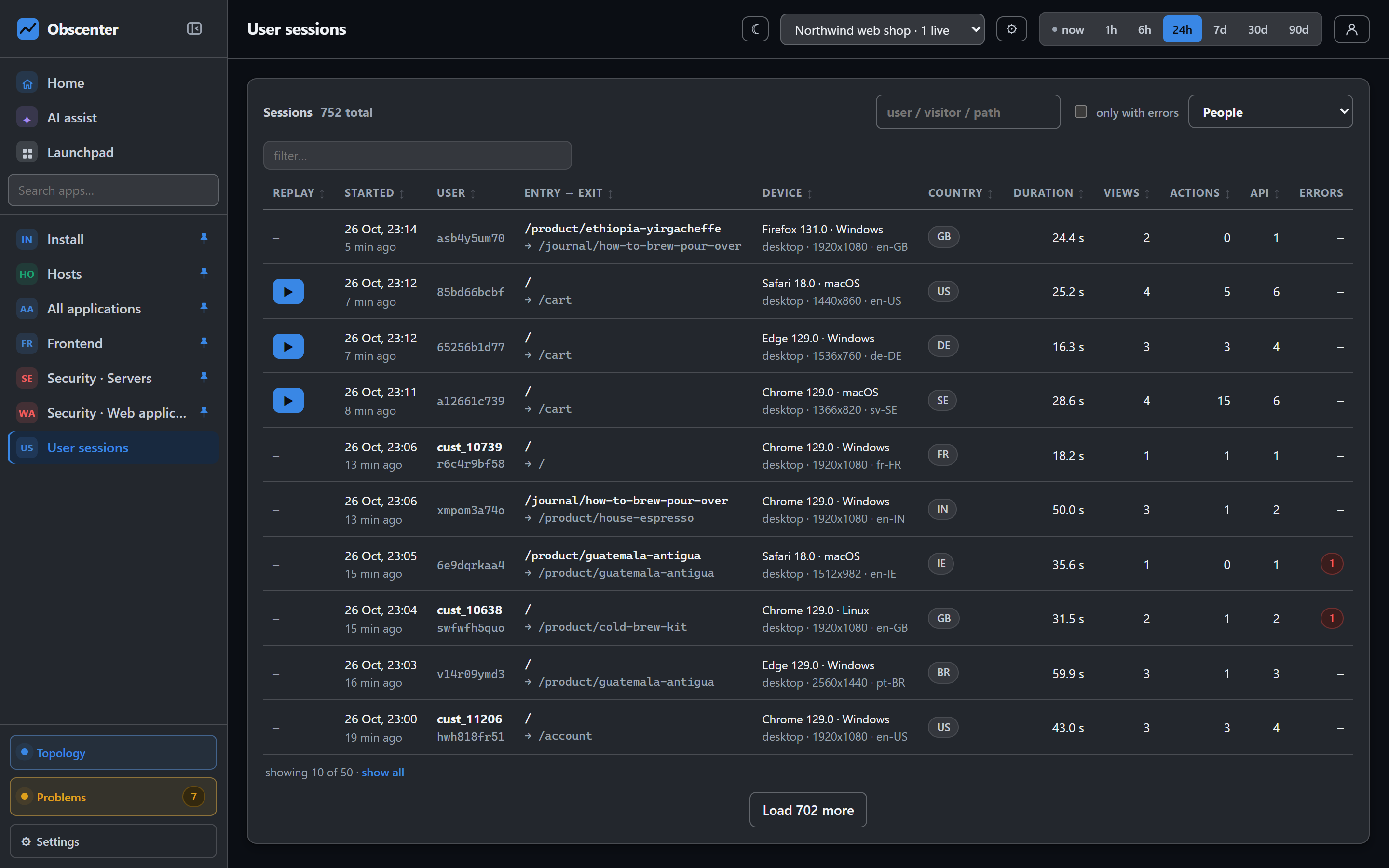
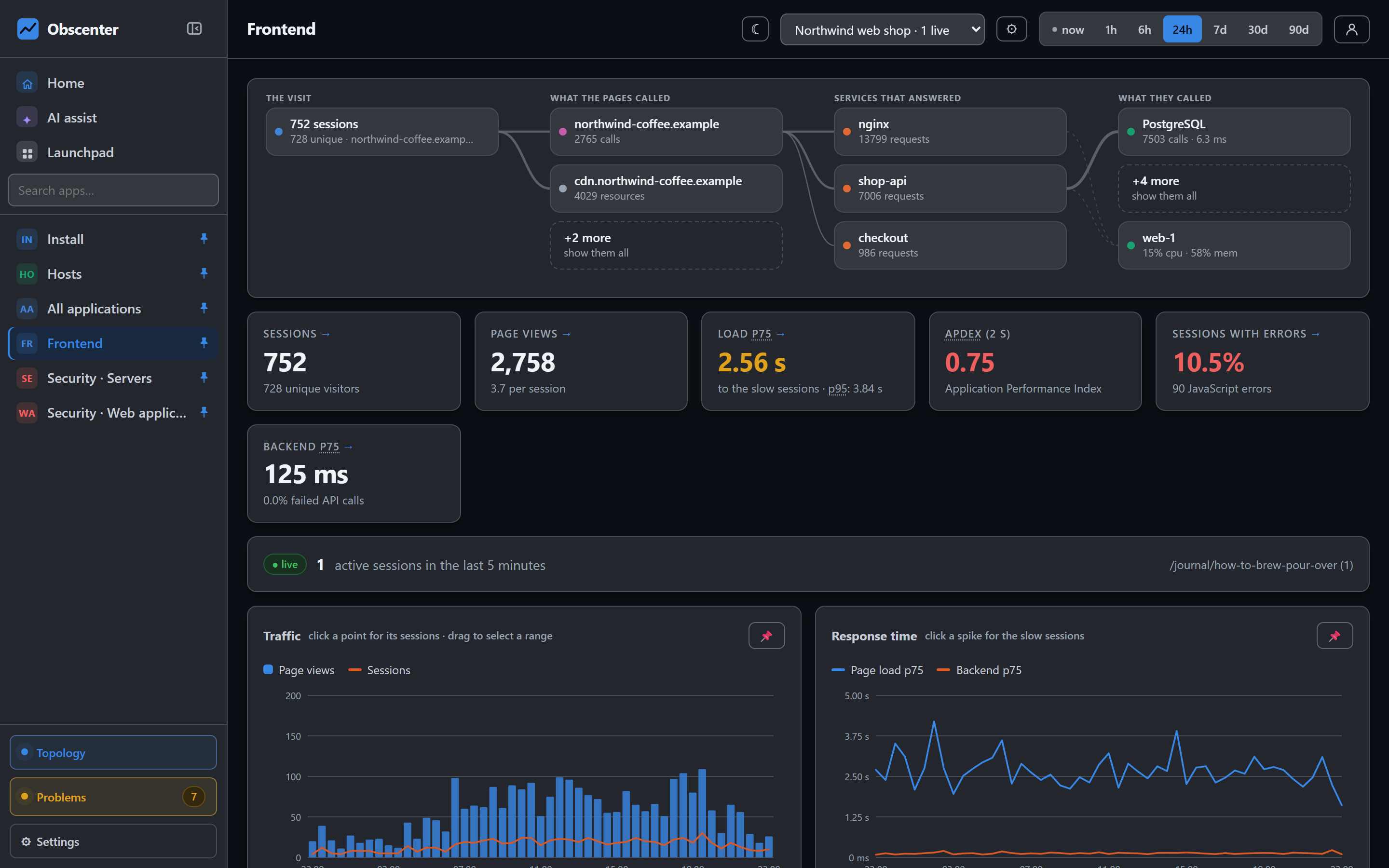
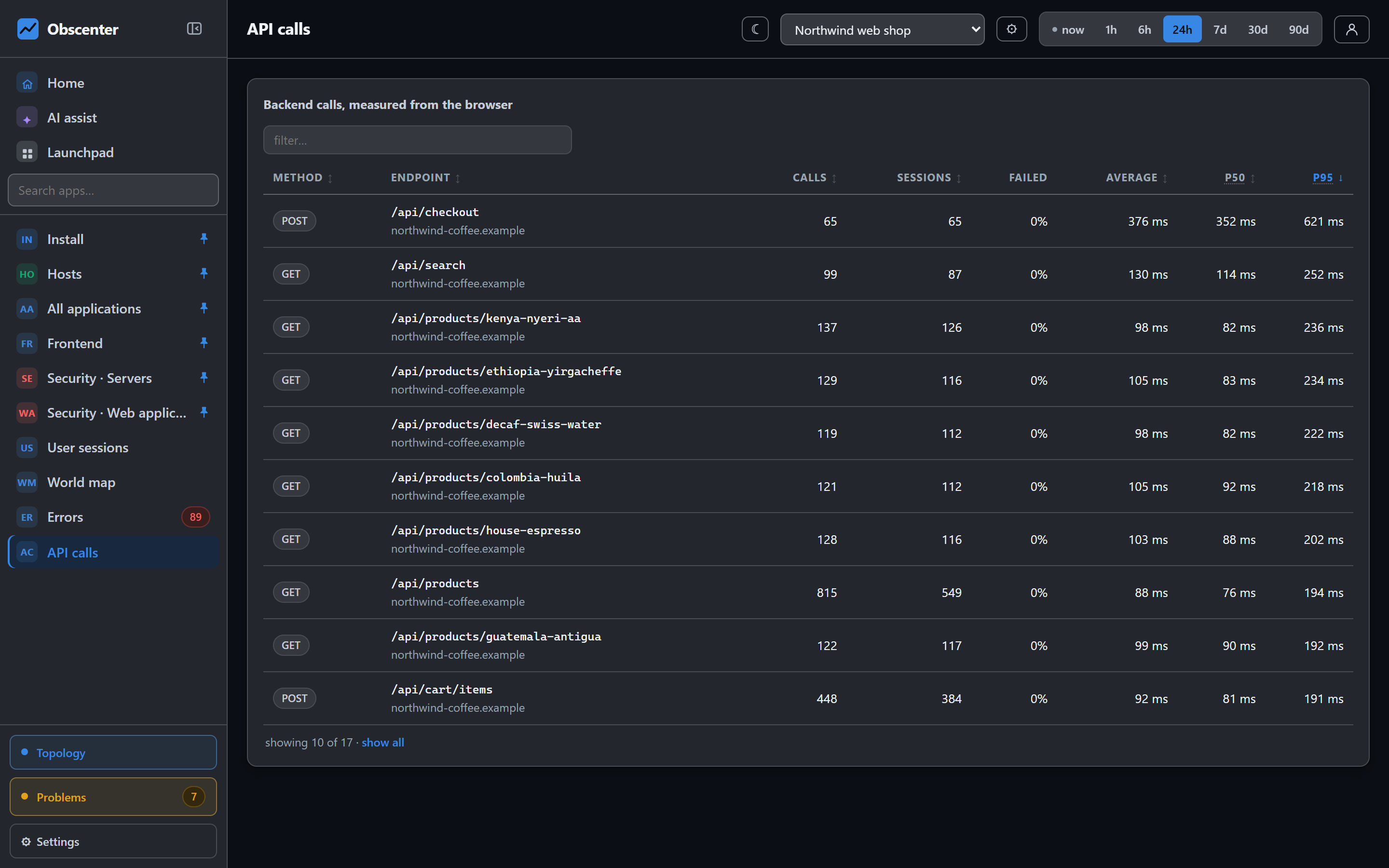
A funnel that only says "43% left at payment" starts a meeting. The sessions behind that step end it. The session list searches by path, user or visitor and can show only the sessions that hit an error, and a page's own detail opens the sessions that loaded it — all of them, or only the slow and poor ones. Those sessions carry everything the tag measured:
- the JavaScript errors they hit on that step;
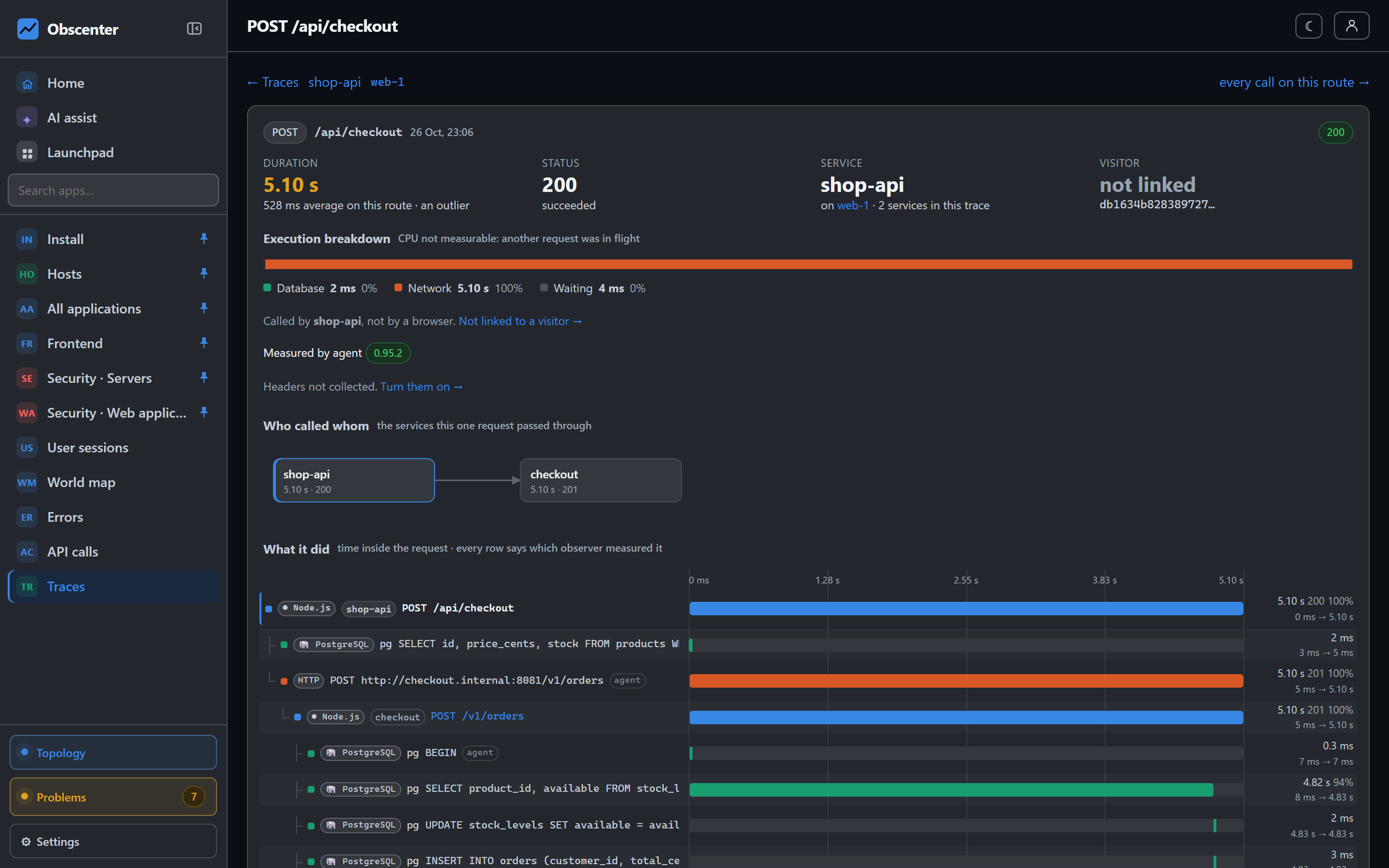
- the API calls the page made, with their status and timing — a payment endpoint with a 3.5-second p95 explains a lot of abandoned carts;
- rage and dead clicks, the signature of a button that does nothing;
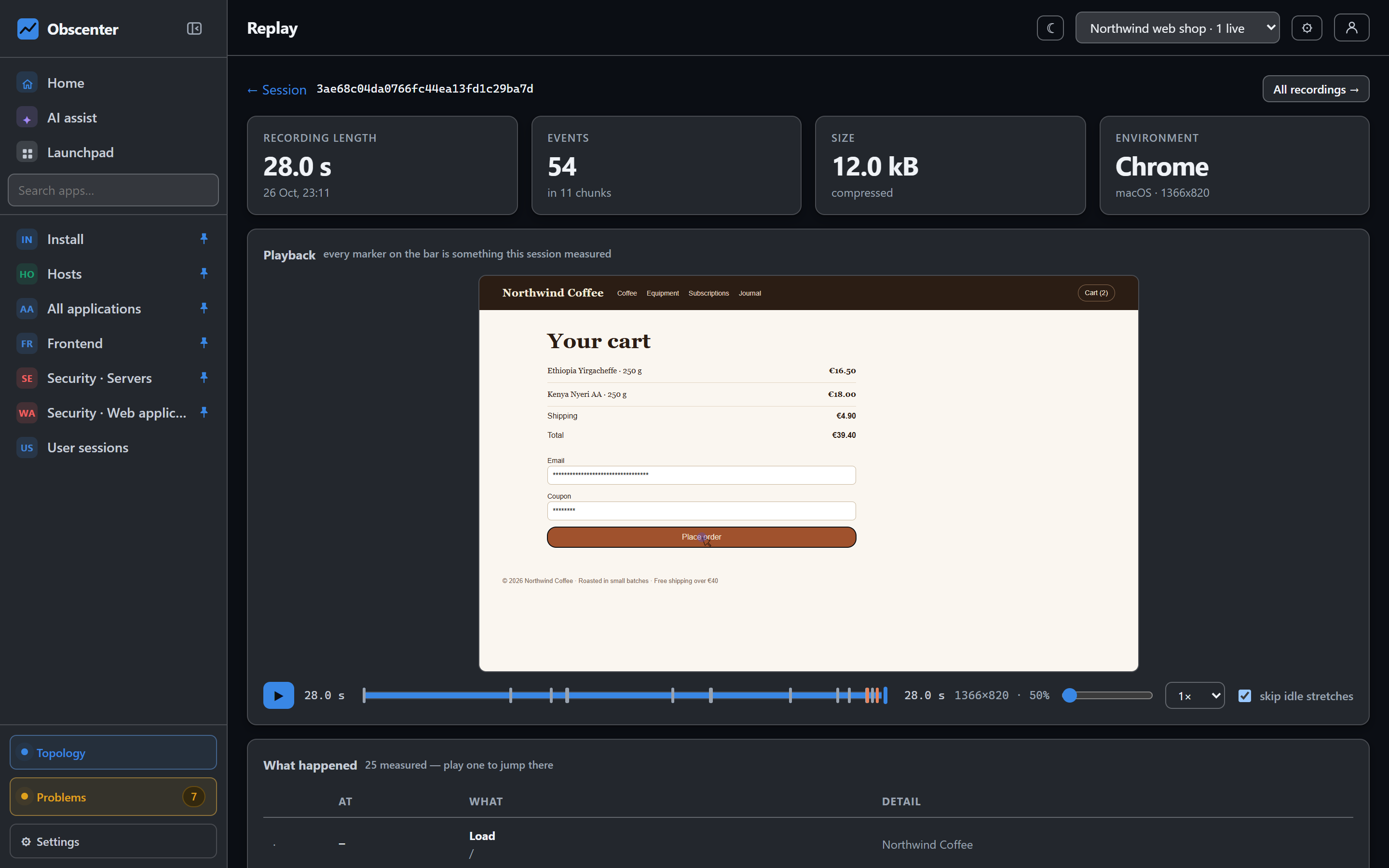
- and, with session replay on, the recording of what they saw.
Where the visitors came from: campaigns
Funnels say what visitors did; the campaigns page says where they came from. Each visit's source is decided in a fixed order: a utm_source on the landing URL, a click id an ad network added, the in-app browser that opened the page, an external referrer, and otherwise direct. Visits fall into channels — paid, email, social, search, AI, direct and referral. Only the kind of a click id is kept, never its value.
The same campaign facts are filters on the session list, so you can walk one campaign's visitors through the funnel, or watch the replays of the people a newsletter brought in. A link builder writes tagged URLs, so visits from your own links are attributed by name rather than guessed from a referrer.
Designing a funnel that means something
- Few steps, each a decision. Cart, checkout, payment, purchase is four decisions. Adding every product page in between measures browsing, not converting.
- Use prefixes for families of pages.
/product/*as one step means "looked at any product", which is usually what the question is. - End on an event your code confirms. A page can be reloaded, bookmarked or reached by a crawler; an event sent from the order confirmation means an order.
- Compare segments, not just totals. Sessions can be narrowed by browser, device, operating system, country or campaign. A payment step that converts well on desktop and badly on one mobile browser is a bug report, not a marketing problem.
- Check performance at the worst step. Its pages and API calls have their own load times and Core Web Vitals; slow pages lose people before they have decided anything.
For the measurement behind all of this — page loads, errors and calls from real visitors — see real user monitoring, and for the recordings, session replay that respects privacy.
Websites only, and per organisation
Funnels are saved per organisation, so everybody in the team looks at the same definition of a conversion rather than a private copy that drifts. A mobile app has no page paths, so funnels belong to websites; an app's screens and events are analysed on its own pages.
Privacy
Funnels are built from data the tag already collects: page paths, custom events you choose to send, and session ids kept in the site's own local storage. The tag sets no cookies, and visitor IP addresses are not stored — a salted, shortened hash counts unique visitors instead. What a custom event carries is what you put in it, so keep personal data out of event properties.
The reference is Funnels and campaigns; the session list and its filters are in User sessions.
Build your first funnel
Add the tag, send one custom event from your order confirmation, and draw the four steps from cart to purchase.
Start free or read Getting started.