Blog 26 October 2026 · 6 min read
Load testing with JMeter, sized to the machine running it
Shape a ramp, spike or soak, run it with JMeter from the dashboard, and be told up front whether the machine generating the load can actually drive it.
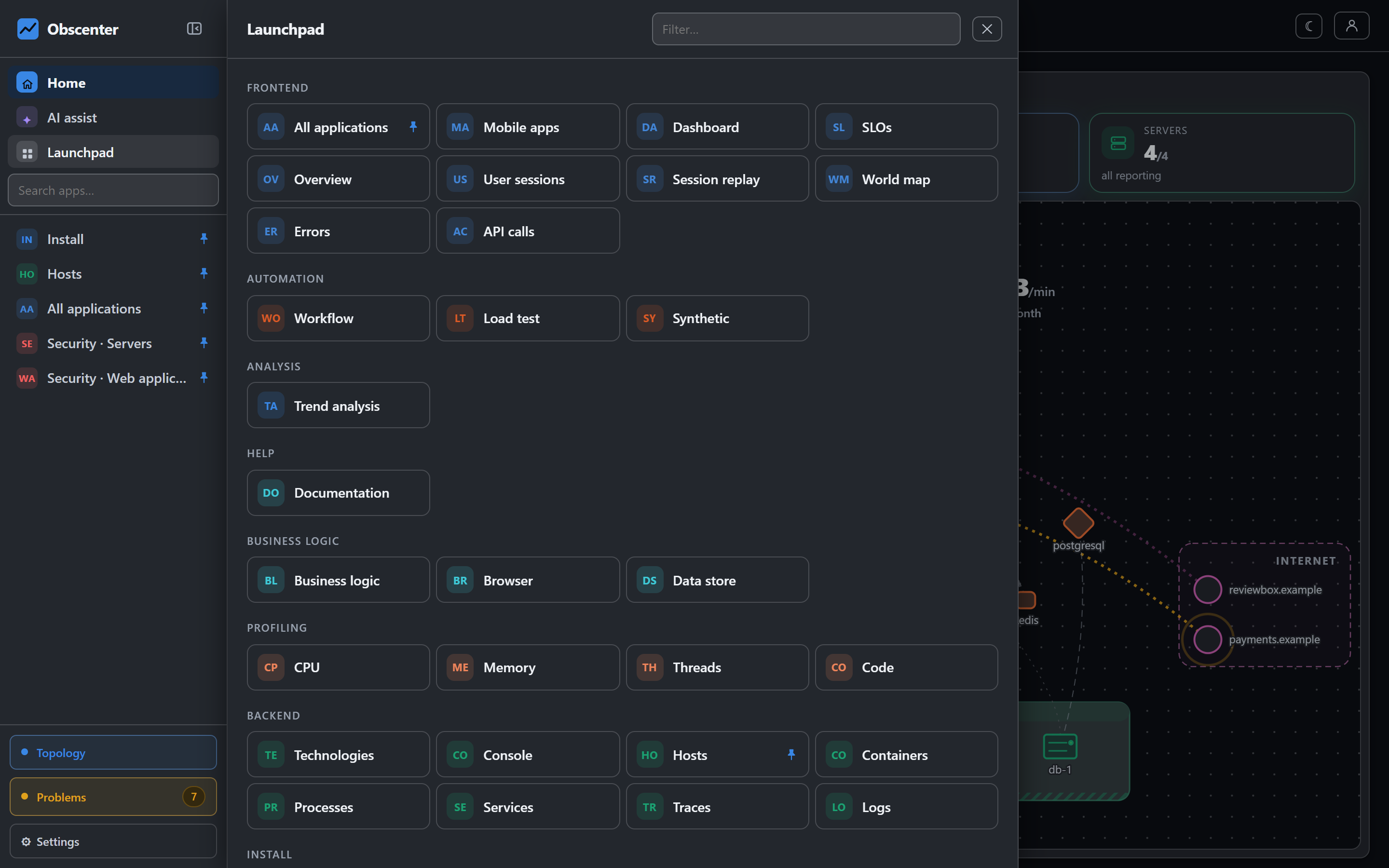
A load test answers a question every launch, sale and press mention eventually asks: how many people can arrive at once before the site slows down for all of them? Running one usually means a separate tool, a script, a cloud account and a spreadsheet to line the results up with the server metrics afterwards.
In Obscenter it is a page next to the monitoring. You draw the shape of the load, JMeter generates it, and the result is read together with what your machines and services were doing at the same moment, from the data the agents were already sending.
Why JMeter and not a request loop
A load generator that fetches the HTML and nothing else measures something no visitor experiences. Real visits pull stylesheets, scripts and images, keep connections open and pause between pages. Apache JMeter has done that correctly for a long time, so Obscenter uses it rather than a hand-rolled loop. What Obscenter writes is the plan, the arithmetic and the reading of the results.
If JMeter is already installed, it is used. Otherwise, on Linux x64 or arm64, the install fetches JMeter 5.6.3 and an Eclipse Temurin 21 Java runtime into its own data directory, checks both against published checksums, and proves they run before offering them. Nothing is installed system-wide, and it leaves with the data directory. While the engine is being fetched, everything on the page works except pressing Run.
Shape the load: ramp, spike or soak
A test is one shape, set with sliders:
- Opens with, Climbs to and Ends on — the number of users at the start, at the peak and at the end;
- Up, Hold and Down — how long the climb, the peak and the descent last;
- Wait between — each user's pause between requests.
A short climb is a spike. A long one is a busy morning. A long hold is a soak test. Optionally each user also loads the page's stylesheets, scripts and images, a few at a time, as a browser would.
The picture you drag and the plan handed to JMeter are built by the same function, from the same numbers. That is deliberate: a diagram drawn separately from the test is a diagram that will one day describe a test nobody ran.
Requests identify themselves with the user agent Obscenter-LoadTest/1.0 rather than pretending to be a browser, so they are easy to find — and to filter — in your own logs.
Told up front what this machine can drive
The machine generating the load is often small, often shared, and often the same machine that serves the site under test. A load test that takes it down measures nothing and costs an outage. So before a run, Obscenter works out what the machine can drive right now, as the smallest of three limits: free processor cores, memory available for the Java process, and open files. The verdict on your plan is one sentence:
- "This machine can drive that."
- "It will run, but only just." — above 75% of capacity, where you are measuring the generator as much as the site;
- "This machine is too small for that test." — and Fit it to this machine scales the peak down to what it can do.
A plan over the limit is refused rather than attempted, with what would run instead, so the answer is a smaller test rather than no test. When the target resolves to the same machine, the ceiling is halved, with a warning that latencies will read high because the generator competes with the site. The first estimate is deliberately pessimistic; after a run with at least 20 users, what that run actually cost on this machine replaces it.
Watching a run
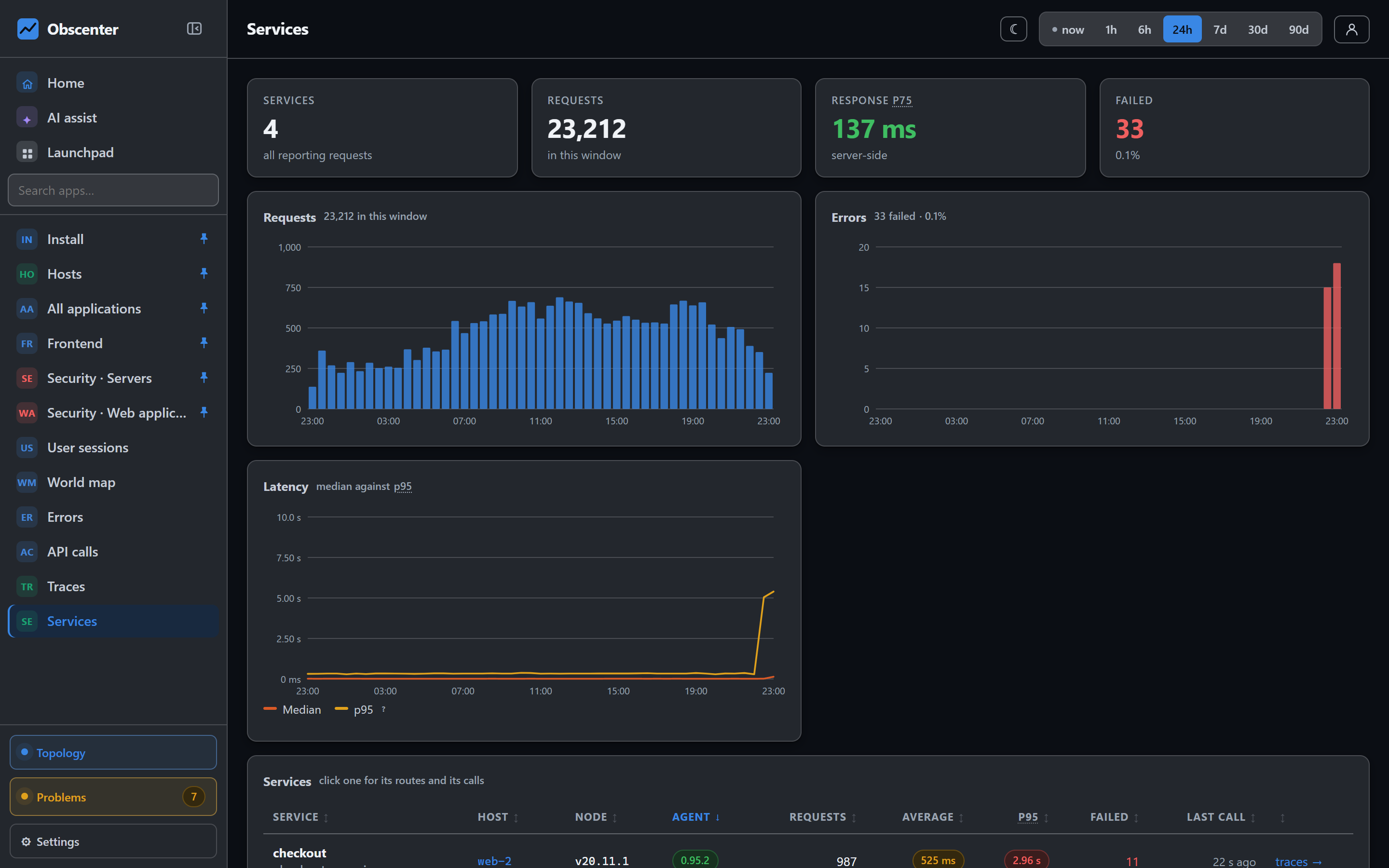
While a run is going, the page updates every few seconds with the phase, the users, the requests, the failures, p50, p95 and p99, and the rate over the last five seconds. The page and its charts stay still while the numbers move. Stop run ends it.
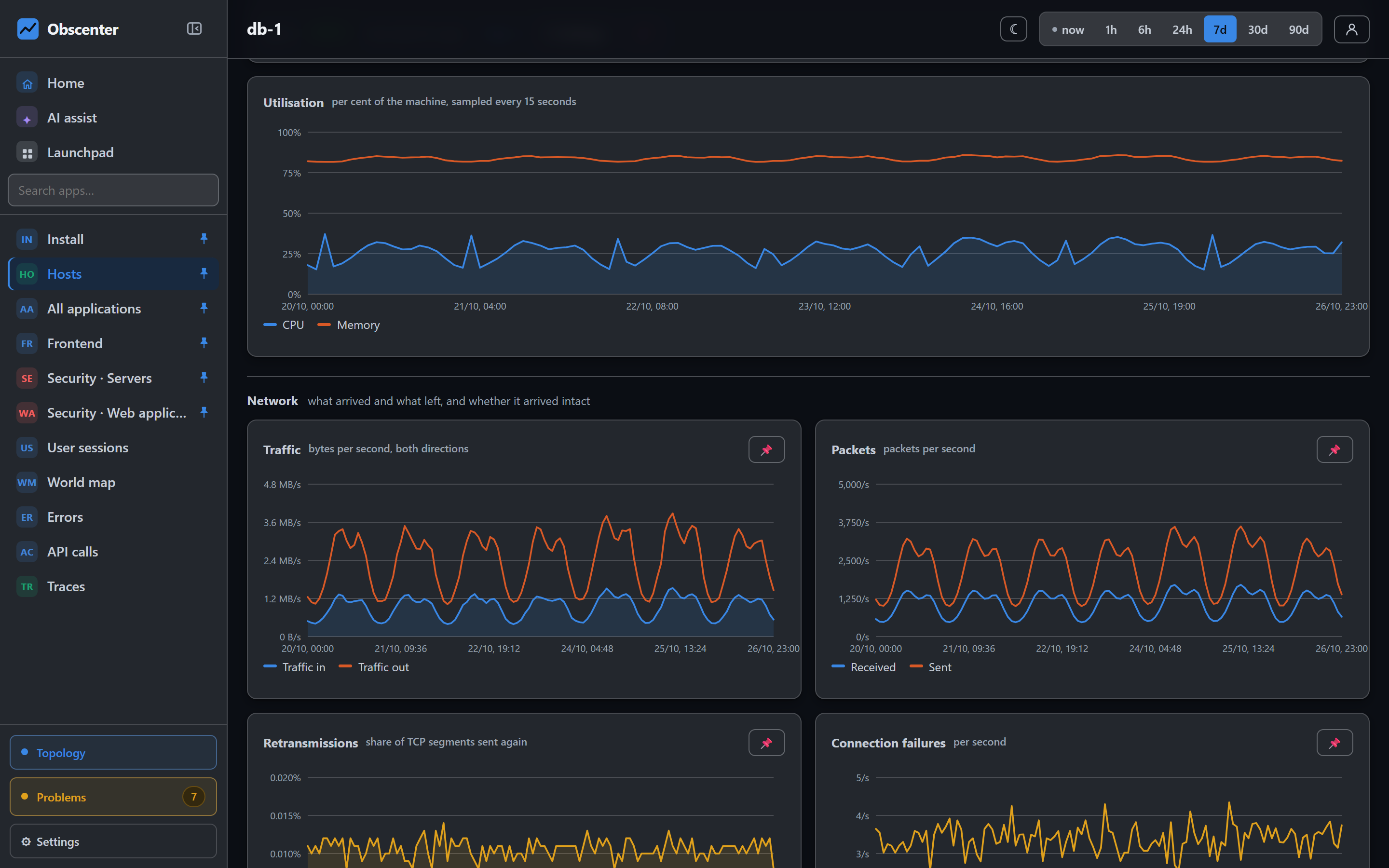
The result finds the knee: the concurrency at which latency started to rise. Below it, the site absorbed more users. Above it, users waited for each other. Beside the verdict is what the run did to your machines and services over the run, and a minute either side — CPU, memory, request latency, errors — so the client-side numbers and the server-side picture are read on one page instead of two tools.
One at a time, and people only
- One load test per install at a time. Two at once measure each other. Pressing Run twice shows you the run that is already going.
- Only a signed-in person can start one, with both the Automation and the Console capabilities. No API key can start a run or read the list of runs, whatever else that key may write. Making a server hammer a website is the most outward-facing thing this product can be asked to do, and it is treated that way.
- Each organisation sees and stops only its own runs. That the machine is busy is everybody's business, since there is one engine; whose run it is, is not.
After the test
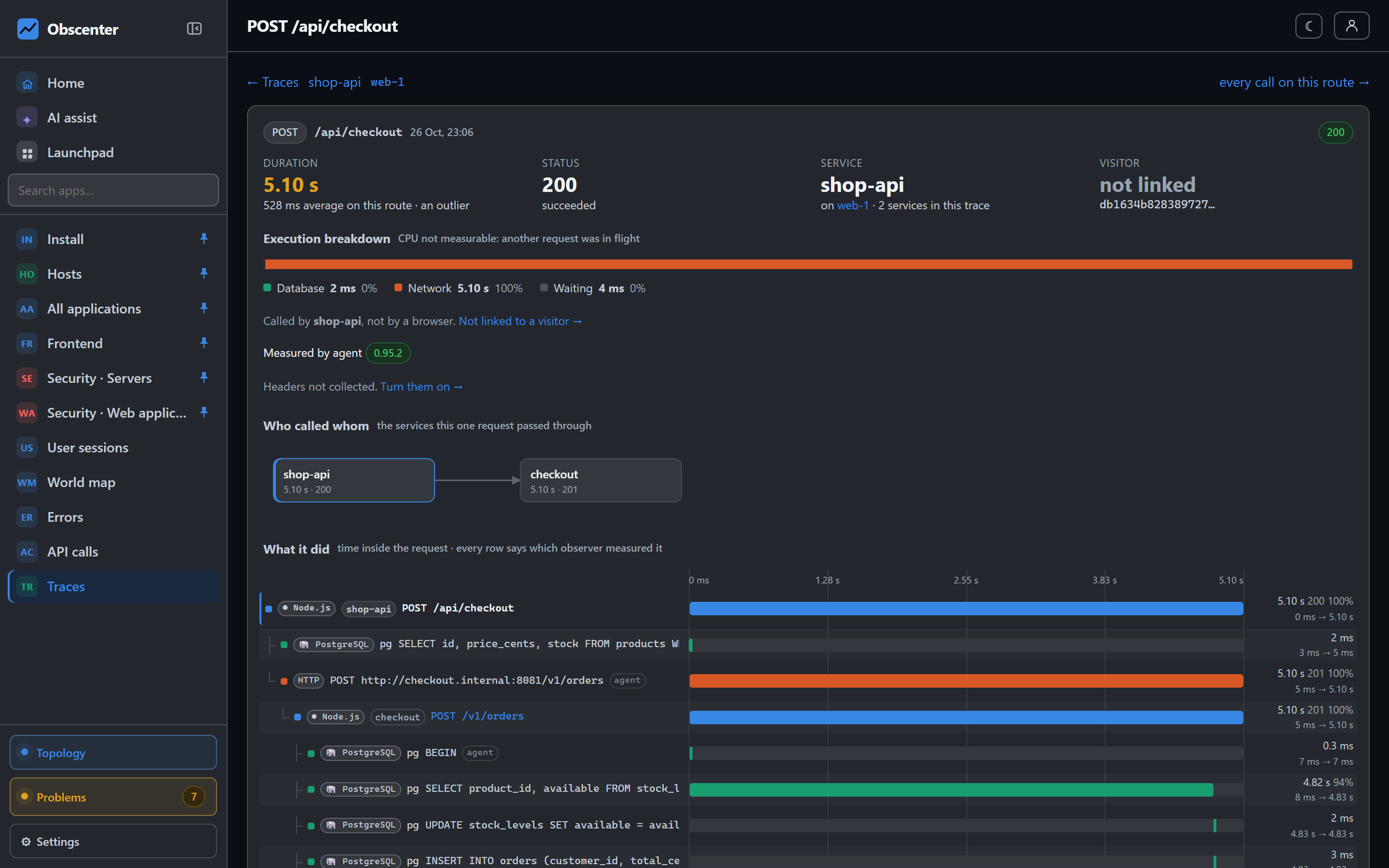
Because the test ran against monitored services, the traces from the run are there too. A request that took four seconds at the peak opens into its spans, and the slow query behind it is named. That is the difference between "it got slow at 80 users" and "at 80 users the checkout query started waiting on a row lock".
Before a launch, pair a load test with a synthetic check on the same page, so you know both how much the site can take and whether it is up at three in the morning. The full reference is Load testing.
Find your knee
Install Obscenter's agent on the machines behind the site first, so a run has something to be read against.
Start free or read Getting started.