Blog 26 October 2026 · 6 min read
React Native and Expo app monitoring without a native SDK
Monitor a React Native or Expo app with one vendored file: screens, cold starts from the tap, crashes, failed requests, long tasks, and optional native replay.
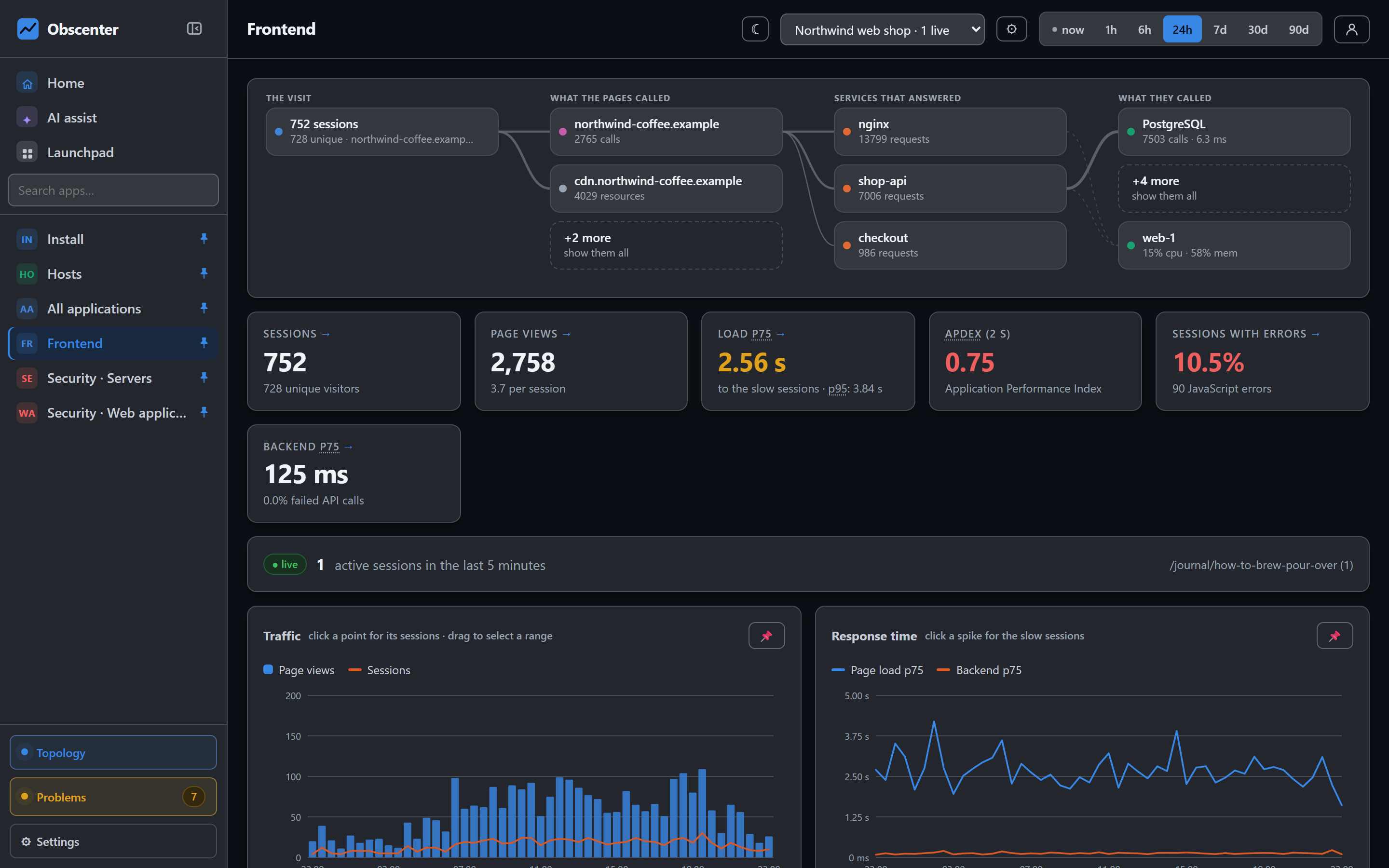
A mobile app is half of most products and usually the half with the least visibility. Crash reporters say that something broke; they rarely say that the API behind the screen got slow, or that the cold start doubled with the last release. Obscenter measures a React Native or Expo app with the same model as a website — sessions, errors, calls, timings — and joins the app's requests to the server traces behind them.
One file, vendored into your repository
A website loads the browser tag at run time and gets every fix for free. An app cannot: its JavaScript is compiled into a binary that goes through app review. So the mobile agent is a single JavaScript file you save into the app's own repository:
curl -sS https://your-install/rn.js -o lib/obscenter.jsIt imports react-native and nothing else. There is no native module to link for measurement, no build step, and you review it like your own code. The agent's version travels on every report, which is how you tell a released build that has a fix from one that does not.
Start it once at the entry point with the application's key and your install's full address (it is compiled into the app, so it is written out in full):
obscenter.init({
  key: 'rum_…',
  url: 'https://your-install',
  storage: AsyncStorage,
  app: { name: Constants.expoConfig?.name, version: Constants.expoConfig?.version },
});
storage is optional and the one option worth passing. Without it the visitor id is new on every launch, and events queued while there was no signal are lost if the system kills the app. With it, up to 1000 queued events are saved when the app goes to the background and sent on the next launch.
The one thing the agent cannot do for itself is know which screen is on: React Native dispatches navigation through your component tree, so there is nothing global to listen to. With Expo Router it is two lines in the root layout, calling obscenter.screen(pathname) whenever the path changes.
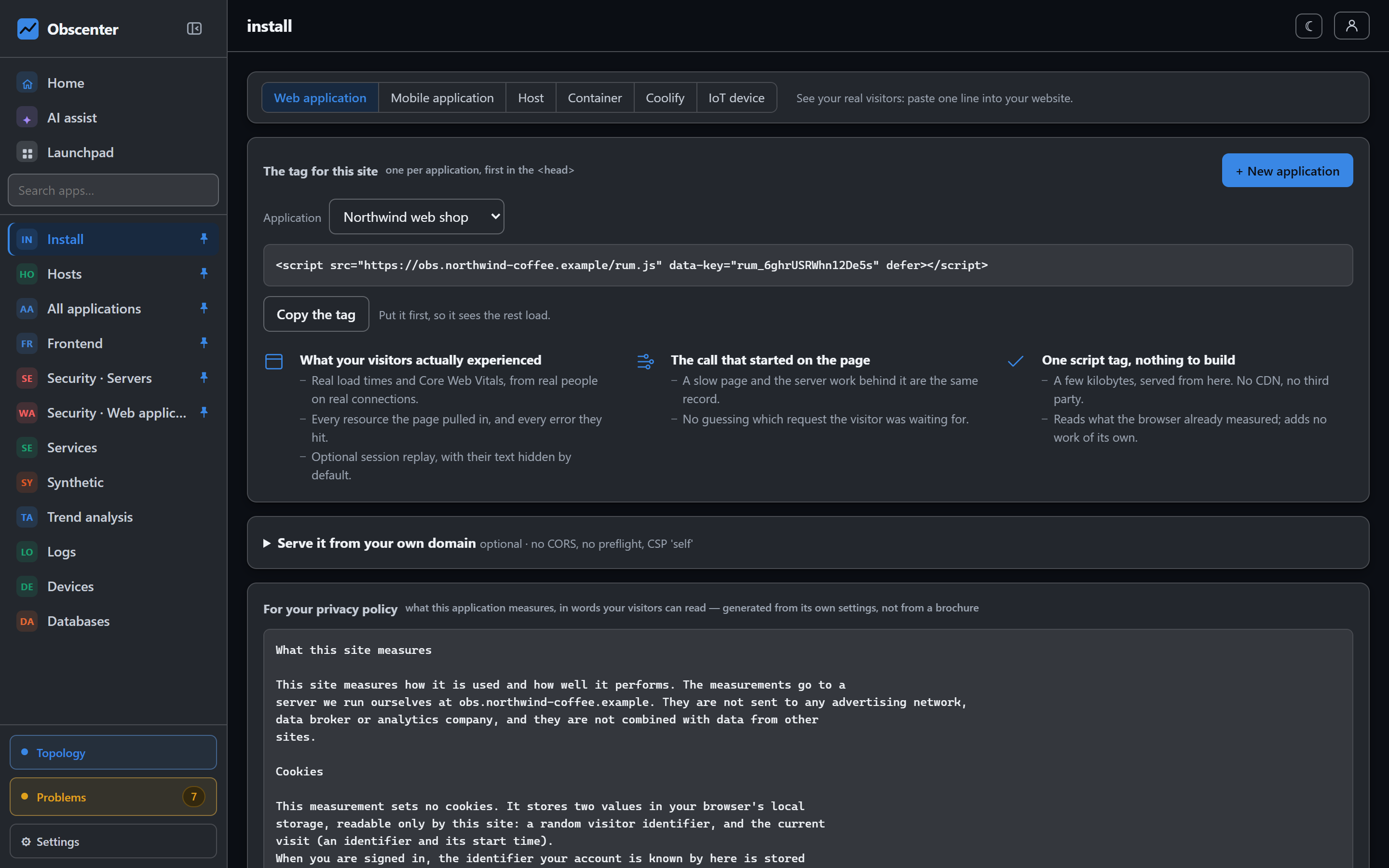
What the mobile agent measures
- Screens, session length, taps and identified users.
- Cold starts measured from the tap. React Native reports its own start marks, the first of them set by native code, so a cold start splits into native, runtime, bundle and your app's own work. A build that sets no marks falls back to the start of the JavaScript and leaves the breakdown blank rather than inventing one. A return after at least three seconds in the background counts as a warm start.
- JavaScript errors, with the app version on them. A fatal error counts as a crash, and the overview shows crash-free sessions.
- Every XHR and fetch call, including failed ones.
- Long tasks — how long the JavaScript thread was held. The agent asks the runtime which entry types it supports at start-up and watches long tasks only where the build emits them.
- Handset model and OS version, declared by the runtime rather than guessed from a user agent, which an app does not have in any useful form.
What a phone cannot tell you
Core Web Vitals and the resource waterfall are not measured for apps. LCP, INP and CLS are properties of a document being laid out, and an app has no document. Nothing reports a substitute under their name: a measurement the runtime cannot take is simply not sent, and the dashboard draws a gap. The install page's list of what the mobile agent does is checked against the agent's source, so it cannot quietly start promising more than the file does.
Tracing from a screen to the server
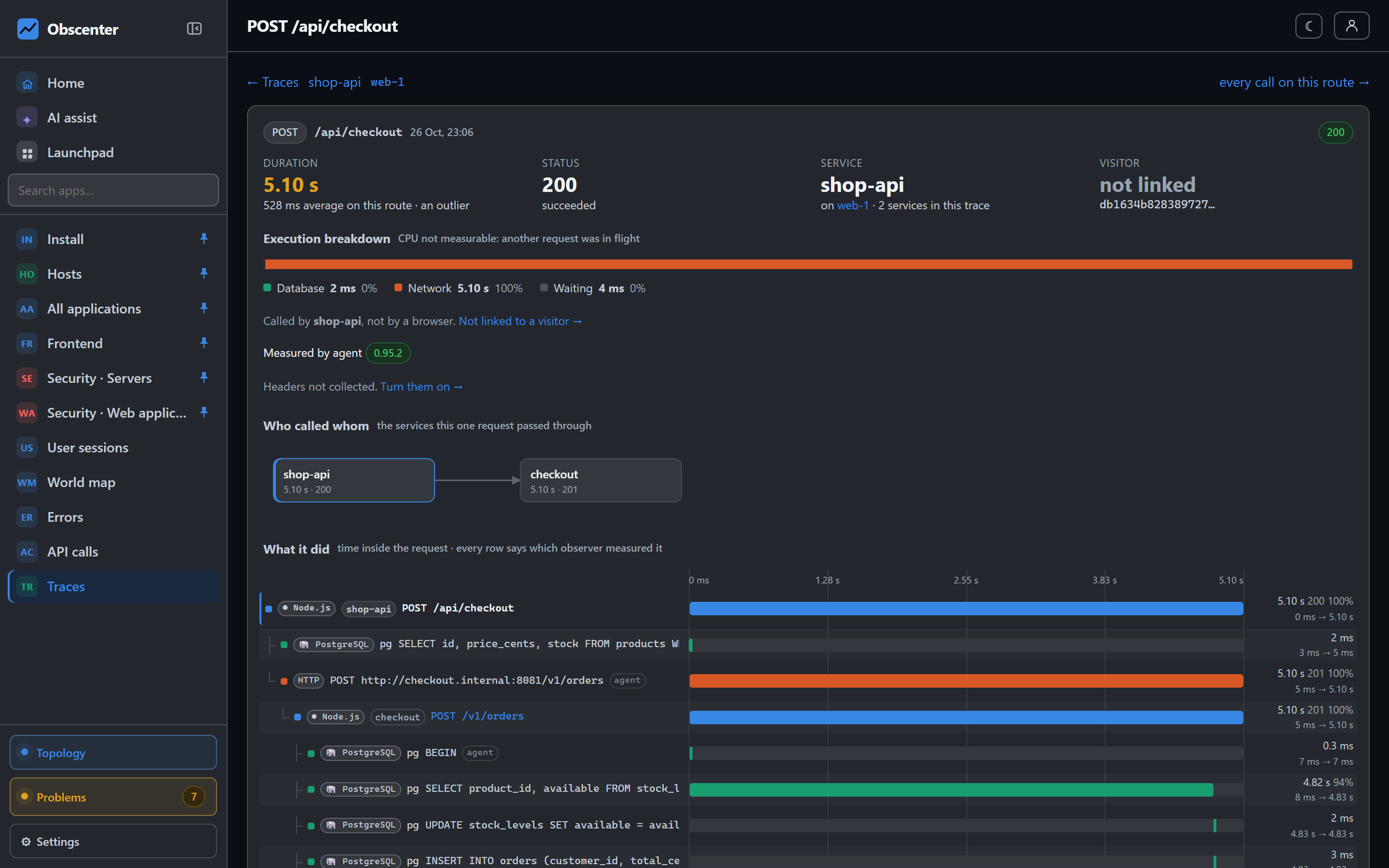
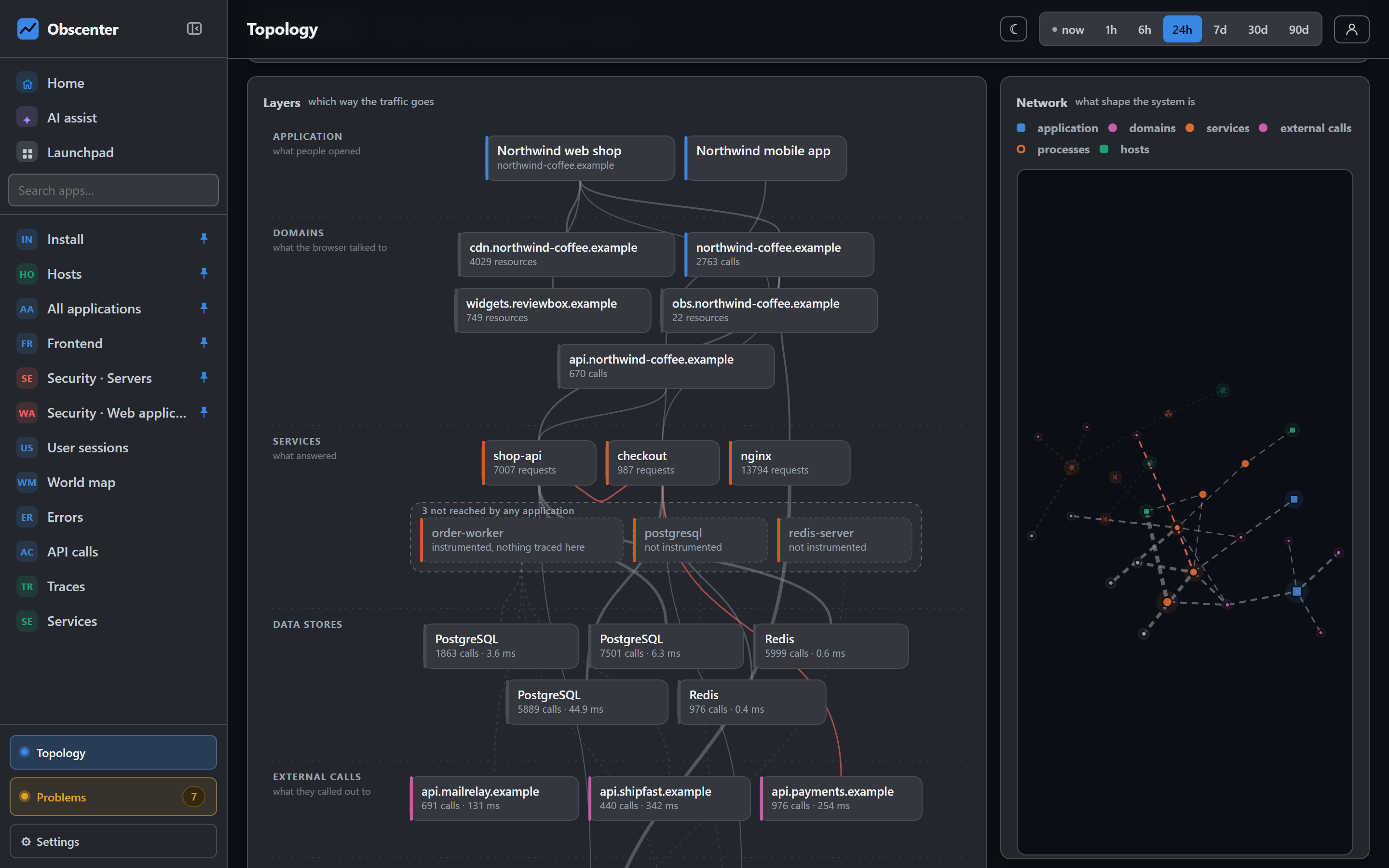
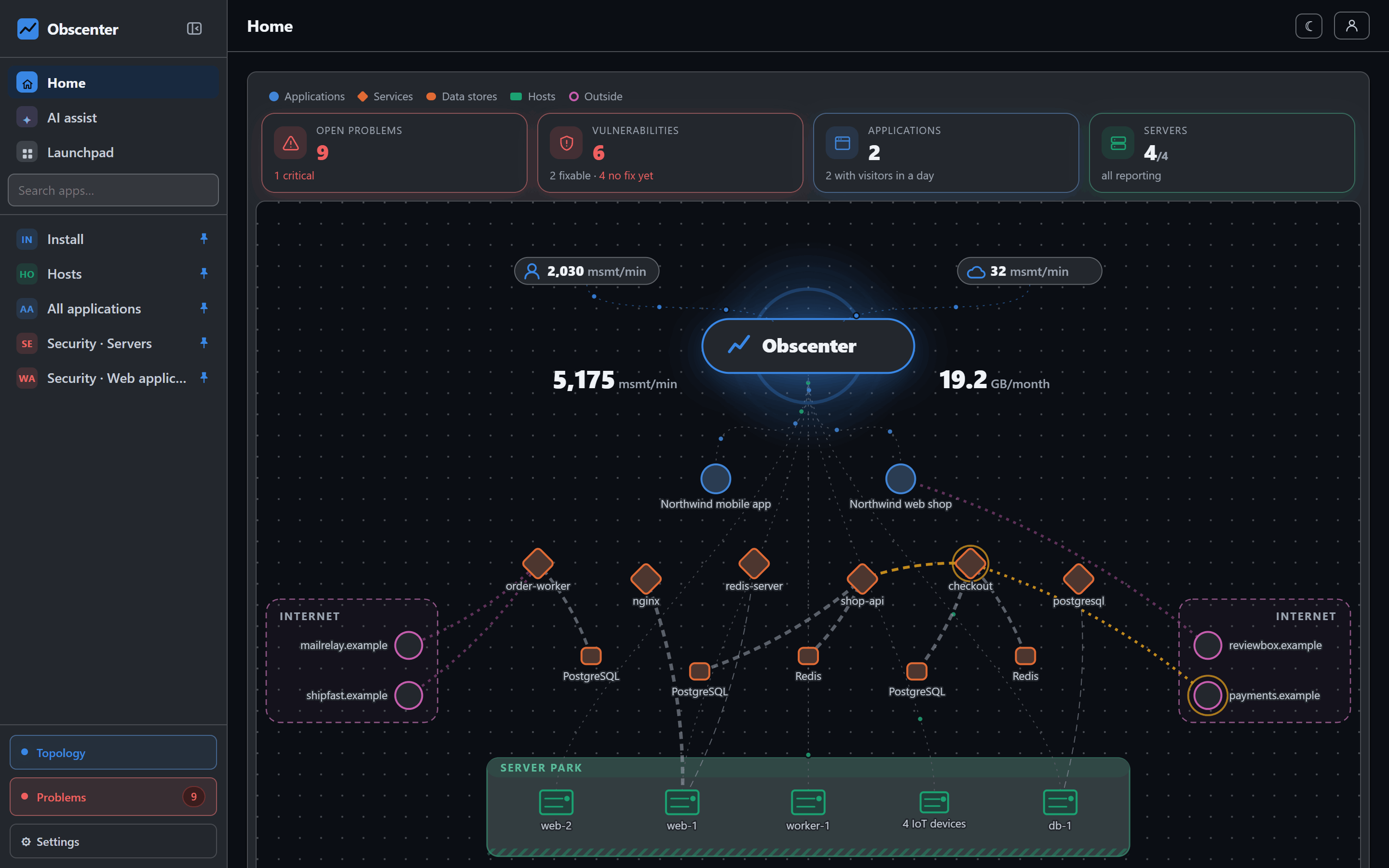
A phone has no page origin from which to infer which API is yours, so you name your API's origins in traceOrigins (up to 20, matched exactly). Calls to those carry a W3C traceparent, and if the API runs under the Obscenter agent, a slow screen and the server work behind it are the same record. The topology shows the app next to the website, calling the same services.
The mobile dashboard
An application knows what it is: when you create it, you choose website or app. A mobile application's overview shows app sessions, crash-free sessions, cold start p75, screens per session, session length and identified users. Crash-free is shown as good from 99.5%, and with no sessions it shows nothing rather than a reassuring 100%. Launches split by platform, build, OS version and handset — a build is a fleet rather than a deployment, so every table compares versions.
Pages, funnels and resources do not appear for an app, because a screen is not a page. User sessions, the world map, errors and API calls work as they do for a website.
Native session replay: what is proven and what is not
Replay needs a native capture module (a local Expo module, which we send on request) and a development build; Expo Go cannot load it, and the agent simply records nothing there. The application chooses between two modes, and both the mode and the percentage are read from the server, so they change without a release:
- Wireframe: rectangles where views were, and for a text view how many lines — never a pixel and never a character. The collector rebuilds every node from an allowlist and refuses any node carrying a string other than a colour, so even a build with a masking bug stores no text.
- Screenshots (the default): the screen as the user saw it. Nothing in the picture is masked.
Already using Sentry?
A connected Sentry organisation's mobile projects appear as applications too, with their crash-free rates and releases. Adding the Obscenter agent on top gives you sessions, calls and the trace join. See the Sentry integration.
The full set-up, including the replay module, is in React Native and Expo apps.
Measure your app
Create a mobile application, save one file into the repository, and the first sessions arrive from your next development build.
Start free or read Getting started.