Blog 26 October 2026 · 5 min read
Sentry integration: issues and releases beside your own data
Connect a Sentry organisation and see its issues, releases, crash-free sessions and users next to your traces and machines, pulled every five minutes.
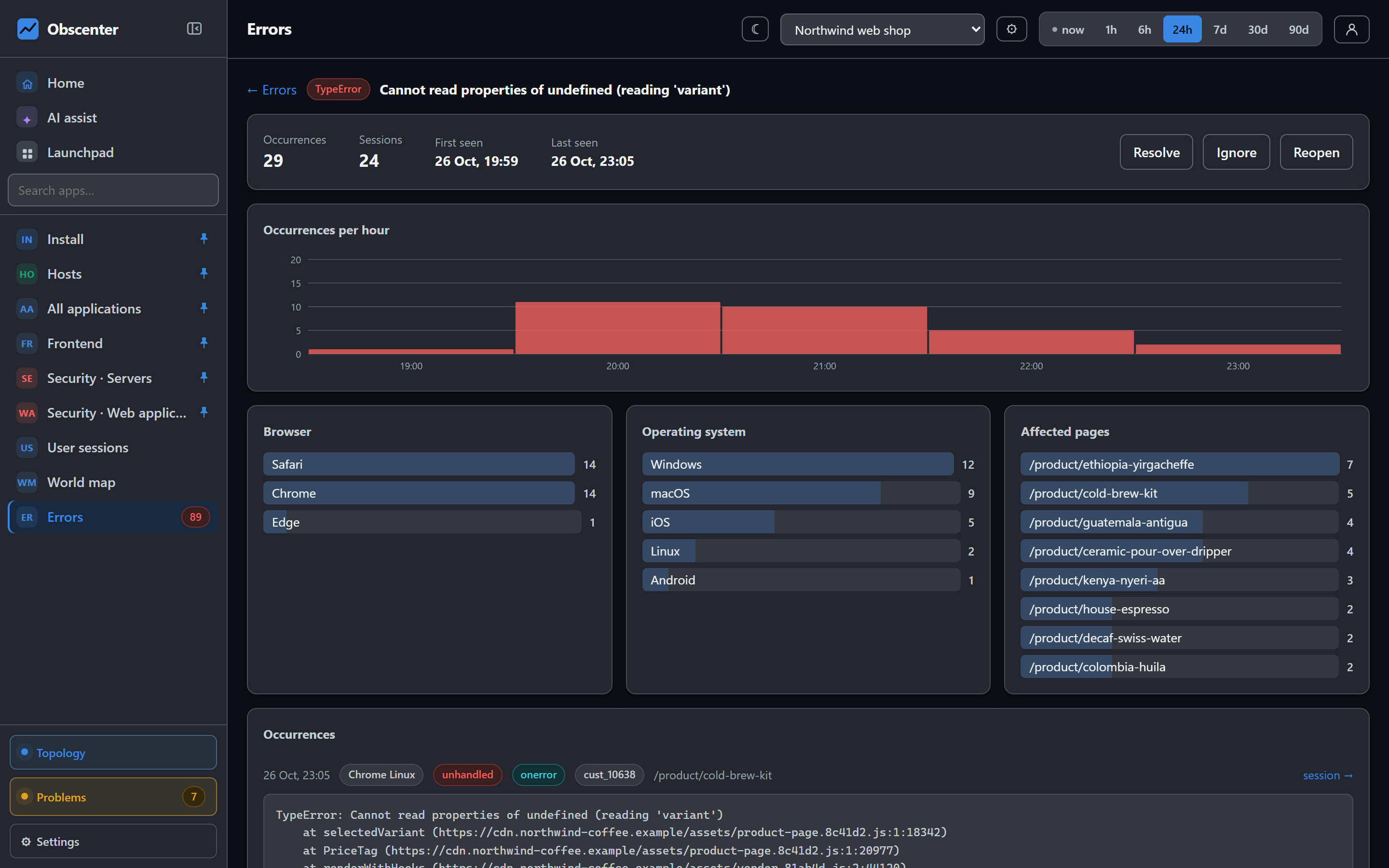
Plenty of teams already have Sentry wired into their apps, and it is good at what it does: grouping exceptions, tracking releases, telling you how many users crashed. What it does not hold is the rest of the picture — the server that was out of memory when the crash rate jumped, the API that slowed down, the deploy on the backend half an hour earlier.
Obscenter's Sentry integration brings a Sentry organisation's data in beside your own, so you do not have to choose between them or keep two tabs open during an incident.
Connecting a Sentry organisation
An organisation's administrator connects it under Integrations with a Sentry auth token. The token needs org:read, project:read and event:read; add team:read and alerts:read if you want those too.
- Paste the token. Sentry user tokens start with
sntryu_. - Optionally name the organisation; otherwise the first one the token can see is used.
- Save.
The region is found by itself: your install asks sentry.io for the organisation and uses the region address Sentry returns, so EU and US organisations both work. The token is never shown again, only its last four characters. The scopes are all read scopes: the integration reads from Sentry and writes nothing back to it.
What is pulled, and how often
Every five minutes, your install pulls:
- sessions by hour, status and environment;
- error events by hour, OS and environment;
- crash-free sessions and users, and user counts, over 24 hours, 7 days and 30 days;
- up to 25 releases per environment, with their health and adoption;
- 30-day breakdowns by platform, release, device and OS;
- the issues seen in the last 90 days;
- the users the events name, and each event in full.
The first pull reaches back 30 days; later pulls re-read the last 48 hours. Pulled data is kept for 90 days. Pull now runs a pull immediately, and Disconnect removes the pulled data while keeping the applications it created.
Projects, issues and releases
The Sentry page lists every project with its platform, environments, the events kept and the application it became here. Environment chips filter it. Each project shows its sessions, crash-free rates, open issues, latest issues and releases with their health — so "which release started crashing" is answered on one screen.
Mobile Sentry projects become applications
A Sentry project on a mobile platform — React Native, iOS, Android, Flutter, Expo and Unity, among others — becomes a mobile application here automatically, with a "via Sentry" badge. Its overview shows crash-free people and error-free sessions, open issues, releases with their health, and the split by build, platform, OS version and handset.
Sentry keeps no single session, so for these applications the person is where a story starts. A list of the people the events name shows their handset, OS, build, event count, and first and last seen. One person's events from the last 90 days are read from Sentry when you ask. One event shows the exception and its frames, the handset and app, and the breadcrumbs: the screens, taps, calls and log lines just before it.
Session replay, errors and API calls are hidden from the menu for these applications, because those come from Obscenter's own agents, which a Sentry project does not have. To get them as well, add the React Native agent to the app; the two sit side by side.
Beside your own data
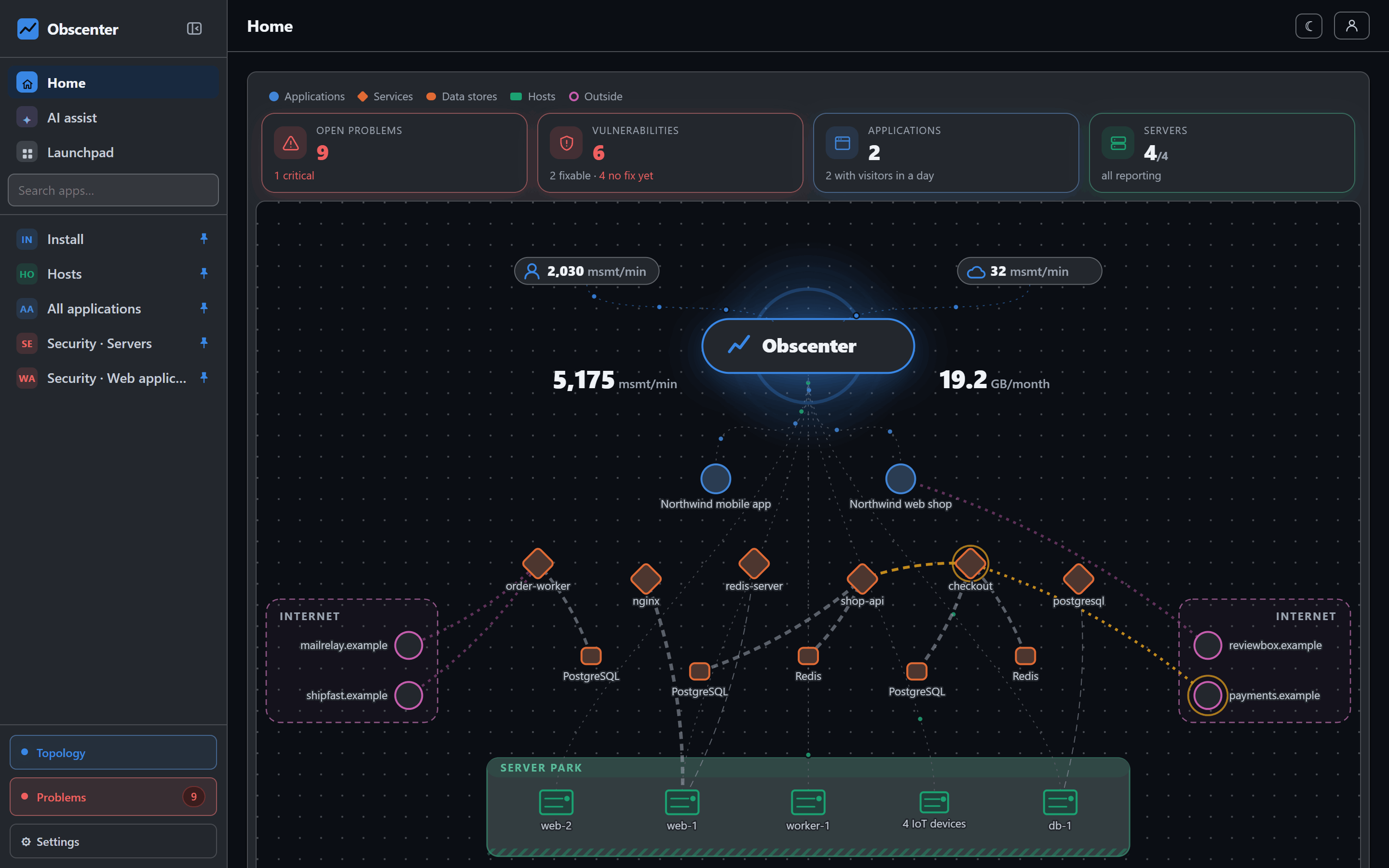
The point of the integration is what it sits next to. In Obscenter the same screen that shows a crash-free rate falling can lead to:
- the problems that opened at the same time — a slow service, a failing endpoint, a machine out of memory;
- the traces of the API the app calls, and the database query behind them;
- the machines underneath, with their reboots and deploys on a ticket's timeline;
- for websites, Obscenter's own error groups, sessions and replays from the browser tag.
Ask the assistant
The AI assistant has a tool that reads mobile crashes from the Sentry data, under your account's access. "Which release started crashing on Android?" is a question you can ask in your own words, and the answer is built from the pulled data rather than from the model's imagination.
Sentry and Obscenter agents together
The integration does not ask you to replace anything. Sentry keeps doing what you set it up to do — capturing exceptions, grouping them into issues, tracking release health — and Obscenter reads that through its API. What the Obscenter agents add is measured directly: page loads and Core Web Vitals for websites, cold starts and failed calls for apps, server-side traces, machines, logs and synthetic checks. When both are present, a crash-free rate falling in a new release and a backend service throwing errors since the same deploy are a click apart, and a ticket's timeline shows backend deploy markers and machine reboots in order. A team that already depends on Sentry's issue workflow can connect it on day one and add agents service by service, without a migration: the first pull reaches back 30 days.
Who sees what
Reading the Sentry page needs the Integrations capability, on by default. Connecting, changing and disconnecting is for administrators. The token is stored on your install and never sent back to a browser.
The reference is Sentry integration; for measuring the app directly, see React Native and Expo apps.
Bring your Sentry in
Create an organisation, paste a read-only Sentry token, and the first pull reaches back 30 days.
Start free or read Getting started.