Blog 26 October 2026 · 6 min read
Vulnerability scanning with CVE, KEV and EPSS
Every host package and library checked against OSV every four hours, by source package, ranked by CISA KEV and EPSS, with one upgrade command per machine.
A vulnerability scanner that lists four hundred CVEs has done its job and left yours undone. Most of those rows are in packages that never run, for flaws nobody exploits, with fixes that do not exist yet. What a team needs is the short list: what to upgrade today, on which machine, with which command — and what is safe to leave until the next maintenance window.
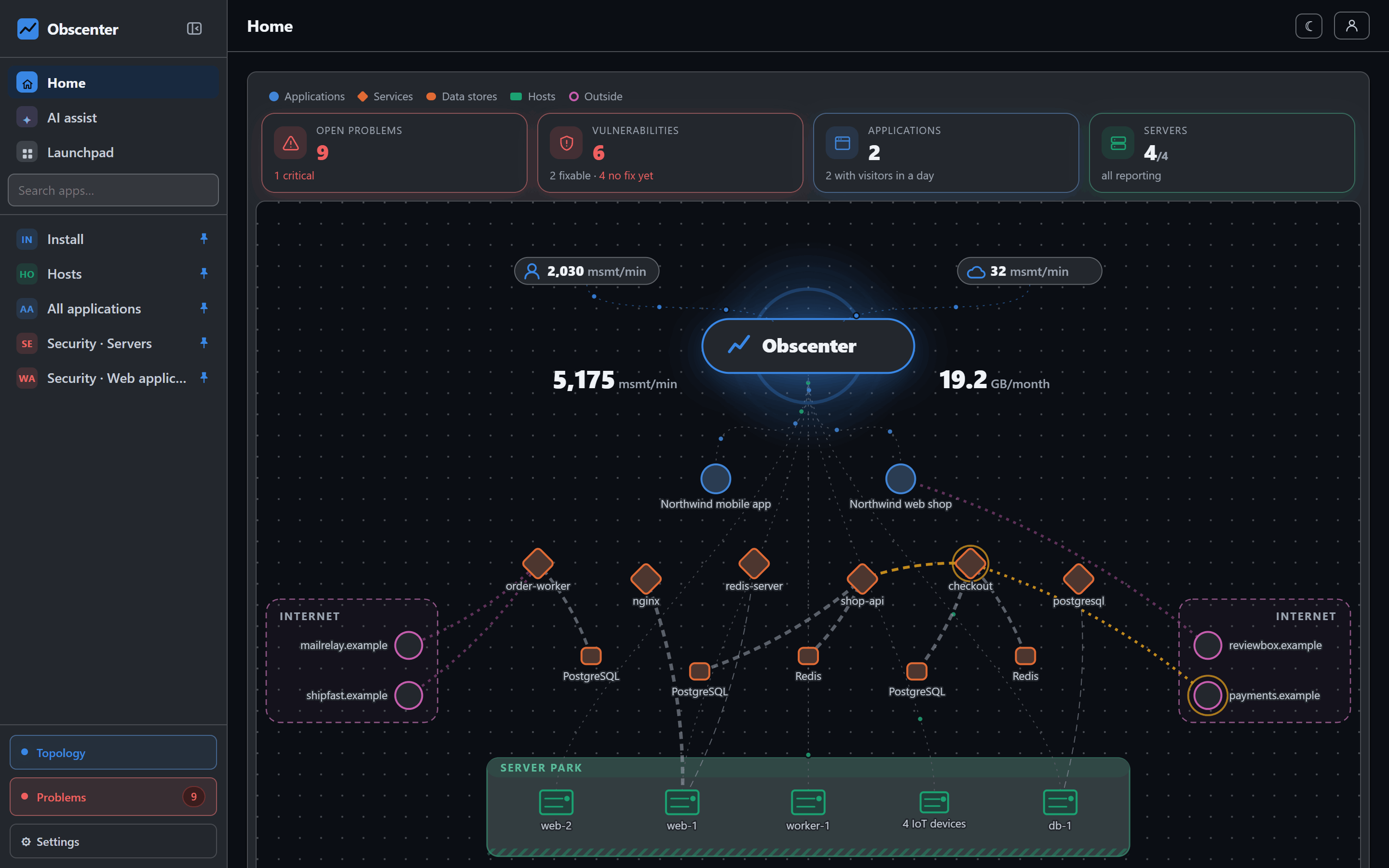
Obscenter builds that list from what its agents already know about your machines and services.
What is scanned
- Every OS package on every machine with the host agent.
- Every npm package your instrumented Node.js services actually load.
- The client-side libraries your pages load from public CDNs such as jsDelivr, unpkg, cdnjs or code.jquery.com, recognised from their URLs.
A bundled or fingerprinted script carries no version in its name, so most sites yield few identified libraries. The page says how much it could not identify, and an unknown version shows as unchecked, never as clean. "Three libraries, no problems" must not read as an all-clear over a page that loads thirty scripts.
Three public sources, checked every four hours
- OSV.dev answers "is this package version affected", for OS packages and for npm.
- CISA KEV, the Known Exploited Vulnerabilities catalogue, answers "is anybody exploiting this". Not a probability — a fact with a date.
- FIRST EPSS answers "how likely is exploitation in the next 30 days". Obscenter asks only for the CVEs your install actually holds, a hundred at a time.
The check runs every four hours (at 00, 04, 08, 12, 16 and 20 local time) and shortly after the install starts; Check now runs it on demand. If KEV or EPSS is unreachable, that column is missing for a while and nothing else changes: the advisory itself came from OSV and is already stored.
Why scanning by source package matters
Debian and Ubuntu file their advisories under the source package, not under each binary package built from it. The kernel alone builds a dozen binaries; OpenSSL builds several. Asking by binary name either misses advisories or multiplies them. So the agent reports each package's source and source version, and Obscenter asks OSV by source package wherever it has one. One source package is one question and one answer.
Kernel files that nothing executes — headers, tools and docs for kernels that are not running — are not counted. They are worth an apt autoremove, not a ticket at night.
What counts as urgent
By default the page shows only what has to be fixed now. An advisory is urgent when it is:
- exploited — it is in the KEV catalogue;
- remote — reachable over the network with no login and no user action, threatening confidentiality or integrity, in code that is actually in use;
- critical — rated critical by its publisher;
- likely — an EPSS score of 10% or more, in code that is in use.
"In use" comes from the host agent, which works out which installed packages a running process has actually loaded. A flaw in a library no process maps is real, and it is not today's emergency. Switch the view to advisories to see everything regardless.
One action per package, one command per machine
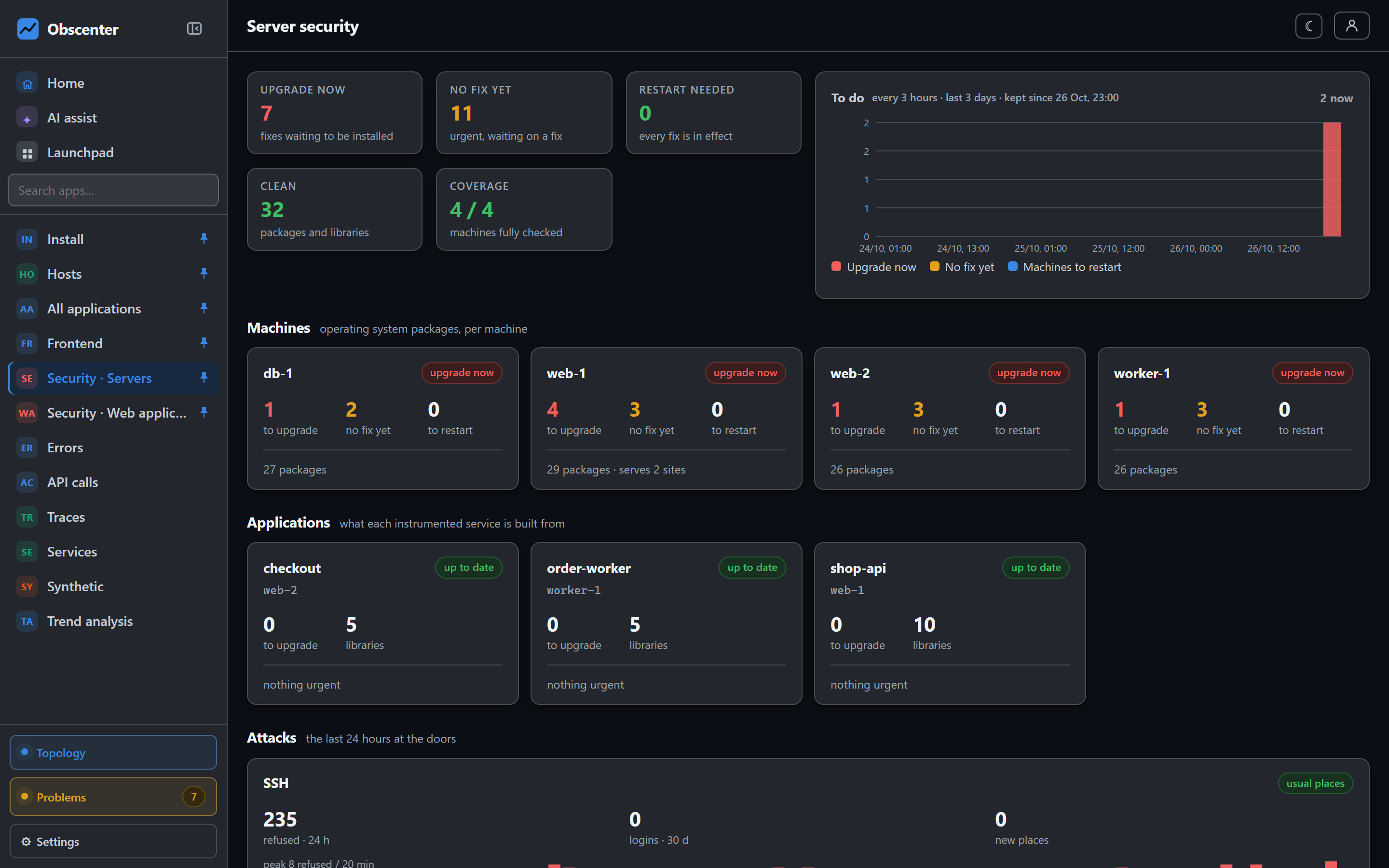
The servers page turns findings into actions. One line per source package, not one per advisory: every advisory a single upgrade closes is one row, with the version that closes all of them and the binary names to give to apt. Each machine then gets one command that installs every fix at once, and each service gets the npm install package@version it needs. A fix that does not exist yet says no fix yet instead of pretending an upgrade will help.
The tiles across the top answer the operational questions directly: Upgrade now, No fix yet, Restart needed, Clean and Coverage — how many machines were fully checked. A machine nobody scans is not counted as clean.
Restart needed: when an upgrade is not yet a fix
A package upgraded on disk does not fix a process that still has the old code loaded. Two cases are tracked:
- The kernel: when the installed kernel image is newer than the running one, the machine needs a reboot.
- Libraries: when a process still maps a deleted, replaced library file, the service needs a restart to load the fixed copy.
A history chart counts upgrade now, no fix yet and restart needed an hour at a time, so you can watch a backlog shrink rather than take it on faith. A service whose library list has not been reported for 14 days is shown as stale and not judged.
Tickets, not a report nobody reads
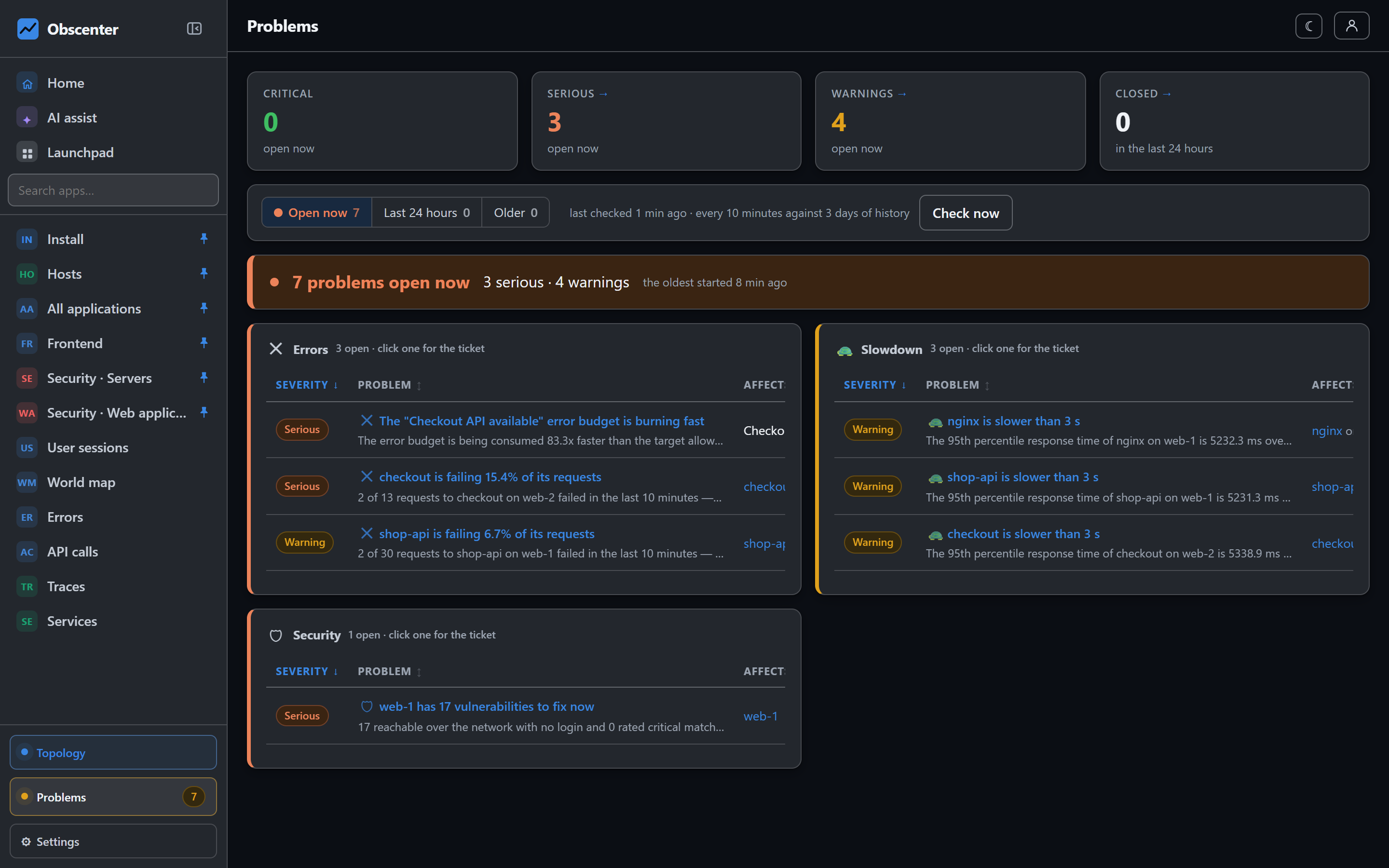
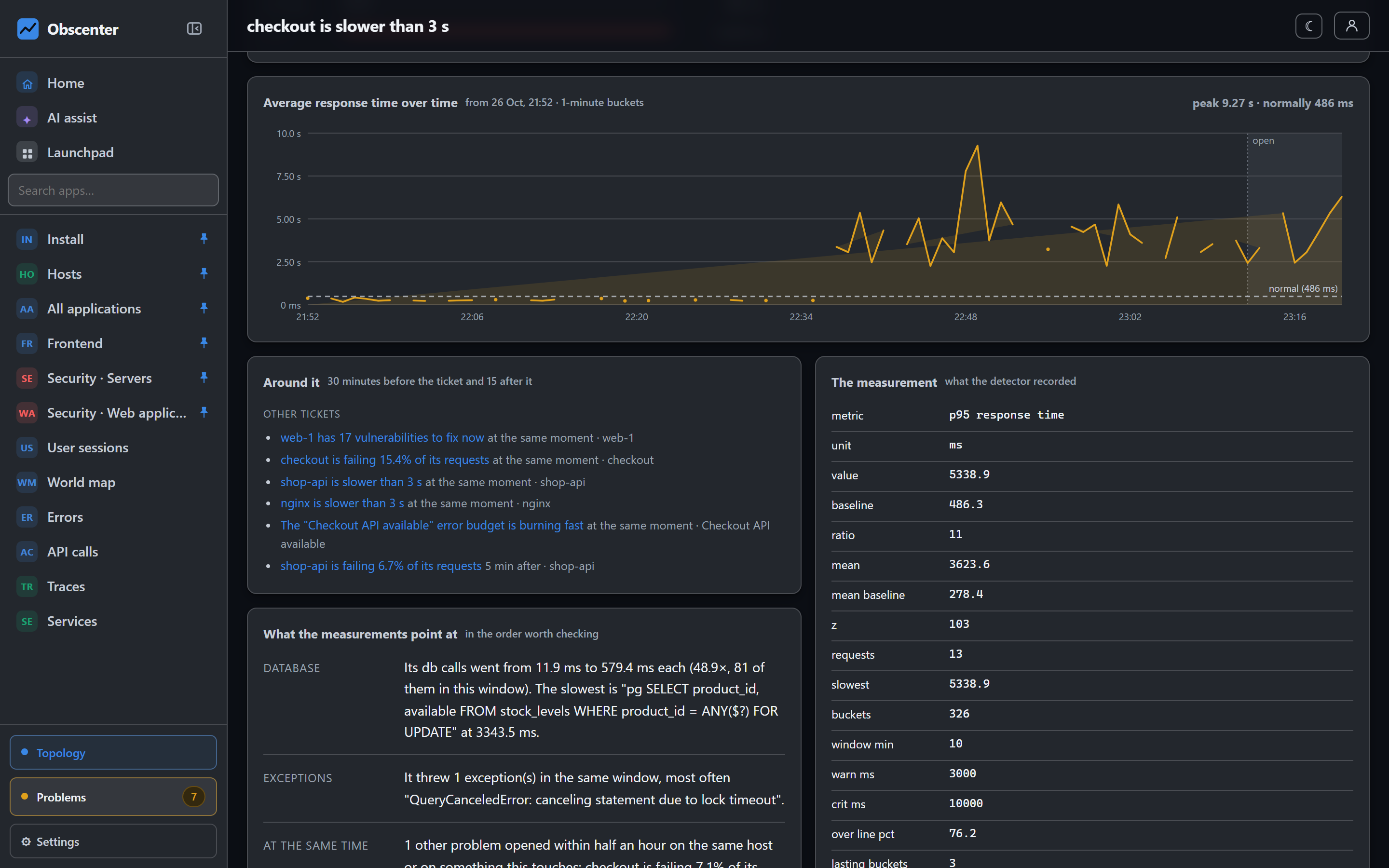
- A machine running a package with a known exploited vulnerability opens a critical ticket immediately.
- Severe vulnerabilities with a fix — reachable remotely without a login, or rated critical — open a serious ticket.
- Likely exploited software opens a ticket when its EPSS score is high.
- Advisories with no fix released are counted but not ticketed: a ticket you cannot act on teaches people to ignore tickets.
A machine can be muted with a reason and a duration (until unmuted, or 7, 30 or 90 days). Its advisories stay listed and marked muted, but they open no ticket and send no mail.
The details are in Vulnerability scanning; the package inventory comes from the host agent. For logins, scanners and the rest of the security picture, see Linux server security monitoring.
Get the short list
Install the agent on a machine and the first scan runs on its own within minutes of the first report.
Start free or read Getting started.