Blog 26 October 2026 · 6 min read
IoT device monitoring: an ESP32 thermometer in one HTTP call
Monitor ESP32 sensors with one JSON POST and no agent: readings, device health, logs and report traces, plus settings and actions sent back on the answer.
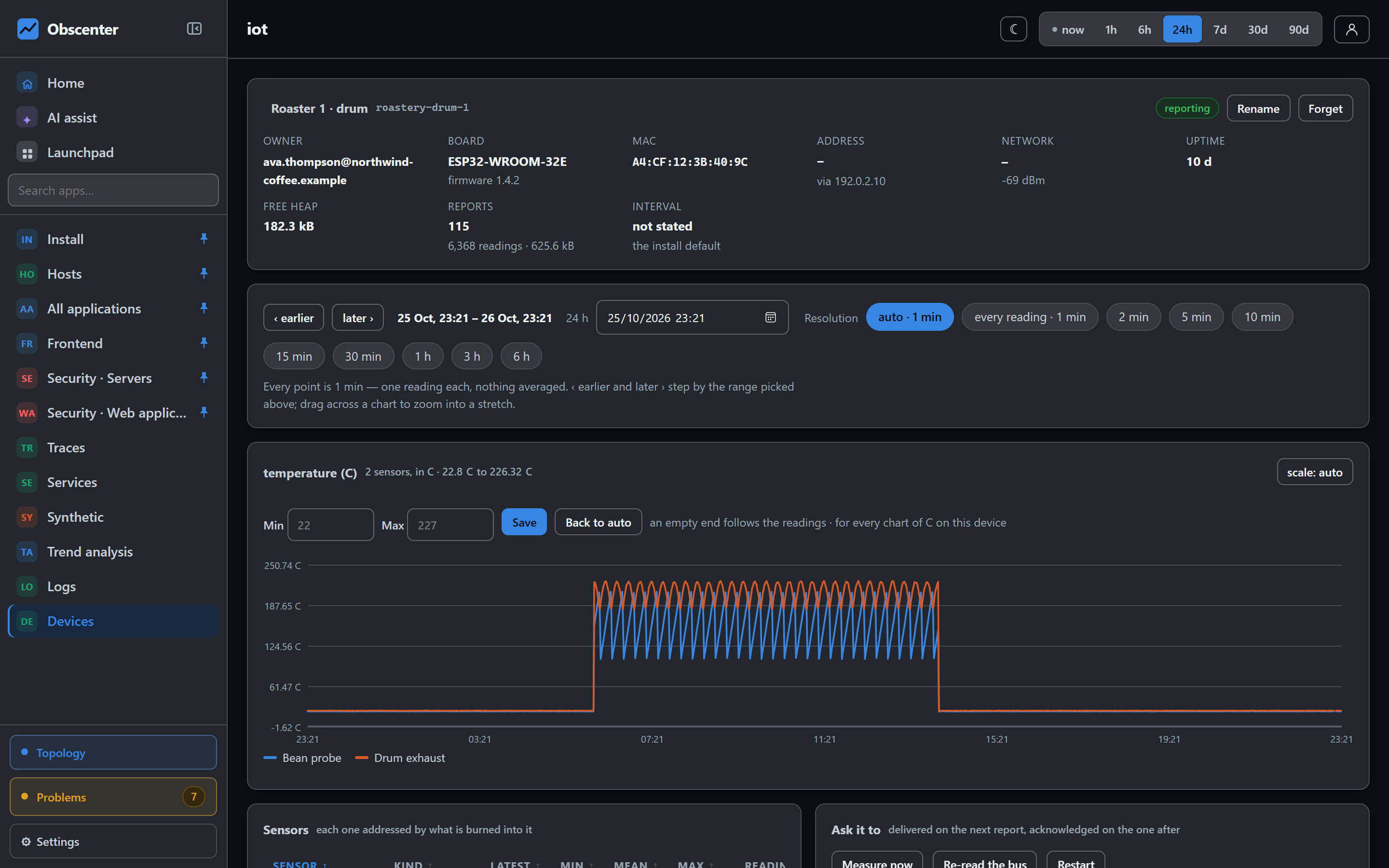
Northwind Coffee, the fictional shop in our screenshots, roasts its own beans. The roaster drum has two temperature probes on an ESP32 — one in the beans, one in the exhaust — and the person running the roastery wants to see every roast, know when a probe fails, and change how often the board reports without walking over with a laptop. That is not what a server agent is for. A microcontroller has a few hundred kilobytes of RAM and no operating system to install anything into.
So in Obscenter, the device is the agent. The whole integration is one JSON object posted over HTTPS.
One HTTP call, no agent, no broker
POST https://your-install/collect/iot

{
  "k":    "YOUR_KEY",
  "id":   "a4cf12ab34cd",
  "name": "Roaster 1",
  "dev":  { "model": "esp32", "fw": "1.4.2", "rssi": -66, "up": 3600,
            "heap": 165000, "boot": 4, "interval": 60, "cfg": "" },
  "m":    [ { "s": "28FF641F2713A2C1", "n": "bean", "t": "temperature",
              "u": "C", "v": 201.4, "q": 1 } ]
}
There is no MQTT broker to run, no cloud account, and no library of ours on the device. A device is not registered in advance: it appears on its first report under its own id, and you rename it afterwards. One key is enough for a whole fleet.
A few rules in the contract do most of the work:
- The device id comes from hardware — the WiFi MAC, lower case, without colons — so a reflash keeps the same device and its history.
- A sensor is addressed by what is burned into it, such as a DS18B20's ROM code, never by its position on the bus. Two probes that swap places would otherwise swap their histories.
- A reading the sensor distrusts is marked
q: 0. For a DS18B20 that is exactly 85.0 (its power-on default) or -127 (no answer). The collector counts those and refuses to chart them, so a failing probe becomes visible instead of drawing a fake spike. - The same reading sent twice is stored once, keyed on sensor and time, so firmware can buffer readings during a WiFi outage and resend them with their real timestamps.
A contract that is served, not just documented
Firmware is the one thing nobody can redeploy from a dashboard. So the contract is served: GET /iot/settings?k=KEY returns every field, unit, kind and limit, with a worked example. The device fetches it on boot, so a board flashed two years ago picks up an interval changed this morning. The install page renders the same document, which means the description and what the collector accepts cannot drift apart.
The install page also carries a complete Arduino sketch for an ESP32 with one-wire temperature probes, needing only the OneWire and DallasTemperature libraries. One choice in it is worth copying anywhere: the TLS connection is opened once and kept. Measured on an ESP32 against this collector, a handshake per report cost 6.3 seconds and the whole cycle 12.7; on a kept connection the same report took 54 milliseconds.
Settings and actions ride back on the answer
Nothing can reach a sensor behind a home router or a factory firewall, and nothing needs to. Settings ride back on the answer to a report the device itself made — no broker, no open port, no inbound path into the network the sensor sits on:
{ "ok": true, "stored": 2, "dropped": 0,
  "interval_s": 60, "config": { "interval_s": 60 },
"config_version": "db98a4fac51c" }- Reporting interval: a slider from 2 seconds to 10 minutes, with what it costs in readings a day beside it. Set a default for the fleet and override it for one battery board.
- Parameters: any named value — an alarm threshold, a LED switch, a calibration offset — passed to the device as it is.
- Actions: Measure now, Re-read the bus after adding a probe, and Restart. Nothing in the list can install, write or read anything on the device, and wiping the WiFi is deliberately absent.
The device sends the config_version back as dev.cfg, and that acknowledgement is how the dashboard tells three states apart: applied (it confirmed this configuration), pending (asked, and it has not reported since — normal for a board that sleeps), and unaware (it has reported since and never says what it runs, so its firmware does not implement the channel). Actions are just as honest: asked, delivered and acknowledged are three separate moments.
What the device page shows
- Readings, one chart per sensor. A stretch with no report is a gap, never a line at zero; negative readings go below zero; a sensor that varies by a fraction of a degree gets a fitted axis.
- Device facts from every report: model, firmware, MAC, signal strength, uptime, free memory and boot count. A weak link, a memory leak and a board rebooting in a loop all look the same in the silence, and different in these numbers.
- Logs the firmware sends, by level.
- Report cycle traces: reading the probes, building the payload, connecting, posting and parsing the answer, so a slow report says which phase was slow.
Alerts: silence yes, thresholds no
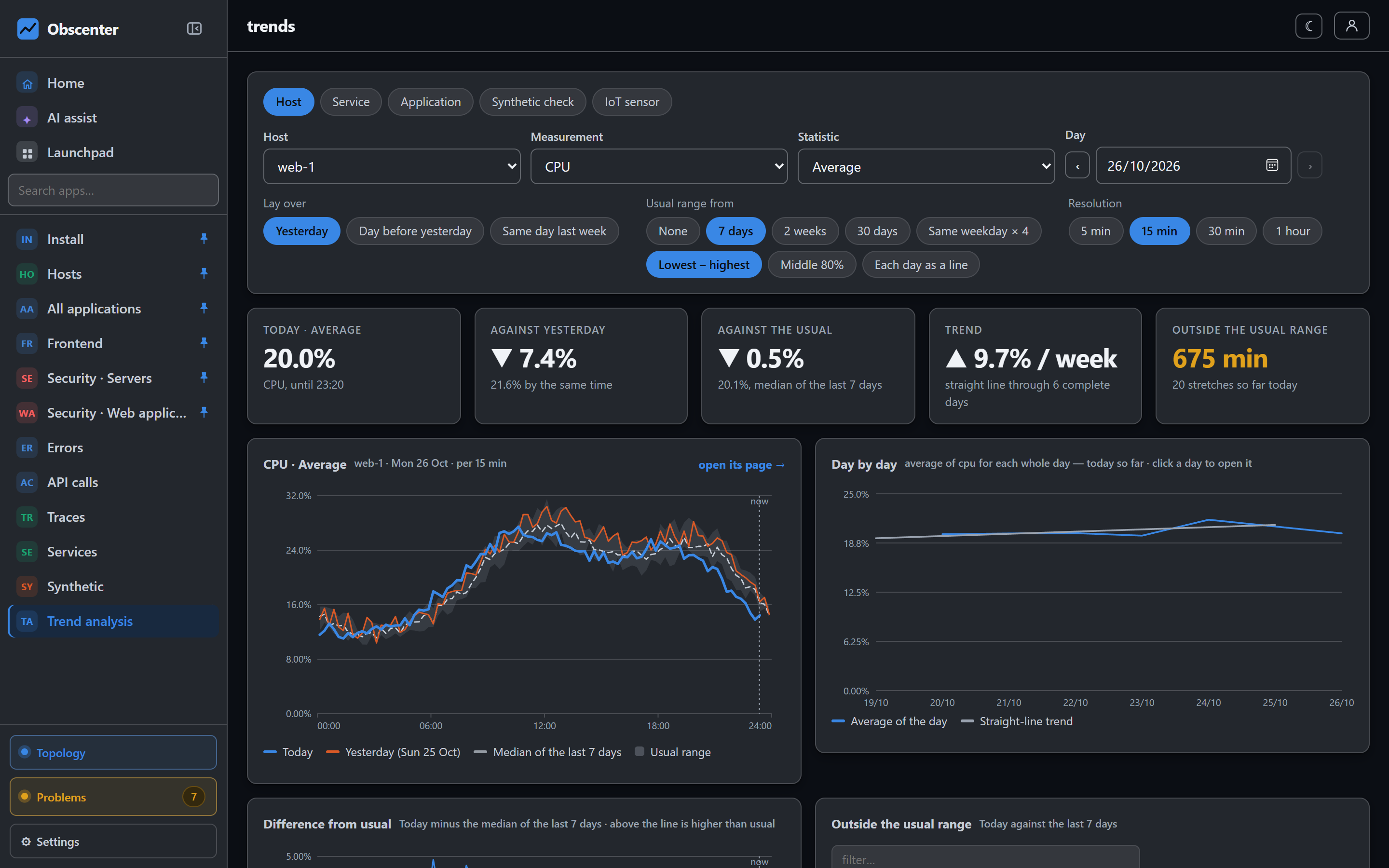
A device that stops sending opens a ticket after the silence time you set, or after three of its own declared intervals (at least five minutes). A battery sensor that wakes twice a day is not late five minutes after a report. The readings themselves deliberately carry no threshold: 85 °C is a fault on a flow pipe, normal in a sauna and impossible in a fridge. For a value that must alarm, compare it on the device and log it, or watch it in trend analysis.
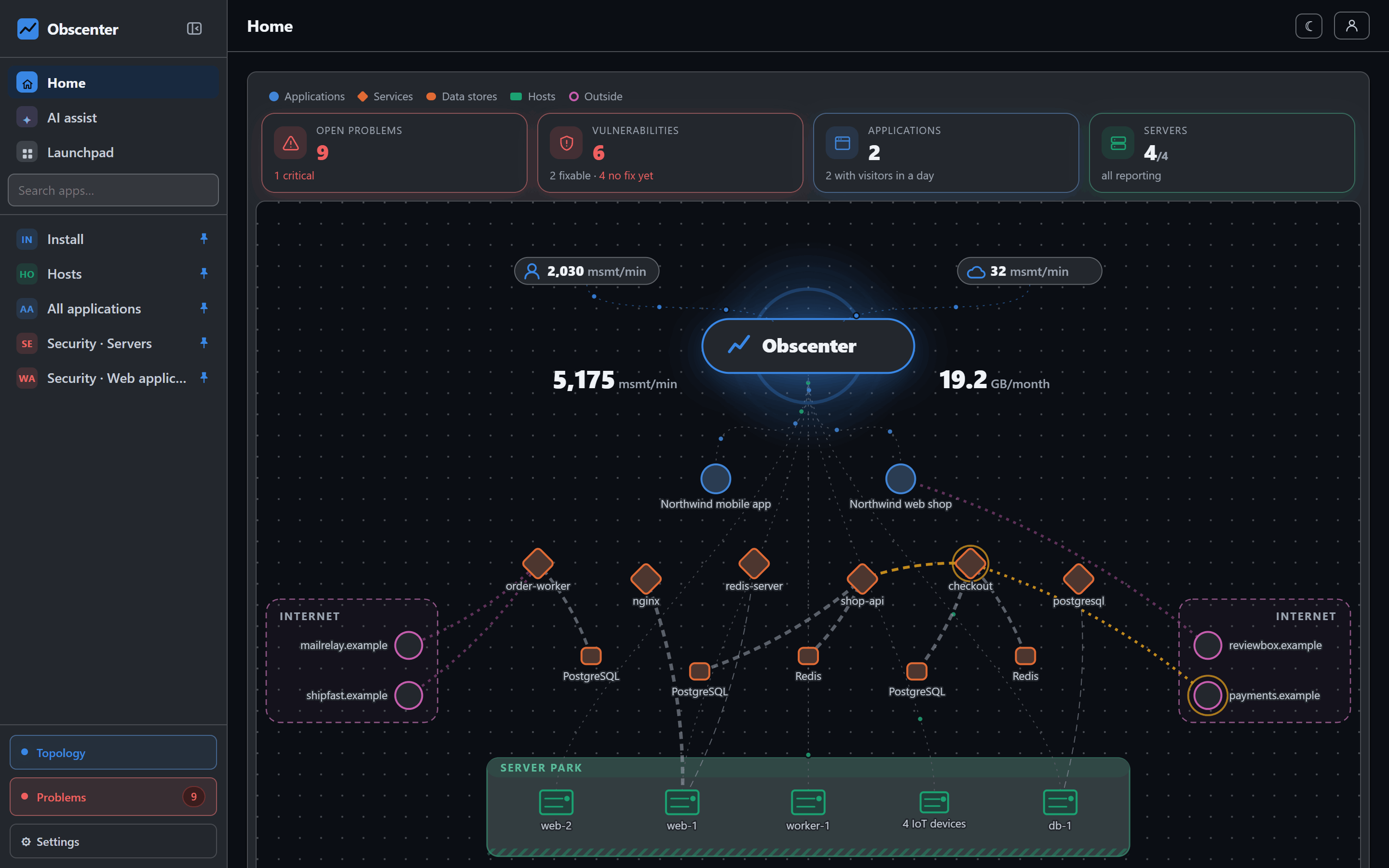
Device silence is one of many things the problem engine watches, so a dead sensor reaches the same people and channels as a dead server.
Keys and ownership
A device key of your own (iot_…), named after a place such as "roastery", can be switched off and on; while it is off, its reports are refused and counted. A device that first reported with your key is yours: a member sees their own devices and the ones shared with them, and nothing else.
Start with Connect an IoT device, then IoT devices, readings and settings.
Connect a board
Run the curl test from the install page, watch a device called bench01 appear within a second, then flash the sketch.
Start free or read Getting started.