Blog 26 October 2026 · 5 min read
A live service topology map, drawn from real traffic
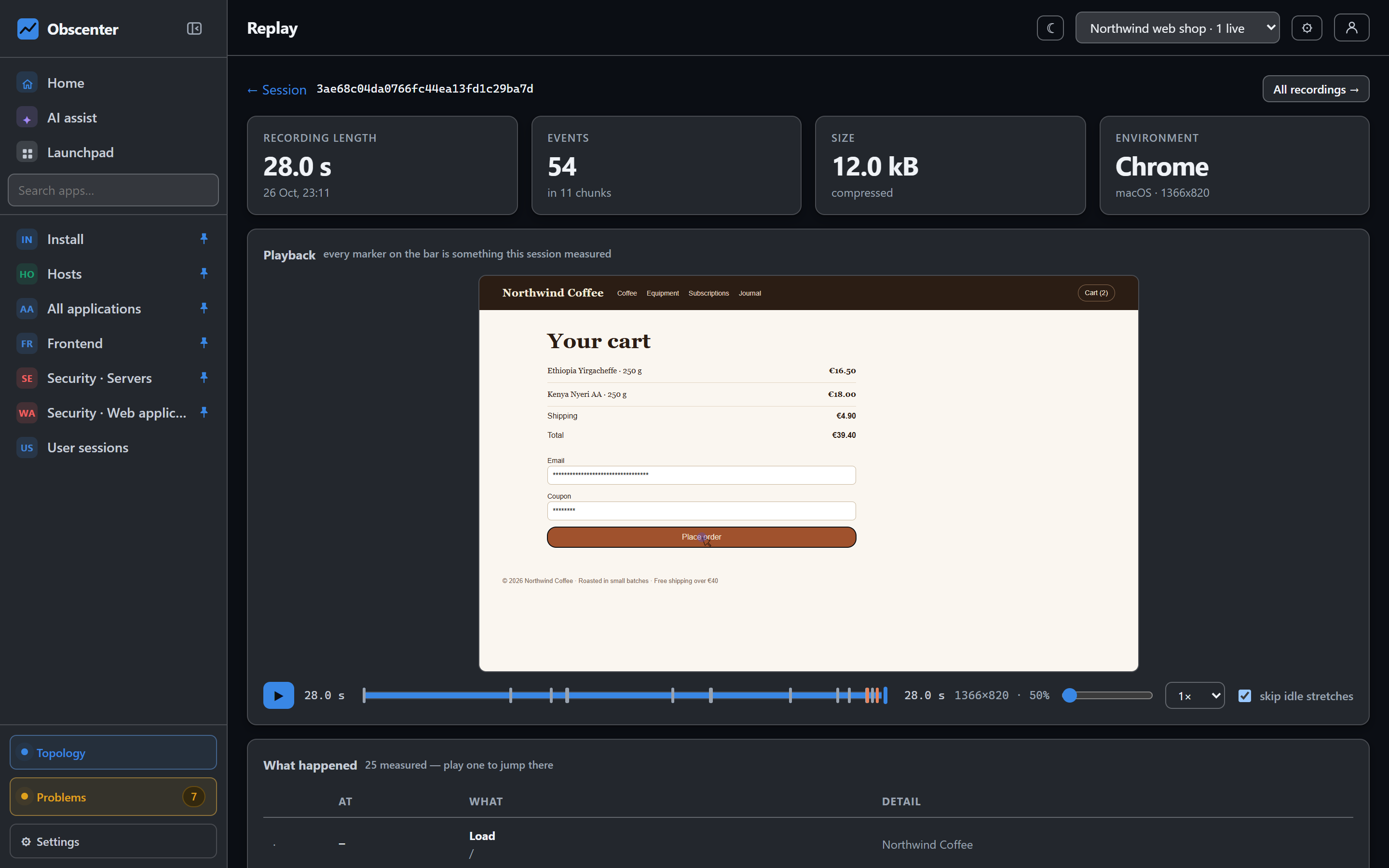
A service dependency map from browser to service to database and external APIs, where every line is a measured call and every machine is on the map.
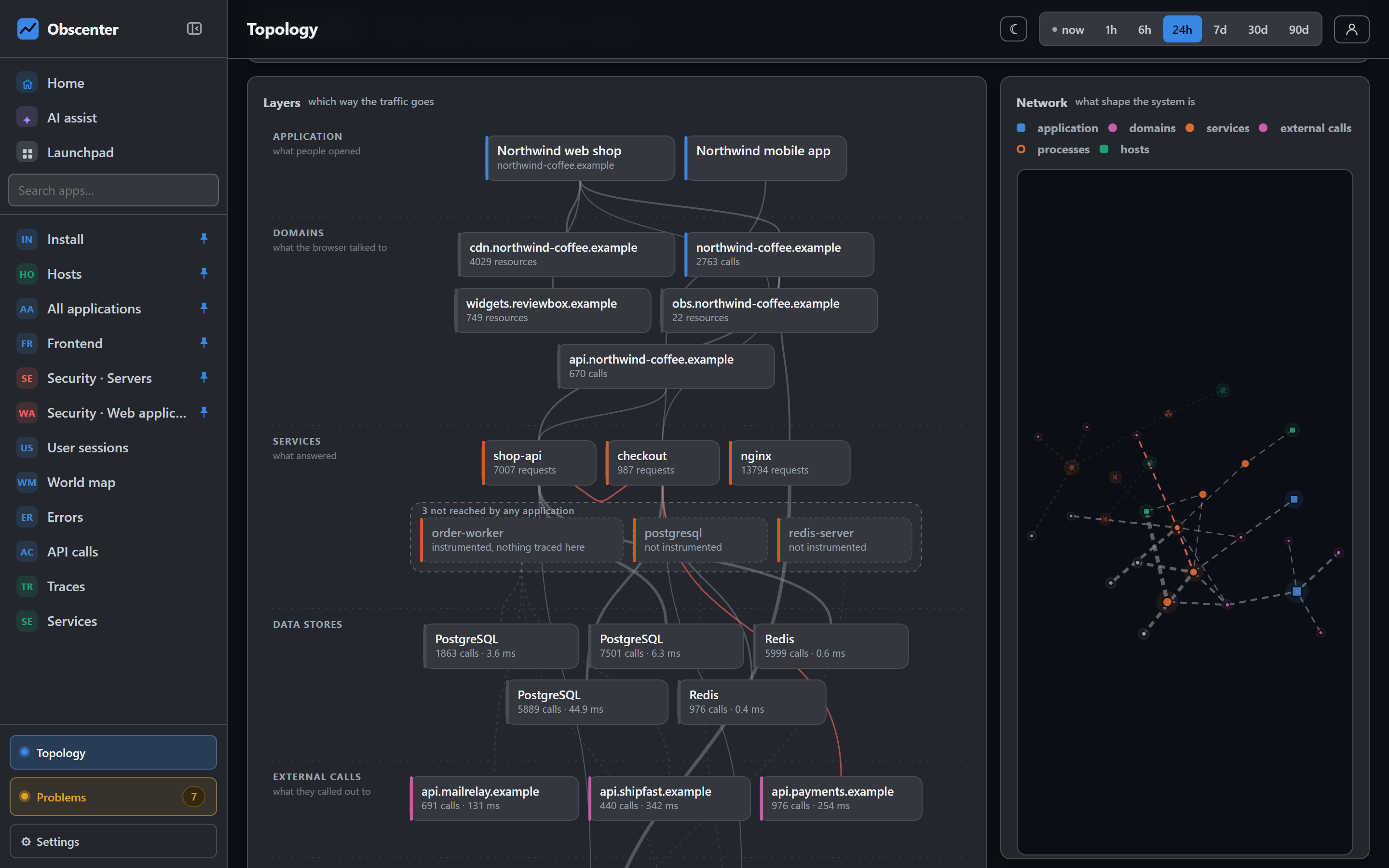
Every team has an architecture diagram. It was drawn for a planning meeting, it lives in a wiki, and it was wrong the week after the next service shipped. When something breaks at night, nobody opens it, because nobody trusts it.
Obscenter's topology is not drawn by anybody. It is computed from what was measured — who called whom, and what runs where — so it changes when your system changes, and every line on it can be clicked into.
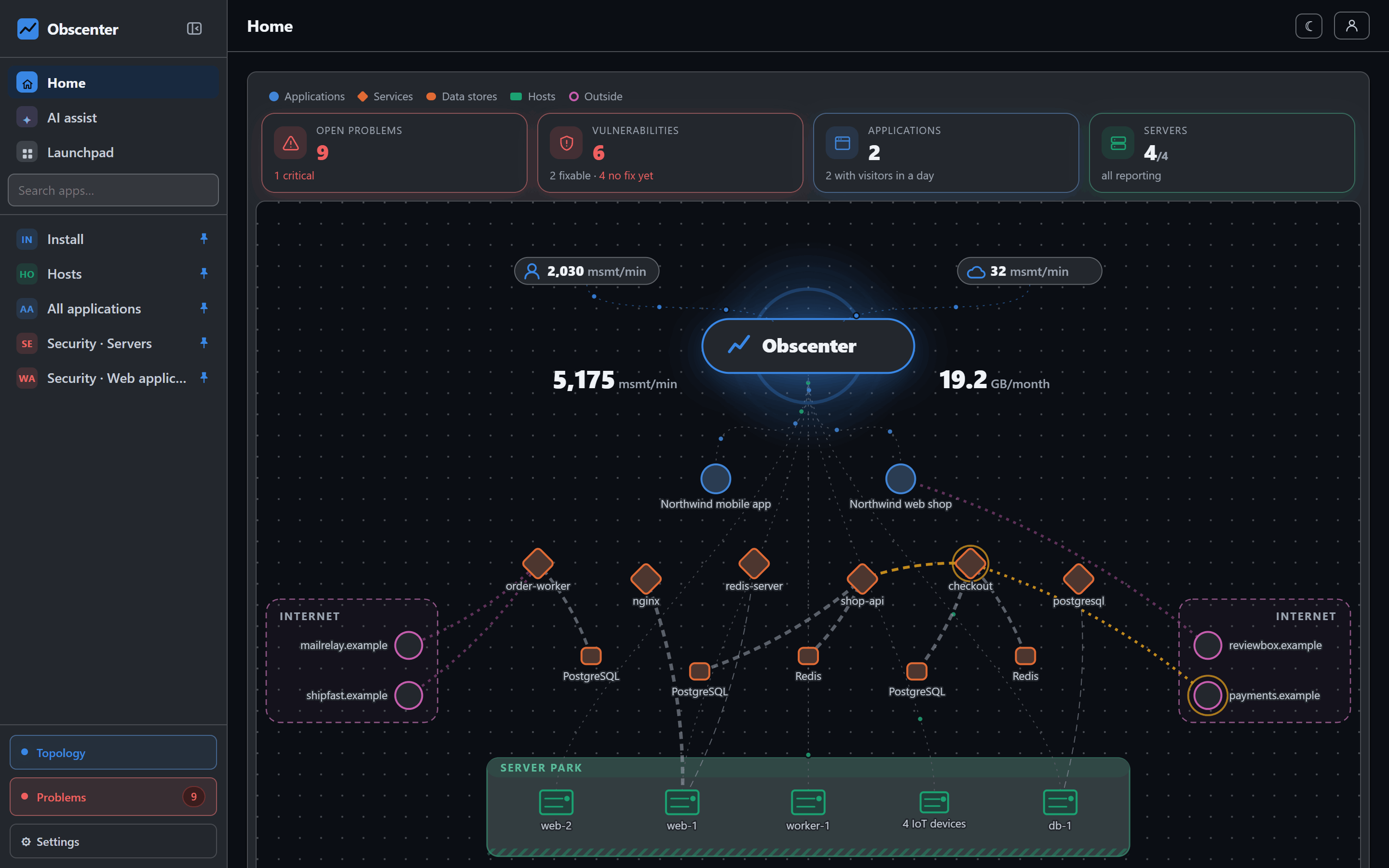
From the browser to the machine, in layers
The Layers view is a stack, read top to bottom:
- Application — the website or app, and the origin it is served from;
- Domains — what the browser talked to, your own and third parties: the CDN, a reviews widget, the API;
- Services — what answered, measured from inside the process;
- Data stores and external calls — the databases, caches and outside APIs the services used, with call counts and timings;
- Processes and hosts — what the services run in, and on.
Every line points down, so a path reads straight: this page called this domain, which this service answered, which queried this database, in this process, on this machine.
Every line is a measurement
| Line | What proves it |
|---|---|
| application → domain | The browser loaded from it or called it |
| domain → service | The same trace id on both sides of the call |
| application → service | The backend request carried the session in its baggage |
| service → service | The outgoing span's id is the called span's parent |
| service → process | The same machine and the same process id |
| process → host | Where it runs |
The domain → service line is the hard one for server-rendered sites, because a page load can never carry a request header. Obscenter's agent hands the trace id back on the response (in Server-Timing, or in the tag nginx injects), which is how a site whose traffic is almost all document navigations still connects to its own backend. That mechanism is explained in the end-to-end tracing article.
What is not connected is said, not hidden
Every machine the agents report is on the map. A machine that no measurement connects to anything stands there with no line and a sentence saying why — for example, no instrumented service runs on it, so no call was followed that far. A line nobody measured would be worse than empty space.
Services and processes that run but are reached by nothing are drawn in a dashed pen inside their layer, as "3 not reached by any application". These are the actionable part of the map: things that answer but that nobody has instrumented yet, or a database the agent sees but that no traced request has called. Hide the idle takes them away when you want the clean picture.
External dependencies on the map
Outgoing calls to services you do not run — a payment provider, a shipping API, a mail relay — appear as their own layer with call counts and average time. When checkout slows down because the payment API slowed down, that is visible on the map before anyone opens a trace, and the root-cause analysis on a ticket follows the same edges when it asks what a slow service was waiting on.
A network view that does not move under your mouse
The Network view draws the same data freely: things that talk to each other sit together, hubs look like hubs, and what nothing connects drifts to the edge. The layout is computed once and is deterministic, so the same system always has the same shape, and it does not move while you reach for a node. Scroll zooms at the pointer, a click highlights a node's own lines in both directions, and labels appear as you zoom. Kinds are told apart by colour and by shape, and the colours are checked for colour-blind readers in both themes.
A search box works in both views: type, and the matches stay lit while the rest fades.
Using the map during an incident
The map is most useful at the moment a ticket opens. The problem engine's root-cause analysis follows the same edges the map draws: when a service slows down, it asks what that service was waiting on, following each outgoing call to the service that answered it and comparing that callee with its own baseline. On the map, the same question is a glance — which boxes under the slow service are also unusual. The map has the same time range picker as every other page, from the last hour to ninety days, so you can look at the shape of the system around the time the incident started. An application filter at the top starts at all applications and narrows the picture to one site or app and everything it reaches. A data store that is drawn but that no traced request reaches is worth a look too: either it is unused, or the service that uses it is not instrumented yet.
The same picture, from where you stand
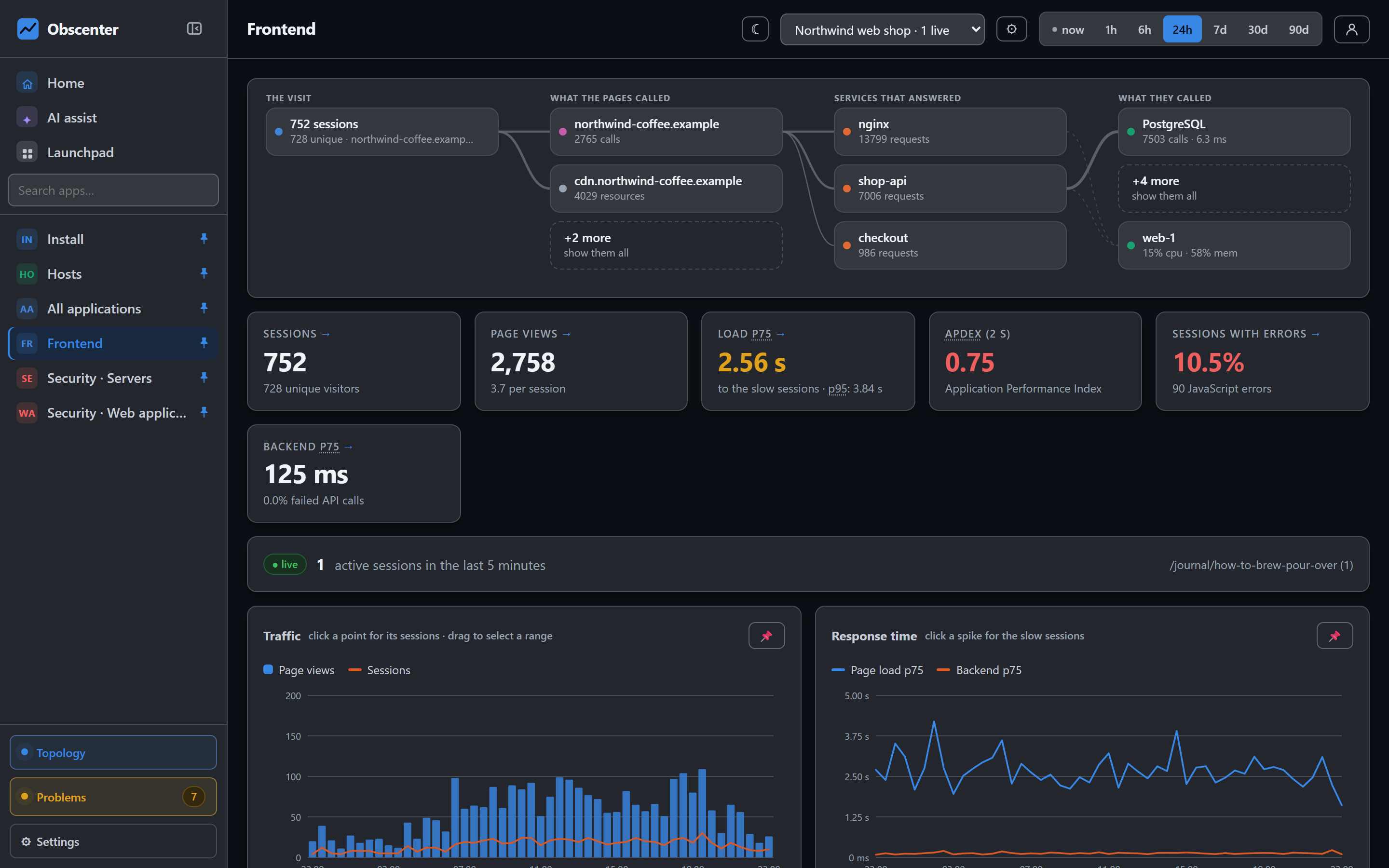
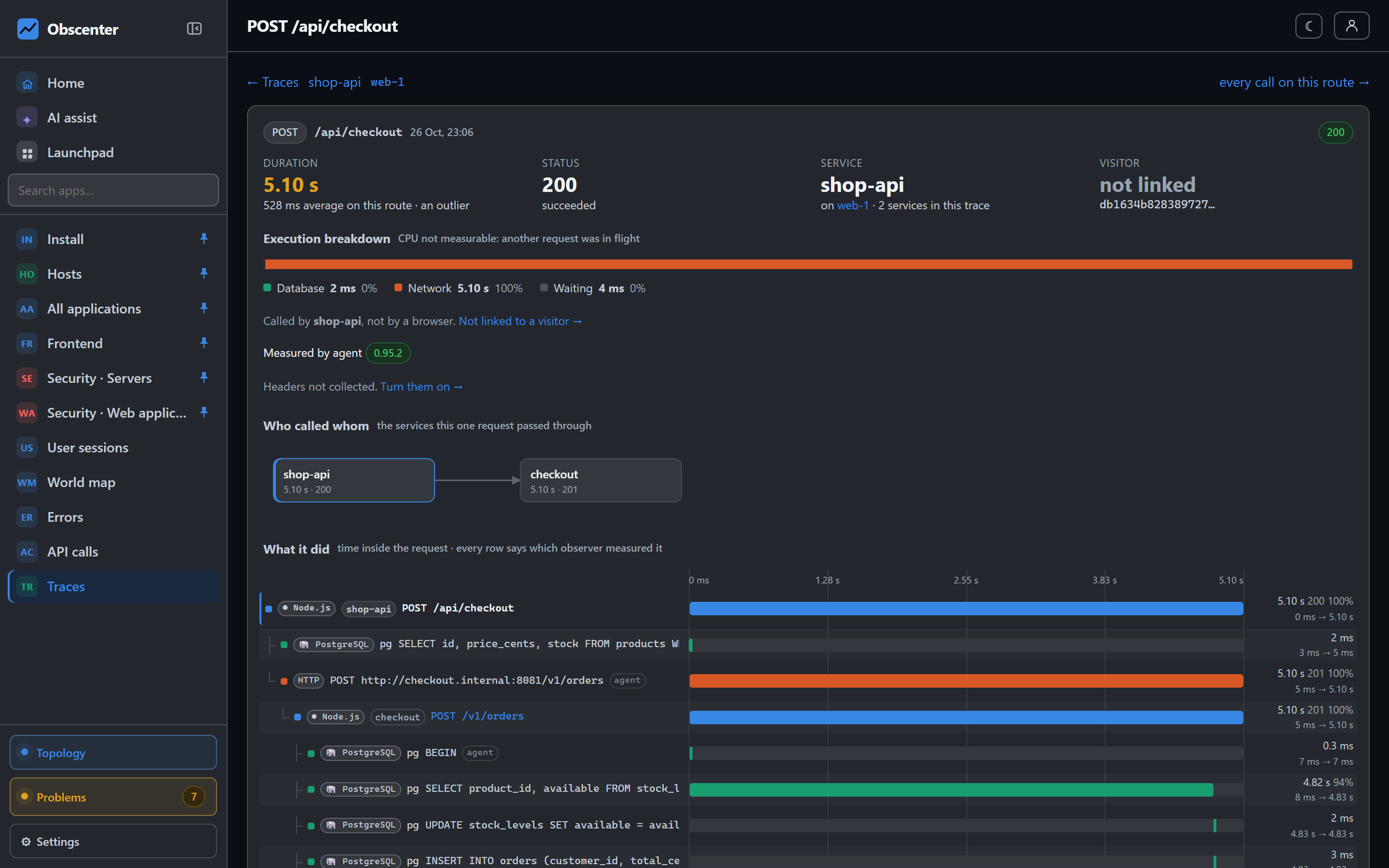
An application's overview, a service's page and a machine's page each show the same graph from their own point of view, and every other box is a link to the page that draws it from there. A single trace shows "who called whom" for that one request. The map is one model, read from wherever the question starts.
The reference is Topology, and the traces that feed it are described in Services and traces.
See your real architecture
Install the host agent and the browser tag; the first edges appear with the first requests.
Start free or read Getting started.