Blog 26 October 2026 · 6 min read
SLOs, error budgets and burn-rate alerting
Set availability, error and latency objectives, track the error budget over a rolling window, and alert on one-hour and six-hour burn rates, not every blip.
"Alert when the error rate goes above 1%" sounds reasonable until the first Monday morning: a ten-second blip pages someone, a slow leak of failures over a week never does, and nobody can say whether the month as a whole was good. Service level objectives replace that with a promise in numbers and a budget for breaking it.
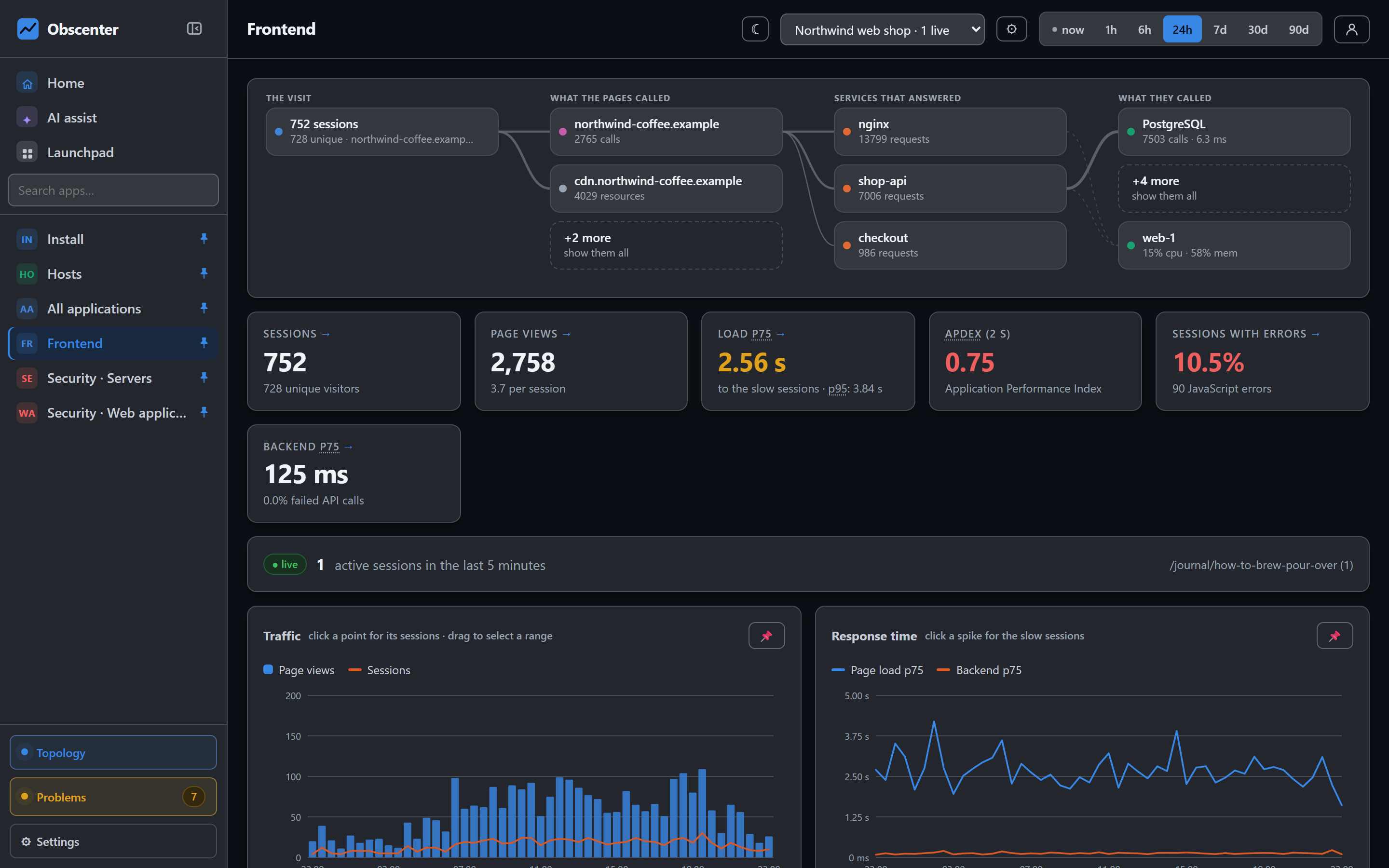
Obscenter tracks objectives against the measurements it already has — synthetic checks and server-side requests — and opens tickets on how fast the budget is being spent, not on every spike.
What an SLO and an error budget are
An objective is a promise: "99.9% of requests to the checkout API succeed over 30 days". The error budget is the other 0.1% — the failures you have agreed to tolerate. Over 30 days, 99.9% allows about 43 minutes of complete outage, or the equivalent spread across many small failures. The burn rate is how fast that budget is being spent: 1× spends it exactly over the window, 14.4× would spend a 30-day budget in about two days.
Thinking in budgets changes the conversation. A team with most of its budget left can ship risky changes; a team that has spent it should be fixing reliability. And a page at night should mean "at this rate, we break the promise soon", not "one request failed".
Three kinds of objective
| Objective | Good events | Out of |
|---|---|---|
| A synthetic check stays available | Runs that passed | All runs |
| A service answers without errors | Requests that succeeded | All requests |
| A service answers fast enough | Requests at or under the threshold | All requests |
Each objective has a target (99.9% by default, at least 90% and below 100% — a 100% target is a budget of zero) and a window (30 days by default, from 1 to 90). The latency kind has its own threshold, 500 ms by default.
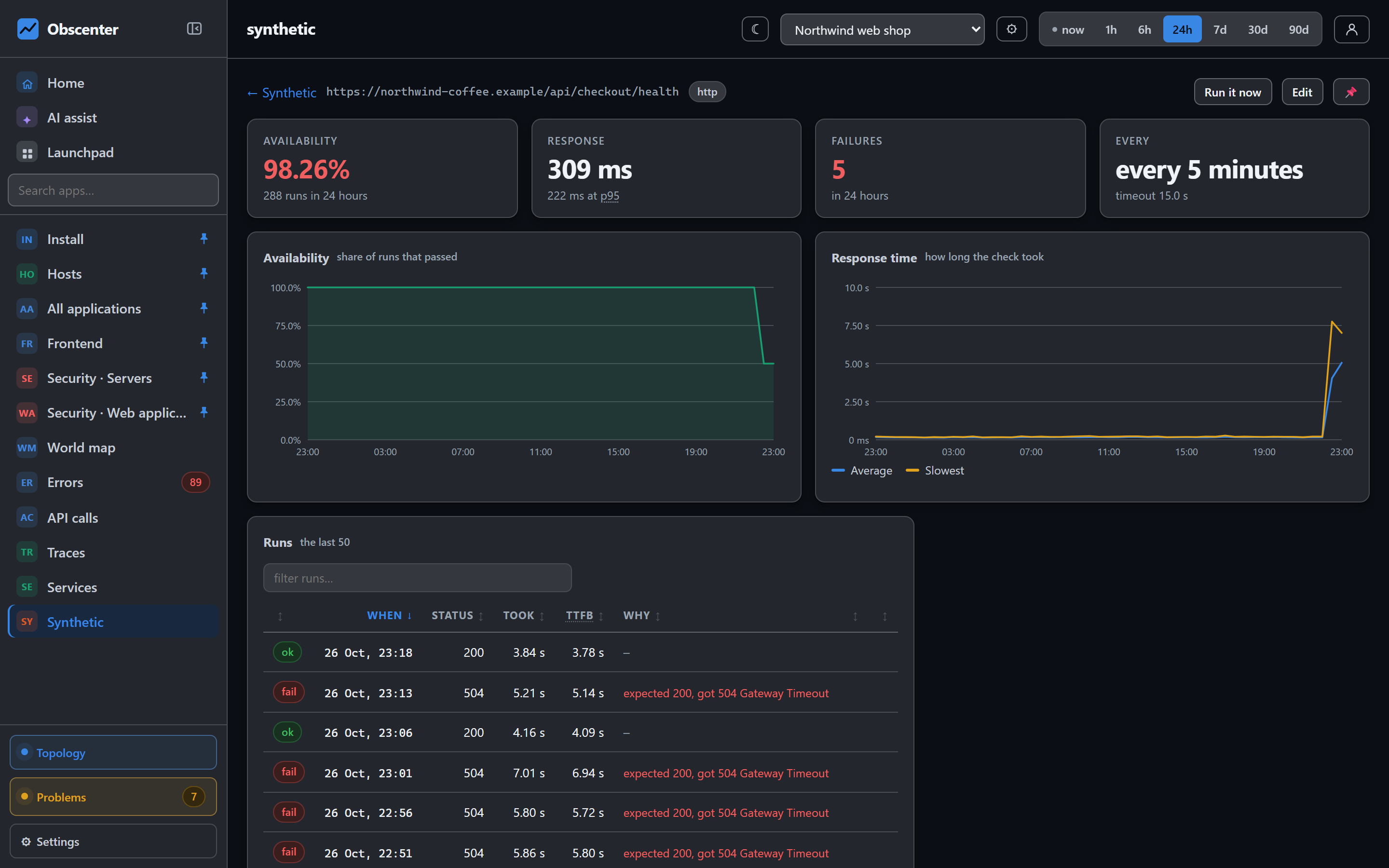
The availability kind matters for public pages: an objective on a synthetic check is measured even when nobody is visiting, which is exactly when real-user numbers go quiet.
Burn-rate alerting over two windows
The burn rate is measured over two windows at once: one hour and six hours. The short window reacts; the long one makes sure a short spike is not mistaken for a trend. Both have to agree:
| State | When | What happens |
|---|---|---|
| ok | Otherwise | Nothing |
| warning | 1 h ≥ 6× and 6 h ≥ 3× | A badge on the page, no ticket |
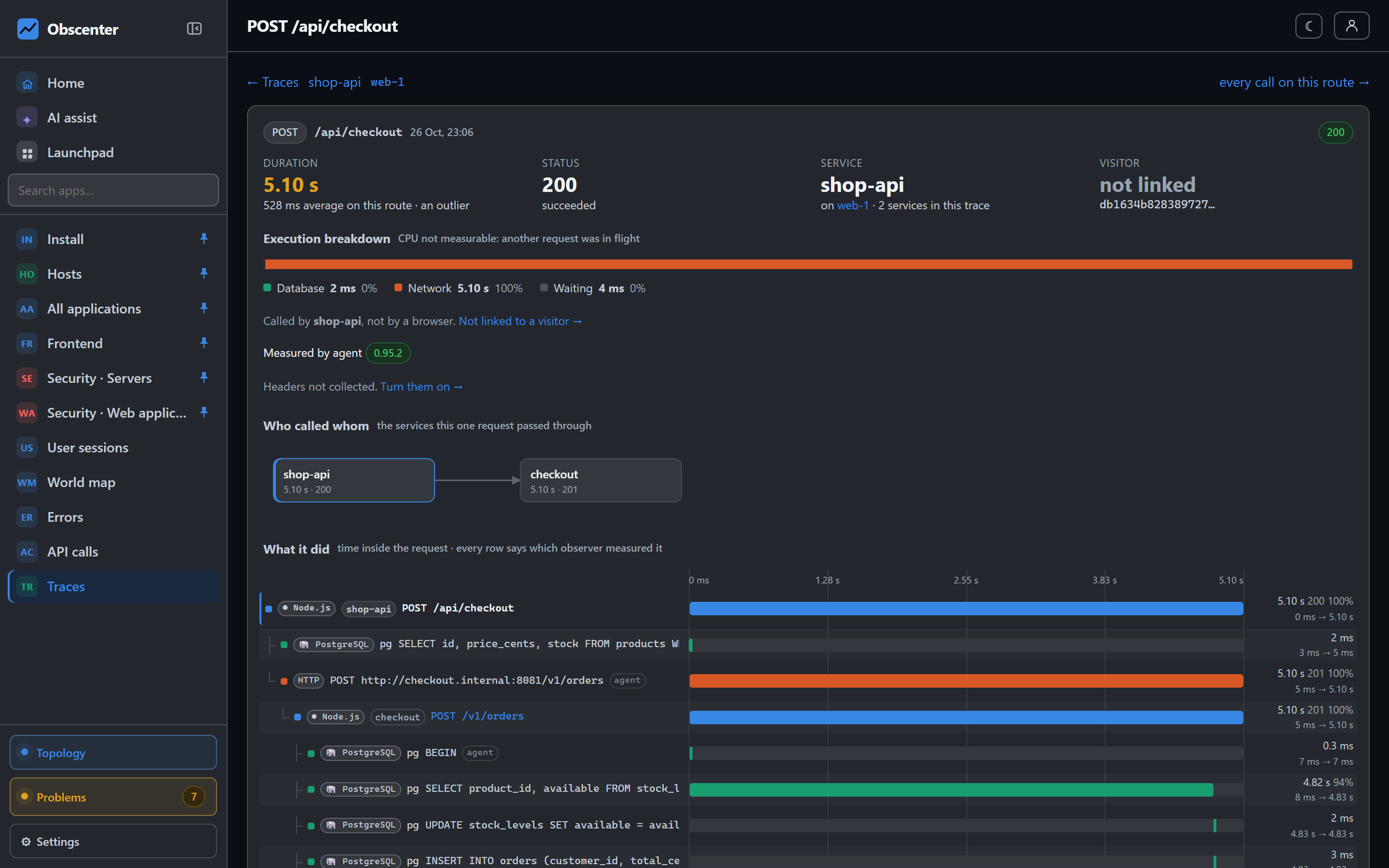
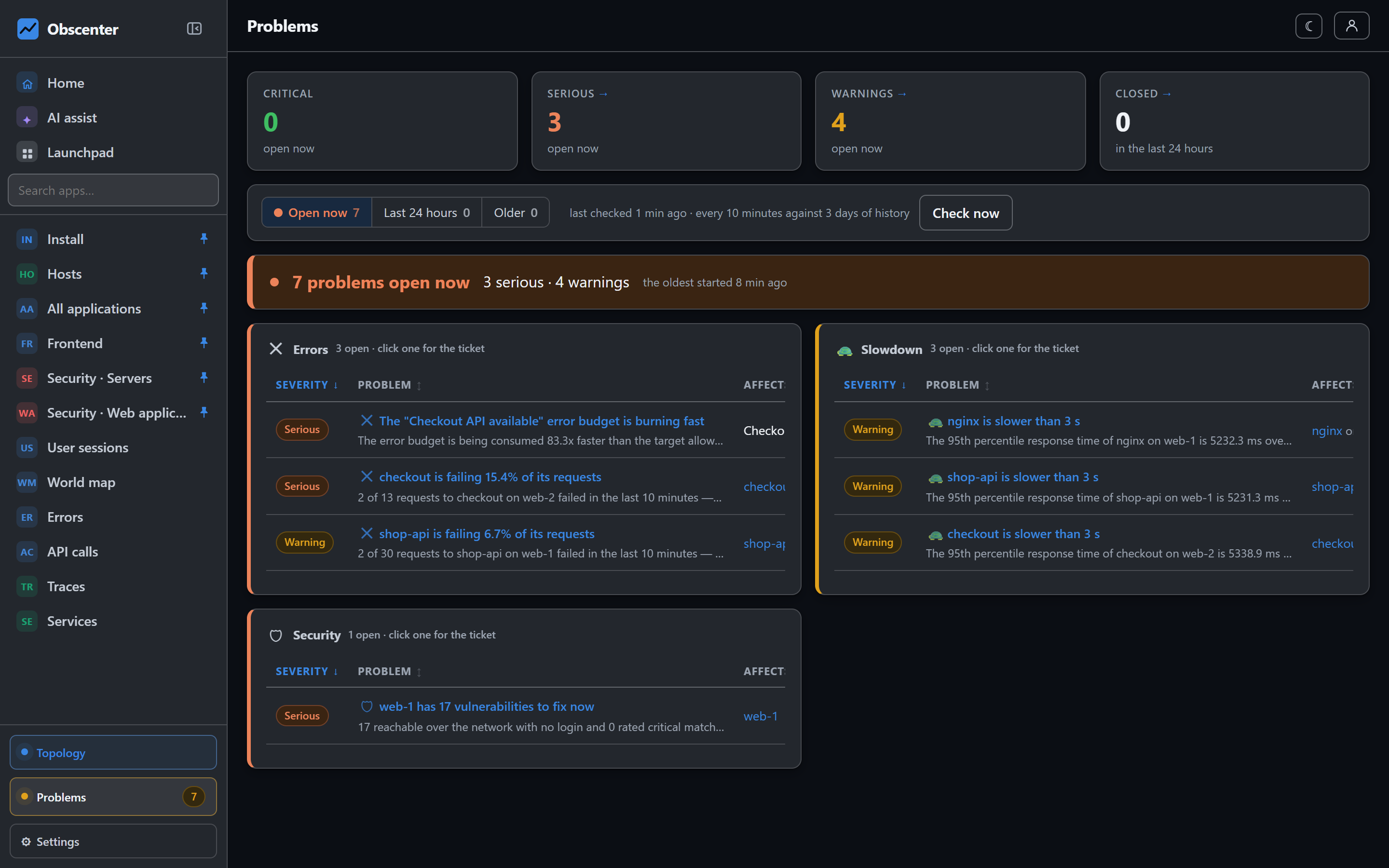
| burning | 1 h ≥ 14.4× and 6 h ≥ 6× | A serious ticket: the error budget is burning fast |
| breached | Attainment below the target | A critical ticket: the objective has been breached |
That is the multi-window pattern site reliability engineers use, built in. A five-minute blip does not move the six-hour rate enough to page anyone. A sustained burn does, early enough to act before the promise is broken.
What the SLO page shows
For each objective: the attainment so far, how much of the budget is spent, how many bad calls or runs are left before it is gone, and the burn rate now and over six hours. The budget bar turns amber at 60% spent and red when it is gone. That makes the page a planning tool as much as an alerting one: a budget that is mostly left at the end of a window is room to ship riskier changes; one that is gone halfway through says where the next week's work should go.
Where SLO alerts go
SLO tickets are ordinary tickets, so they go through the same notification policies and channels as everything else:
- Email over your own SMTP server or relay;
- Slack, as a message with blocks headed by the severity and title;
- Microsoft Teams, as an Adaptive Card with an action to open the ticket;
- a plain JSON webhook to anything else.
A policy decides the severity floor, the categories, the scope, the people and teams to tell, how often to repeat, whether to announce the closure, and who to escalate to if a ticket stays open and unacknowledged. A breached objective is critical, so it reaches whoever your critical policy names. Each channel has a test button, and a delivery log records every message with the policy that sent it.
Choosing good objectives
- Start from what users notice. A checkout that fails matters more than a health endpoint.
- Pair an error objective with a latency objective for an API, at a threshold your users would call slow. A service that answers every request in twelve seconds has a perfect error rate.
- Set the target from what the service has actually done, then tighten it. A target that is always breached teaches people to ignore it.
- Use a synthetic availability objective for public pages, so the night is measured too.
SLOs and the rest of detection
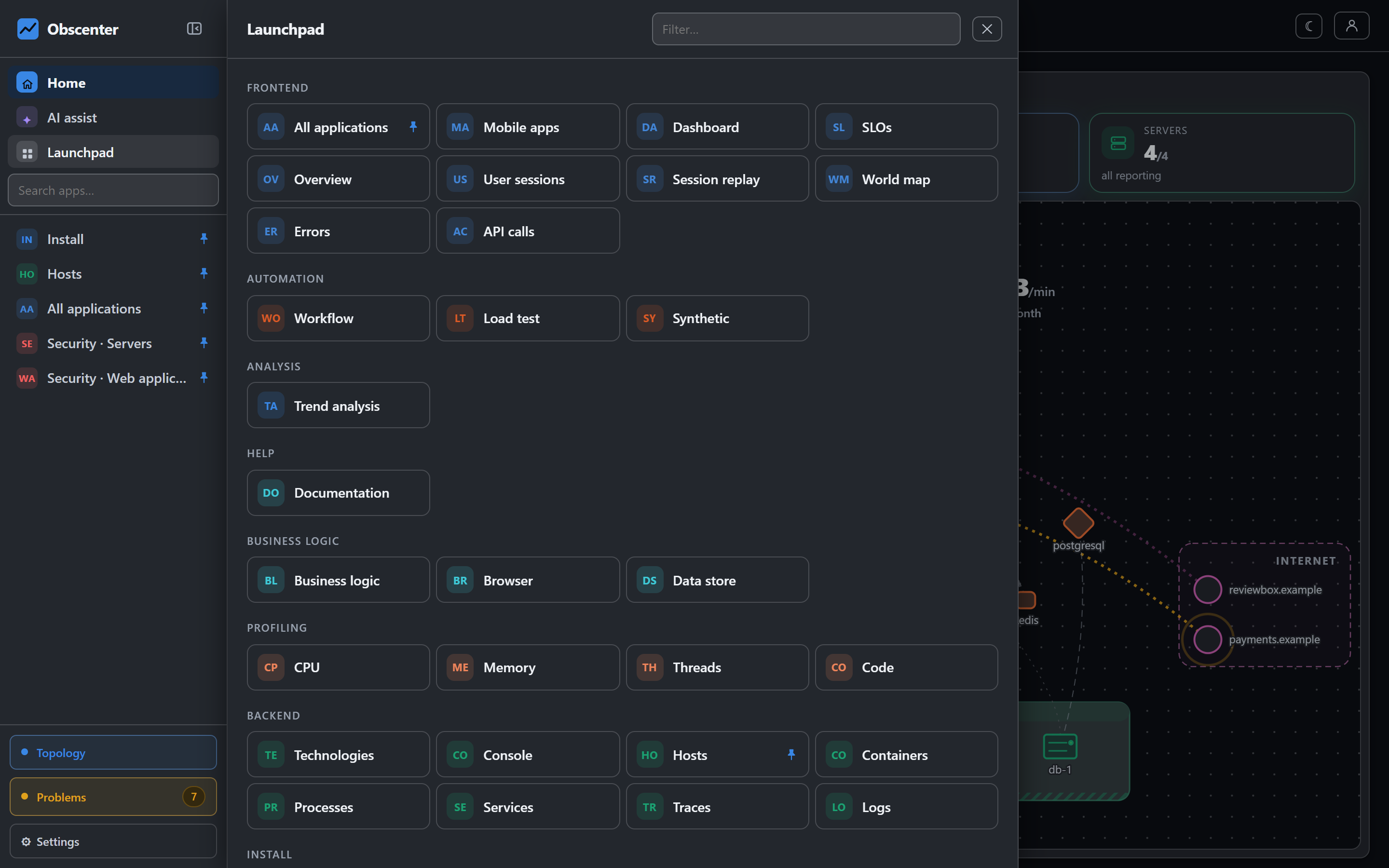
Objectives do not replace the problem engine; they sit on top of it. The engine still opens tickets for a slow service, a failing endpoint or a machine out of memory, judged against their own baselines. An objective adds the longer view: is this month, as a whole, within what we promised? An objective is visible to whoever can see the check or service it watches; viewers can read objectives but cannot create or delete them. The AI assistant can read error budgets, so "which objectives are in trouble?" is a question you can simply ask.
The reference is SLOs and error budgets; channels are set up as described in Notification channels, and routing in Notification policies.
Write your first promise
Pick one service or one public page, give it a 99.9% objective over 30 days, and watch the budget for a week before you tighten it.
Start free or read Getting started.