Blog 26 October 2026 · 6 min read
Code-level profiling for Node.js in production
Sampled CPU profiles, heap growth with time left, event loop saturation, and pins for functions you must keep measuring, within a 1% budget of the main thread.
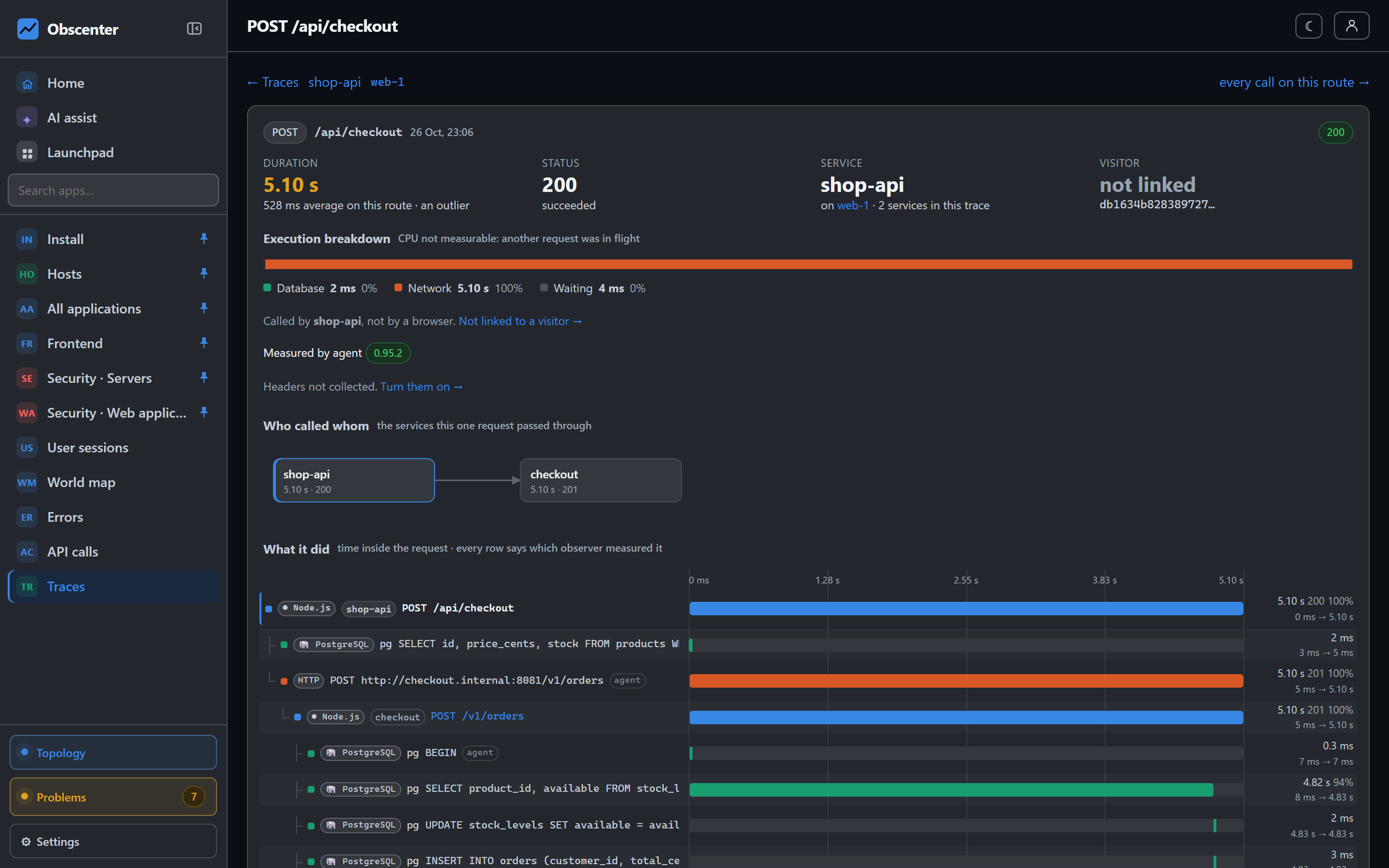
Tracing tells you that a request took 900 ms and that no database and no downstream service took any of it. Then what? The time went into your own code, and the only tool that answers "which function" is a profiler. Most teams run one on a laptop, against a synthetic load, and hope it reproduces production.
Obscenter's Node.js agent profiles in production, inside the services it already traces, within a budget small enough to leave on.
CPU profiling in production, within a budget
The CPU profiler is V8's own sampling profiler, driven by the in-process agent. It samples the stack every 6 ms by default. Two rules keep the answers honest:
- Samples are attributed only to a request that ran alone in the process, so a frame is never blamed on the wrong request. When another request was in flight, the trace says so ("CPU not measurable") instead of guessing.
- A call tree needs at least eight samples — roughly a 48 ms request at the default interval. A tree drawn from three samples would be noise presented as a finding.
And two rules keep it cheap. The profiler keeps to a budget of 1% of the main thread's time by default: it opens sampling windows only as often as their measured cost allows, opens none while the process is idle, and pauses itself if starting one ever blocks the thread for too long. It reports what it cost, so the budget is a measurement rather than a promise.
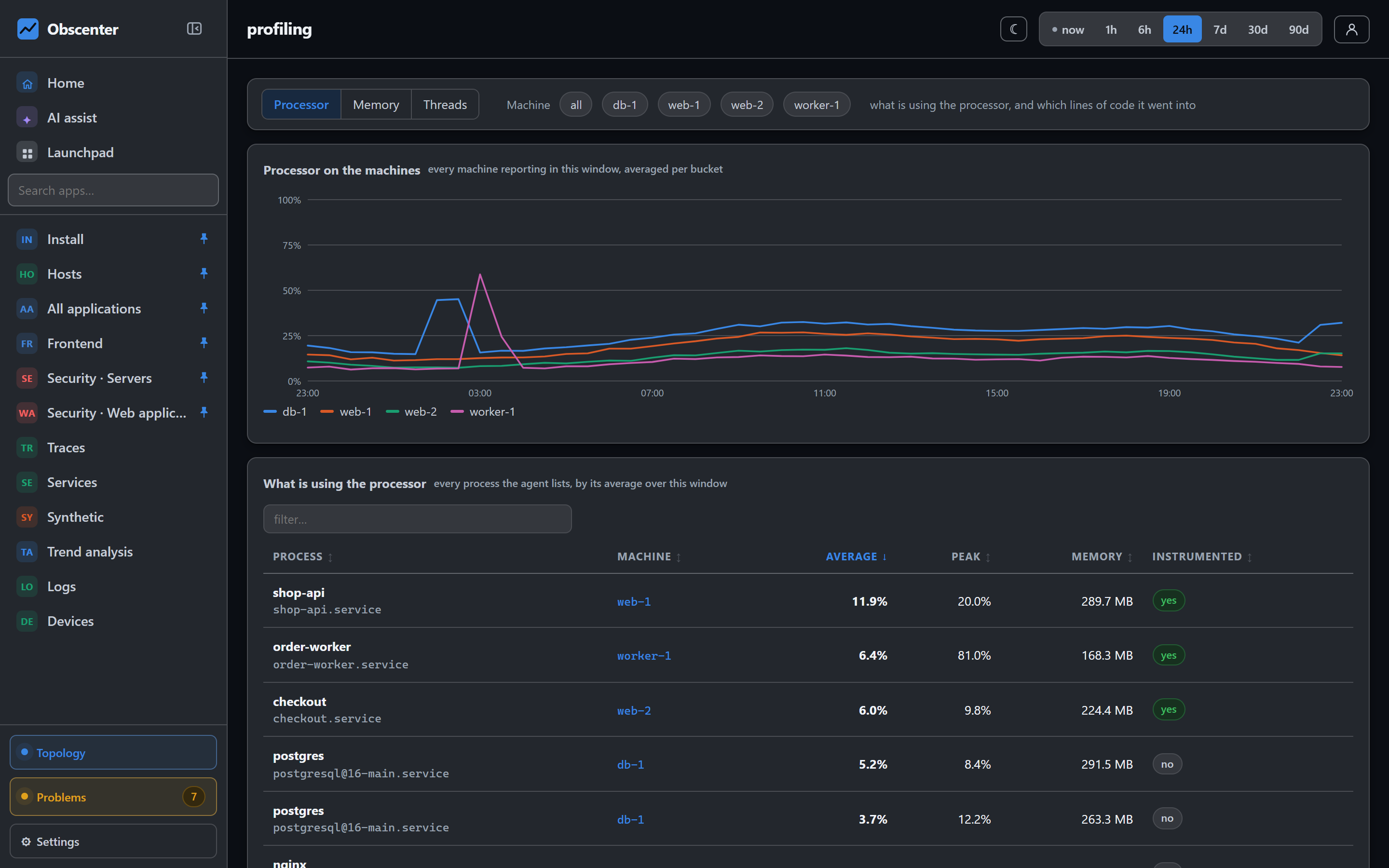
The CPU page shows processor time by machine and by process over time, with the sampled functions underneath — your own code first, with a switch to include the runtime and node_modules.
Memory: a leak, with hours left
A leak and a busy service look the same from outside the process: memory goes up. From inside, they are different, and the agent reads the heap from inside.
- The heaps ranks every service's heap by how fast it is growing, in MB an hour. Growth is left blank under half an hour of samples, rather than extrapolated from a few minutes.
- Each heap is shown against its limit, amber from 70% and red from 85%.
- With allocation sampling on, one allocation in every 512 kB is sampled and followed, so the page can name the code that is holding on to memory, not only say that memory grows.
A leak opens a ticket by itself. The engine looks at six hours with no restart and opens one when a straight line fits the growth well and the heap has grown by at least 32 MB or 20%. The ticket says roughly how many hours are left before the heap reaches its limit: under a day is critical, under a week is serious.
The event loop: busy, held, or saturated
A Node.js process has one main thread, and while it is held nothing else runs. The Threads page shows two readings per service — how much of the time the thread was busy, and how long a ready callback waited for it, at p99 against the median — and from those, which situation you are in:
- Saturated: busy most of the time and callbacks queue (busy 0.8 or more, p99 of 50 ms or more).
- Held: the p99 is high while the median is low — something occasionally holds the thread for a long time.
- Never sleeps: busy, but nothing waits for it.
Node.js has no mutex to look at, so the page deliberately does not call any of this a lock. Saturation and held threads open tickets, and so does a service whose requests show high loop lag at p75.
Code: a sample is not an inventory
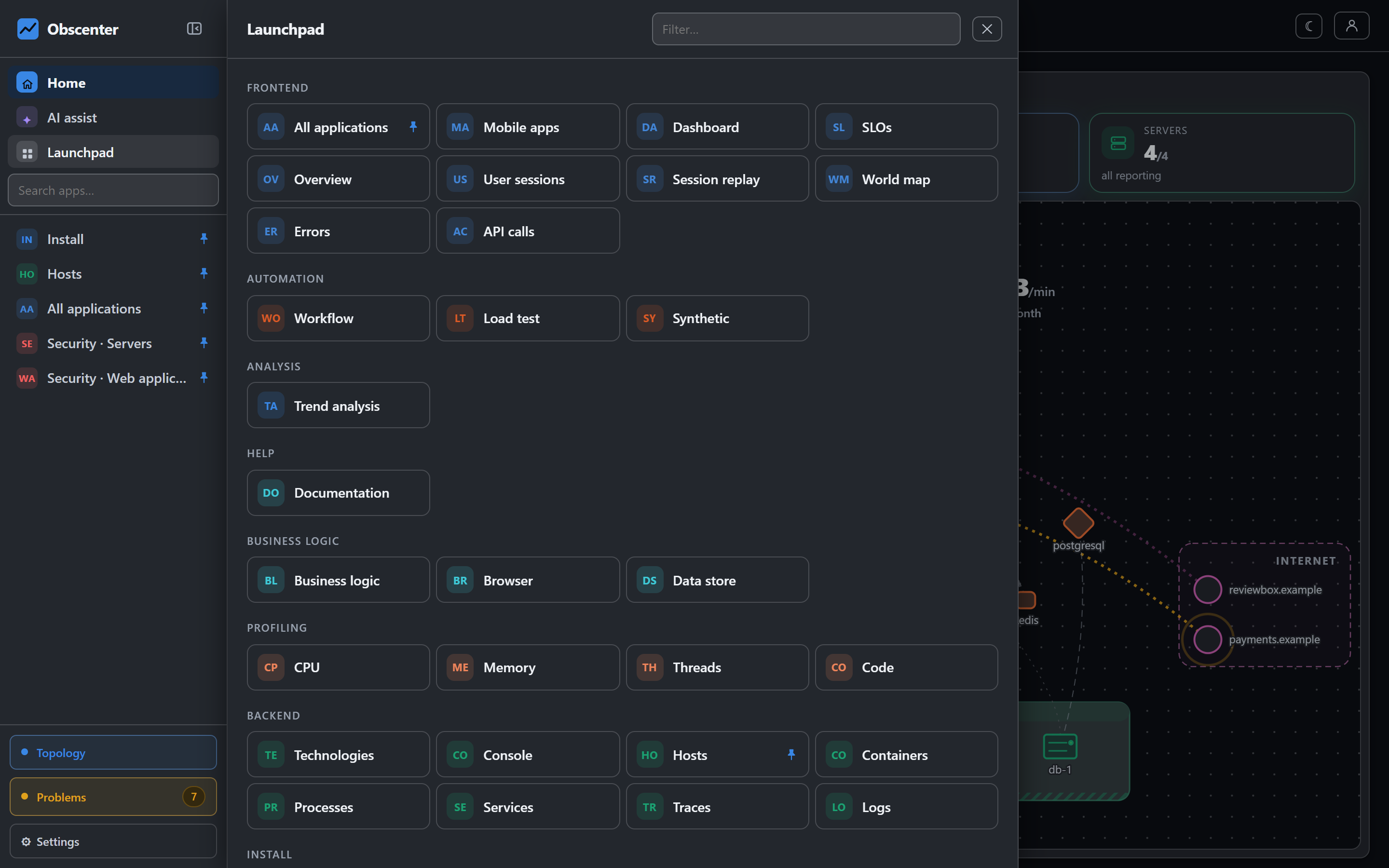
The Code page shows two different things side by side and says which is which:
- Libraries in the processes is an inventory: every package the instrumented processes loaded. It is complete, and it feeds vulnerability scanning.
- Functions and classes is a sample: what the profiler saw running, not a list of what exists. A function missing from it may simply not have been on the CPU when a sample was taken.
Functions your code declares through OpenTelemetry spans appear as always measured, because they are timed on every call rather than sampled. What the agent instruments lists the libraries the agent hooks, each with a checkbox, and a change takes effect within a minute with no restart.
Pins: keep a function measured
To keep the profile small, the sampler keeps the branches that matter most per request and drops the rest below a floor. When there is a function you need measured regardless — the pricing calculation, the PDF renderer — pin it. The agents keep it from their next report on, and it appears under Kept measured with its own chart. You can pin a function that has not been seen yet by its exact name, which takes effect once the service restarts.
A pin keeps a branch past the floor; it cannot make the sampler look more often. An install can have up to 50 pins, and the cost is small: on the measured service, a report grew by about 2%.
Switching it on
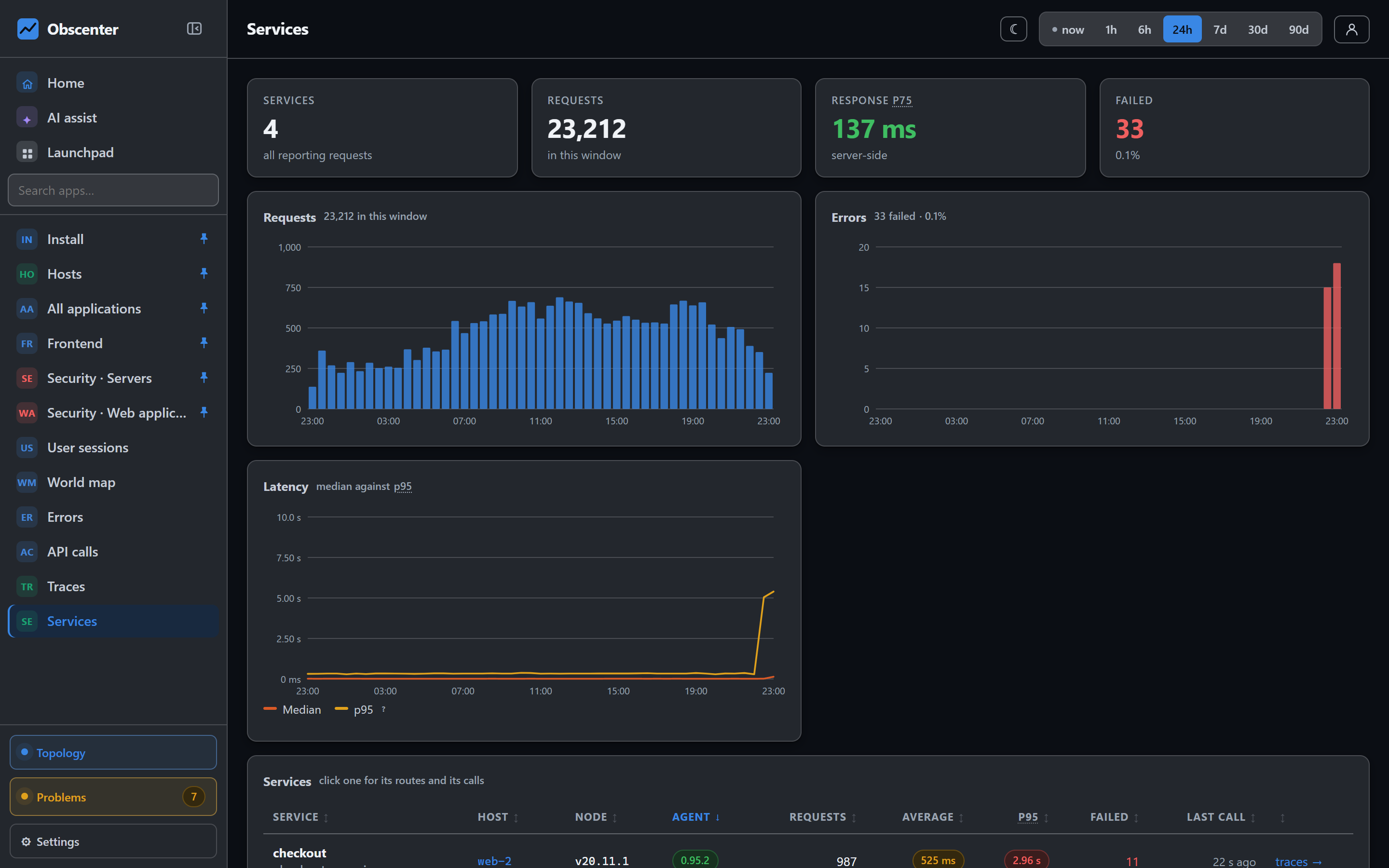
Both samplers are off until you ask for them, under the server agent settings: one switch for "where the time goes inside a request" (CPU) and one for "where the memory goes" (allocation sampling, which needs the CPU switch on because both share one inspector session). The switches reach the agents on their next report. The services themselves must be running with the in-process agent, which the host agent prepares and your next restart or deploy activates — see the agent article.
The reference is Profiling: CPU, memory, threads and code; instrumentation is described in The host agent.
Find the function
Instrument one Node service, switch the CPU sampler on, and the next slow request with no database to blame comes with a function name.
Start free or read Getting started.